1
4.3.2. How do I change the order assessments are displayed and taken?
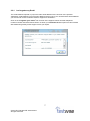
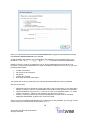
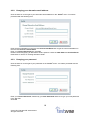
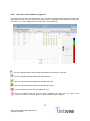
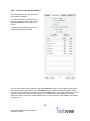
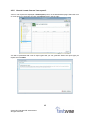
If the Test Order button (5) is enabled on the subscription screen (see 4.3) you are allowed to alter
the order in which the subscription’s assessments are displayed and/or taken. Clicking the button will
display the Test Order dialog.
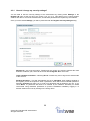
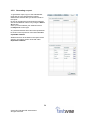
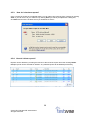
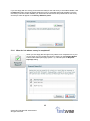
You may change the test order by clicking and dragging a test to its desired location, or by clicking the
arrow buttons to move that test up or down in the list. Your changes will not be saved until you click
OK. The students will subsequently see the tests in this order when they log in.
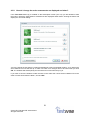
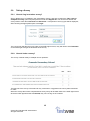
If you wish to force the student to take the tests in this order then check the box labelled ‘Force the
order in which these tests are taken’, and click OK.
21
© 2015 GL Education/GL Assessment.
All rights reserved.