1
Installing under UNIX/LINUX
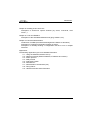
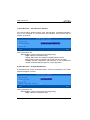
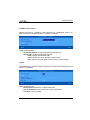
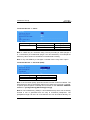
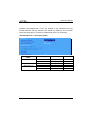
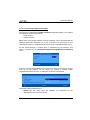
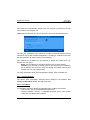
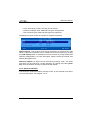
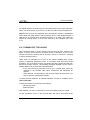
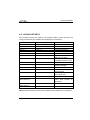
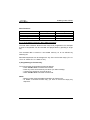
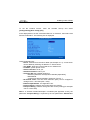
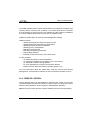
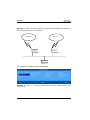
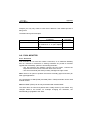
Each auxiliary port using the tty protocol (see Chapter 3.5.4) is identified by the
name of the AX3000 (from the /etc/hosts file) and a special keyword. For
example:
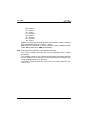
axel1
aux1
/dev/ptyp12
/dev/ttyp12
axel1
axel2
aux2
parallel
/dev/ptyp13
/dev/ptyp2
/dev/ttyp13
/dev/ttyp2
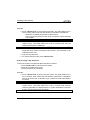
An auxiliary port controlled by the tty server is seen as a Unix/Linux local port
(like a multi I/O board).
Data can be sent to an auxiliary port by:
- Either a redirection to the ttyp (example: "cat file > /dev/ttyp12")
- Or declaring a local printer attached to the ttyp (/dev/ttyp12). This printer
is used through the lp command.
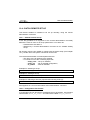
8.3.2 - The LPD Protocol
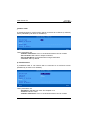
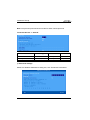
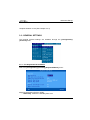
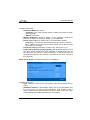
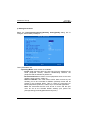
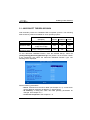
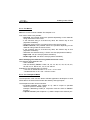
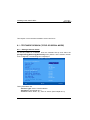
Set the auxiliary port as shown in Chapter 3.5.2.
Use the appropriate UNIX system management tool to add a remote printer. At
least, two parameters are requested:
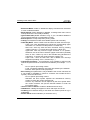
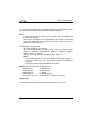
- The name of the remote host: enter the AX3000's hostname (refer to
/etc/hosts),
- The name of the printer: this is the Printer Port Name entered when the
AX3000 was set up.
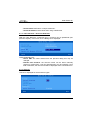
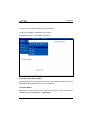
Run the lp command to use this printer.
Note: some options of the lp command (number of copies, banner, etc) cannot
be used, because the AX3000 is not a UNIX server and has no hard disk on
which to run a spooler.
AX3000 - User's Manual
223