1
Interactive Set-Up
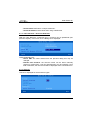
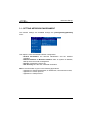
d) Setting Network Printers
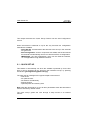
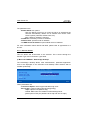
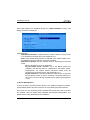
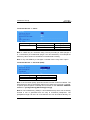
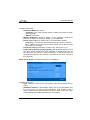
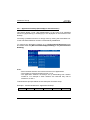
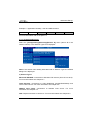
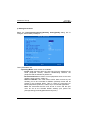
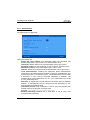
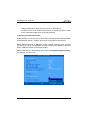
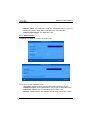
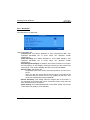
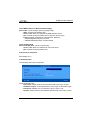
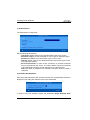
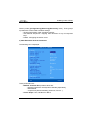
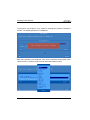
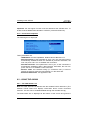
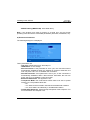
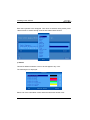
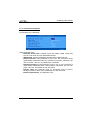
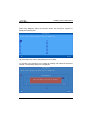
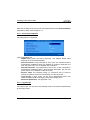
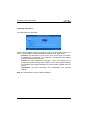
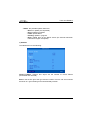
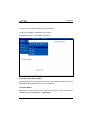
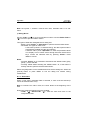
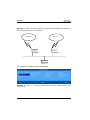
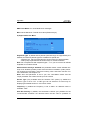
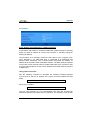
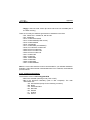
Select the [Configuration]-[Ports]-[Network Printers]-[NetX] dialog box to
configure TCP logical ports:
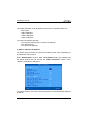
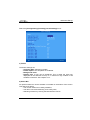
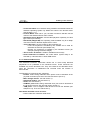
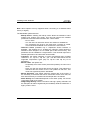
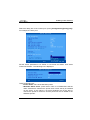
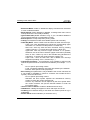
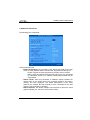
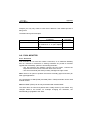
The following parameters can be set:
- Connection Type: always 'raw'
- Server: select the server (i.e. network printer) from a list.
- TCP Port: usual value is 9100.
- Inactivity Time-out (sec): the session is automatically disconnected after
this inactivity delay.
- Associated Service (ldp, prt5250, tty...): see Chapter 3.5.2 and
following.
- RDP/ICA Redirection: see Chapter 5.
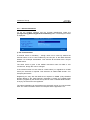
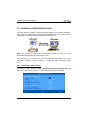
3.5.2 - Connecting a Printer
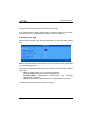
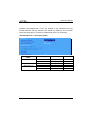
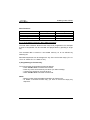
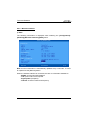
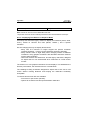
This chapter describes the set-up for an LPD printer attached to the AX3000.
LPD is a universal network printing protocol supported by all operating systems.
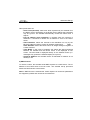
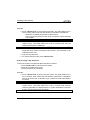
Often there may be a better protocol to use, for example:
- RDP/ICA redirection: for Windows TSE (see Chapter 5.1.6 and 5.2.8).
- Prt5250: specific for OS/400 (see Chapter 6.3),
- Prt3270: specific for S/390 (see Chapter 7.3),
- tty: specific for Unix/Linux (see Chapter 5.3),
84
AX3000 - User's Manual