1
Appendix
The following appendices give information about:
A.1 - Using the AX3000 interactive set-up
A.2 - Network overview (Ethernet address, IP address and routers)
A.3 - DHCP protocol
A.4 - DNS protocol
A.5 - Axel DHCP Option
A.6 - Dual Monitor
A.7 - Administration command list
A.8 - Going further...
A.9 - Hardware and firmware information
A.1 - USING THE INTERACTIVE SET-UP
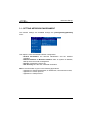
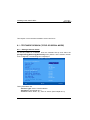
A.1.1 - Entering the Set-Up
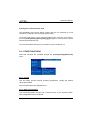
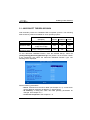
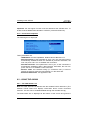
The following can be used to enter the AX3000 interactive set-up:
- Using <Ctrl><Alt><Esc> from the terminal
- Using the AxRM remote control command. See Chapters 10.1 and 10.2.
- Using Telnet to access the terminal remotely. See Chapter 10.3.
Note: the set-up can be password-protected, in which case the password must
be entered to access the quick set-up dialog box. For more information, see
Chapter 3.2.8.
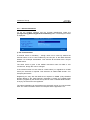
A.1.2 - Navigation
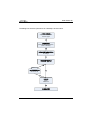
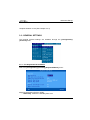
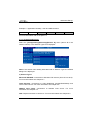
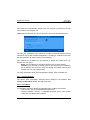
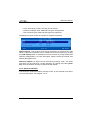
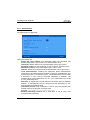
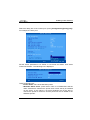
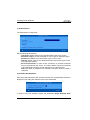
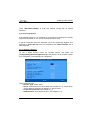
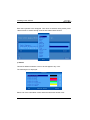
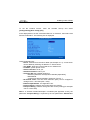
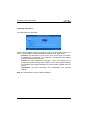
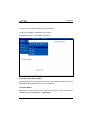
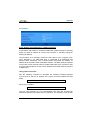
The AX3000 set-up comprises a horizontal general menu, with drop down
vertical menus.
254
AX3000 - User's Manual