1
9. Accounting Configuration
9
93
Accounting Configuration
The following sections in the config file can be used to configure accounting.
9.1
Section [Gatekeeper::Acct]
This section defines a list of modules which may be used to perform accounting. The accounting function
can be used for logging gatekeeper on/off events and call start/stop/update events. Each accounting module
logs received events to module-specific storage. The various storage options include plain text file, RADIUS
server and many more. The configuration is very similar to the one for gatekeeper authentication (see 8.1
([Gatekeeper::Auth])).
All CDRs are also sent to the status port and can be used by external applications.
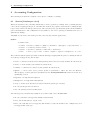
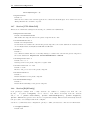
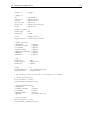
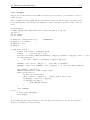
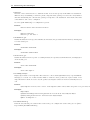
Syntax:
acctmod=actions
<acctmod>
<actions>
<control>
<event>
:=
:=
:=
:=
FileAcct | RadAcct | SQLAcct | StatusAcct | SyslogAcct | CapacityControl | ...
<control>[;<event>,<event>,...]
optional | required | sufficient | alternative
start | stop | alert | connect | update | register | unregister | on | off
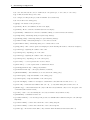
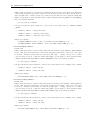
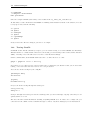
The event list tells the gatekeeper which events should trigger logging with the given accounting module (if
an event type is supported by the module):
• start - a call has been started and a Setup message has been received (only available in routed mode)
• alert - a call is alerting (only available in routed mode)
• connect - a call has been connected (only available in routed mode)
• update - a call is active and a periodic update is performed to reflect the new call duration.
The frequency of these updates is determined by the AcctUpdateInterval variable from the 12.1
([CallTable]) section
• register - an endpoint has registered
• unregister - an endpoint has unregistered
• stop - a call has been disconnected (removed from the gatekeeper call table)
• on - the gatekeeper has been started
• off - the gatekeeper has been shut down
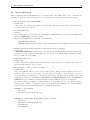
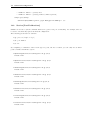
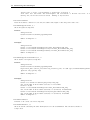
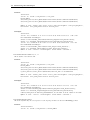
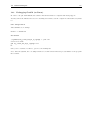
An event logged by a module may results in one of three result codes: ok, fail, next.
• ok - the event has been logged successfully by this module
• fail - the module failed to log the event
• next - the event has not been logged by this module, because the module is not configured for/does
not support this event type