1
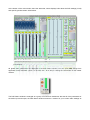
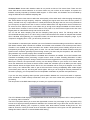
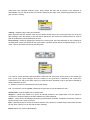
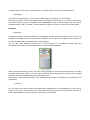
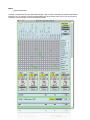
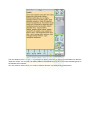
At the bottom of the main window, there the status bar, where displays infos about the DSP settings (in left)
and specific granular stream informations.
_DSP settings
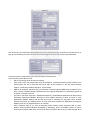
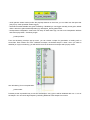
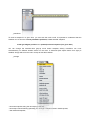
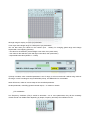
All global audio parameters are displayed in the DSP Status window. You can open DSP setings from
application menù View/DSP (Cmd + D on OSX; Ctrl + D on Win) or clicking the violet button on the master
channel.
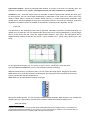
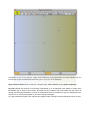
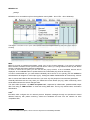
The DSP Status window is arranged as a group of menùs and checkboxes that set all of the parameters of
the audio input and output, the DSP Status window serves as a monitor for your current audio settings as