1
P D 7 9 S I M U s e r ’s M a n u a l
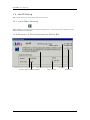
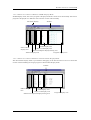
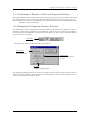
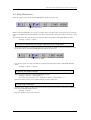
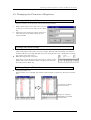
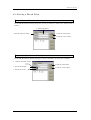
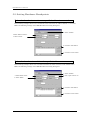
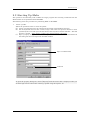
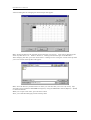
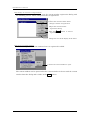
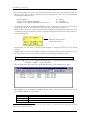
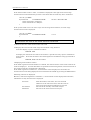
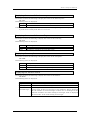
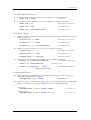
To change the task context
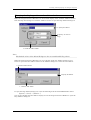
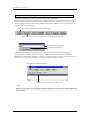
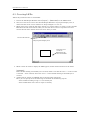
Enter the task ID No. in the Task ID: area of the Context dialog box, then click the <Set> button to
open the Set Context dialog box.
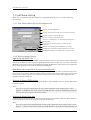
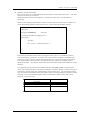
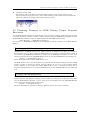
Use the Set Context dialog box to change the value of the specified context register of the specified
task.
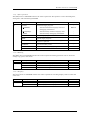
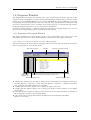
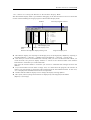
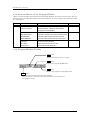
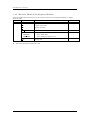
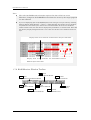
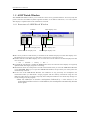
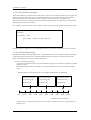
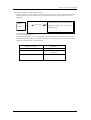
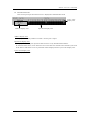
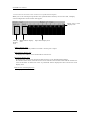
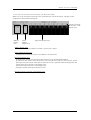
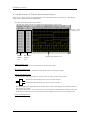
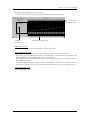
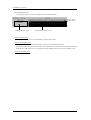
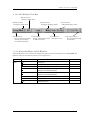
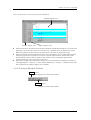
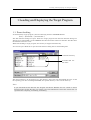
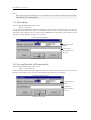
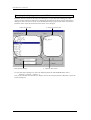
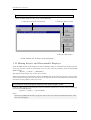
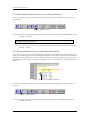
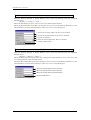
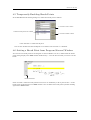
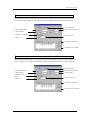
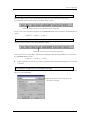
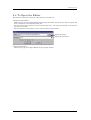
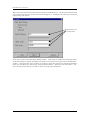
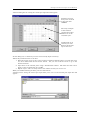
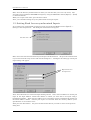
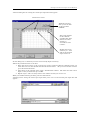
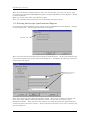
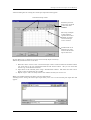
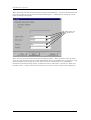
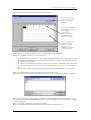
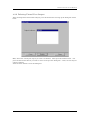
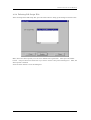
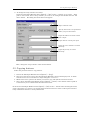
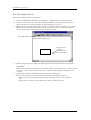
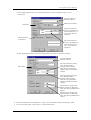
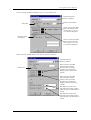
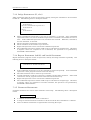
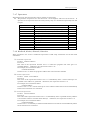
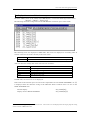
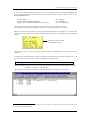
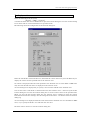
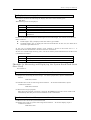
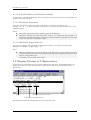
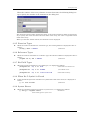
The following shows the configuration of the Set Context dialog box.
The task ID No. you entered in the Task ID: area of the Context dialog box is already displayed in
the Task ID: area of the Set Context dialog box when it is opened.
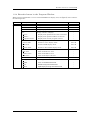
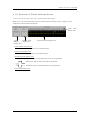
Specify the name of the register for which the value is to be set in the Register: area. Select a
context register name from the list of context registers for the specified task from the list in the
combo box.
Enter the value to be set in the context register in the Value: area.
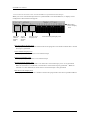
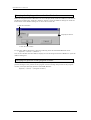
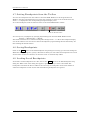
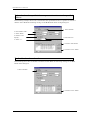
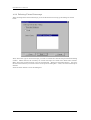
After making the necessary settings, click the <OK> button (or press the Enter key) to set the
specified data in the specified context register of the specified task, and simultaneously close the
Set Context dialog box.
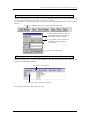
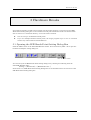
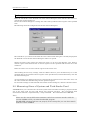
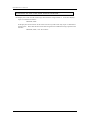
An error dialog box is displayed if an error is detected in the expression set in the Value: area, or if
the value exceeds the allowable range for the specified register.
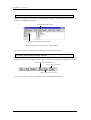
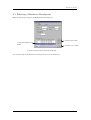
To cancel the settings in each field and close the Set Context dialog box, click the <Cancel> button.
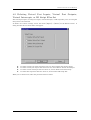
2.2 Measuring Sizes of System and Task Stacks Used
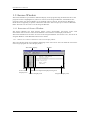
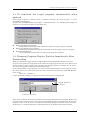
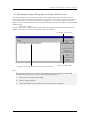
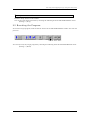
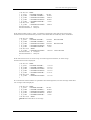
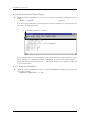
PD79SIM allows you to measure the size of the system stack used when executing a program and the
size of the stack used for each task during this program execution. The system/task stack
measurement function is implemented by a script command. The command name is MR STK.
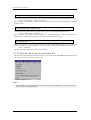
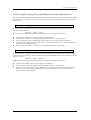
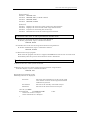
Note:
Please use the startup file(crt0mr.a79/start.a79) whose contents matches with the
version of MR79, when you make downloaded program.
The MR STK command will not run properly if the startup file you uses don't match
with the version of MR79.
230