1
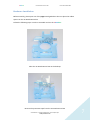
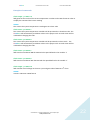
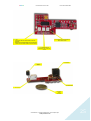
PiCoolFan User Manual Version 1.06 Print Date: 04.05.2014 LED based Simple User Interface There are 3 single color LEDs that helps the user to see what happens with the system without accessing any command. GREEN LED Lights continuously when P1 5V is within the requested range Flashes fast if P1 5V is above threshold - default 5.2 V Flashes slow if P1 5V is below threshold- default 4.8 V BLUE LED Lights when temperature of the system is below the threshold (factory default 42 Celsius). Fan is not running. RED LED Lights when temperature of the system is above the threshold (default is 42 Celsius). Fan is running. © Pi Modules - Intelligent Modules for your RaspberryPi® www.pimodules.com 23