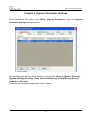
1
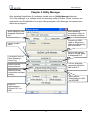
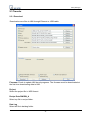
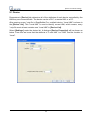
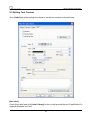
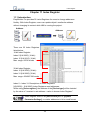
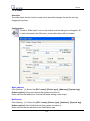
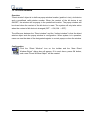
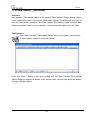
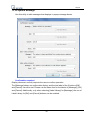
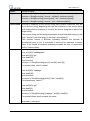
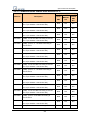
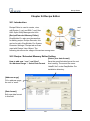
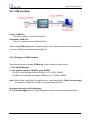
Data Sampling
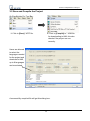
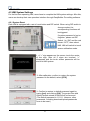
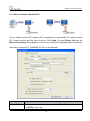
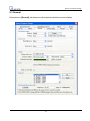
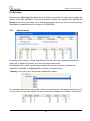
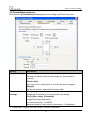
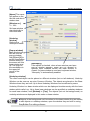
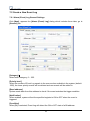
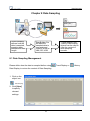
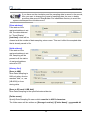
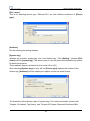
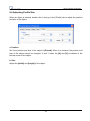
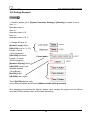
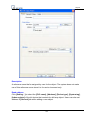
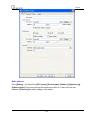
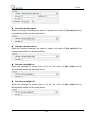
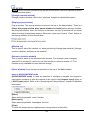
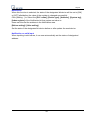
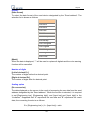
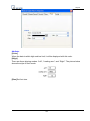
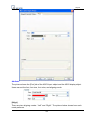
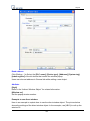
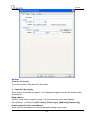
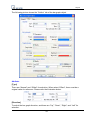
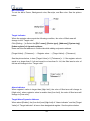
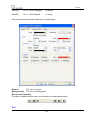
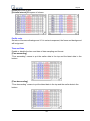
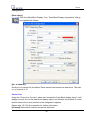
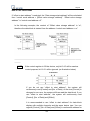
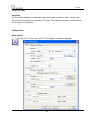
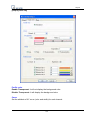
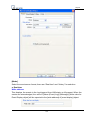
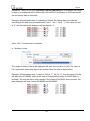
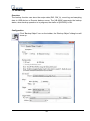
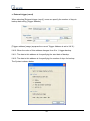
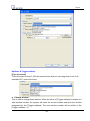
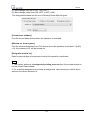
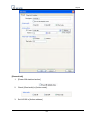
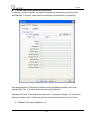
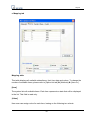
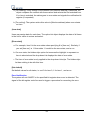
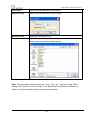
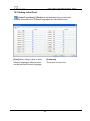
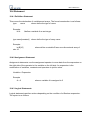
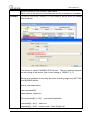
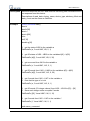
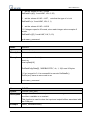
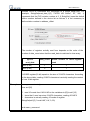
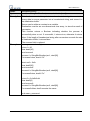
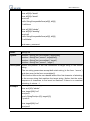
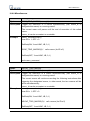
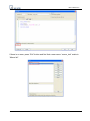
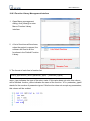
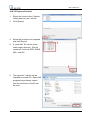
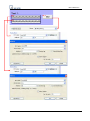
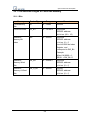
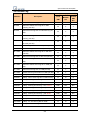
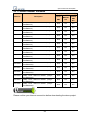
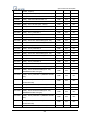
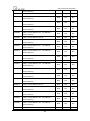
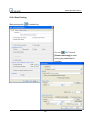
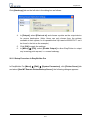
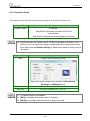
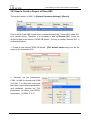
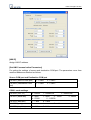
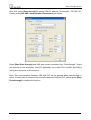
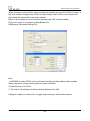
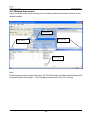
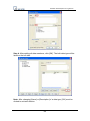
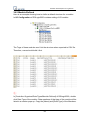
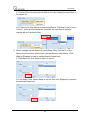
[Read address]
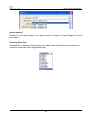
Select a device type to
be the source of Data
Sampling.
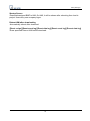
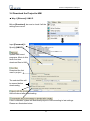
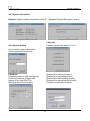
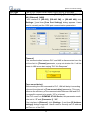
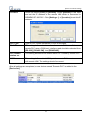
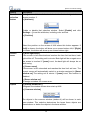
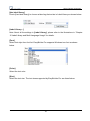
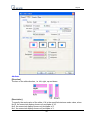
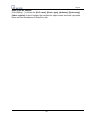
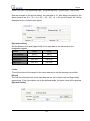
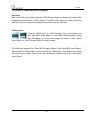
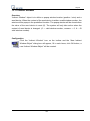
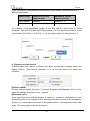
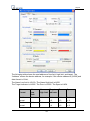
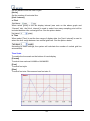
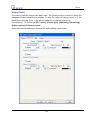
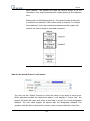
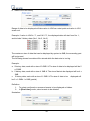
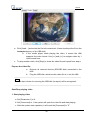
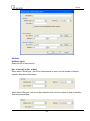
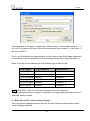
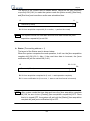
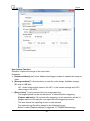
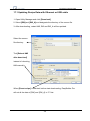
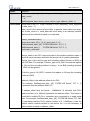
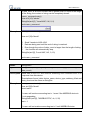
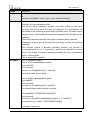
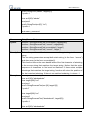
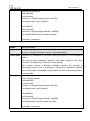
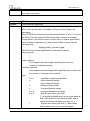
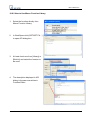
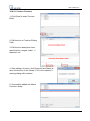
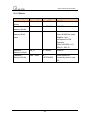
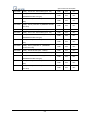
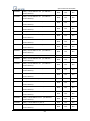
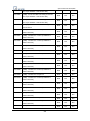
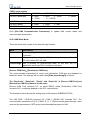
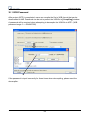
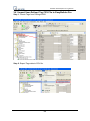
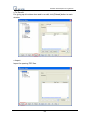
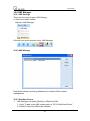
[Data Record]
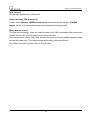
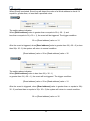
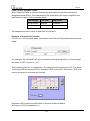
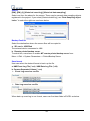
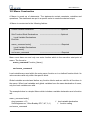
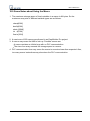
Max. number of data
records can be saved by
one Data Sampling in one day is 86400. (1 record per second for 24hours) If [sampling
time interval] is set to “0.1 second” then the max number of data records is 86400 only.
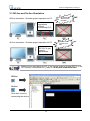
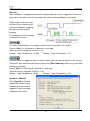
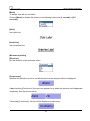
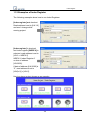
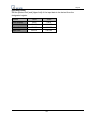
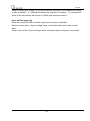
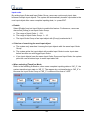
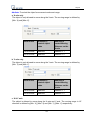
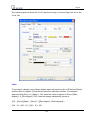
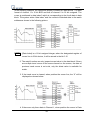
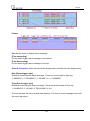
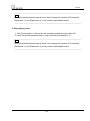
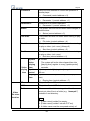
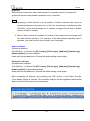
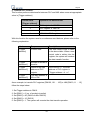
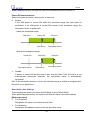
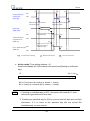
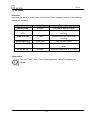
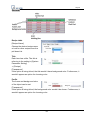
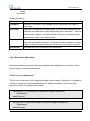
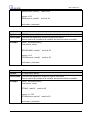
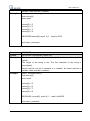
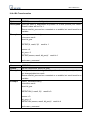
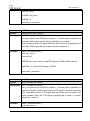
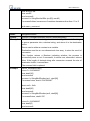
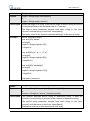
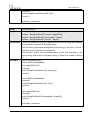
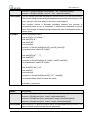
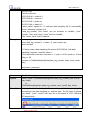
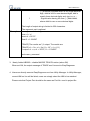
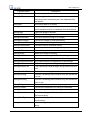
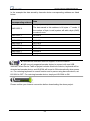
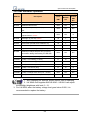
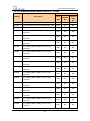
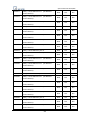
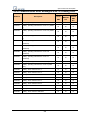
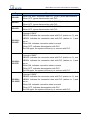
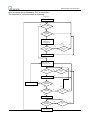
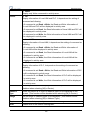
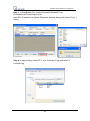
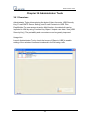
Condition
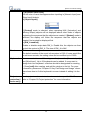
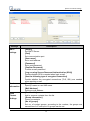
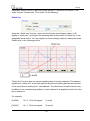
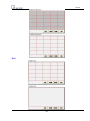
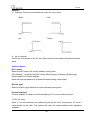
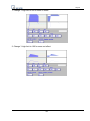
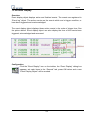
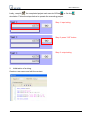
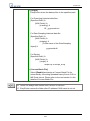
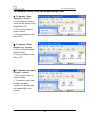
Trend Display Real Time
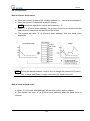
[Max. data records]: “10”
& don’t tick [Auto. stop]
Delete earlier sampled data
Stops after reaching 10 data
and display the latest 10
records.
records on “Trend Display”.
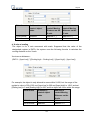
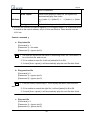
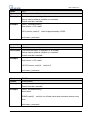
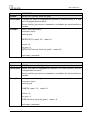
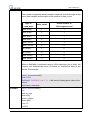
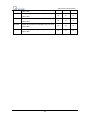
Keep on sampling data and
Trend Display Historical
History Data Display
Data Sampling
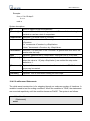
[Max. data records]: “10”
& tick [Auto. stop]
display all history data on
“Trend Display”.
Stops after reaching 10 data
records.
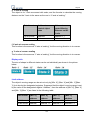
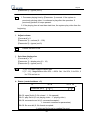
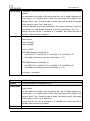
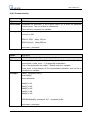
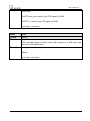
Keep on sampling data and
Stops after reaching 10 data
display all history data on
records.
“History Data Display.
Keep on sampling new
data.
Stops sampling after
reaching 10 data records.
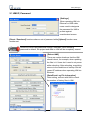
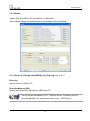
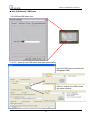
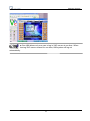
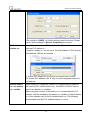
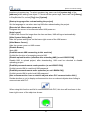
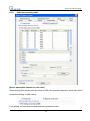
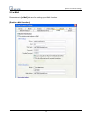
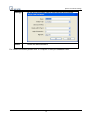
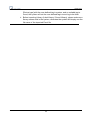
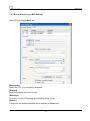
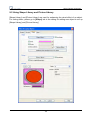
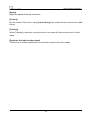
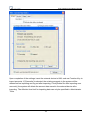
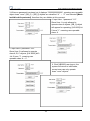
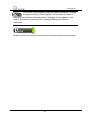
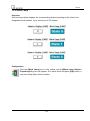
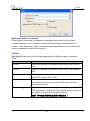
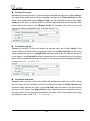
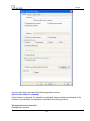
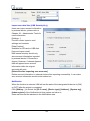
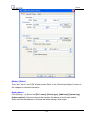
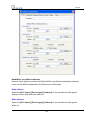
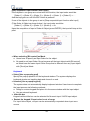
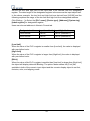
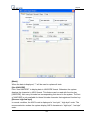
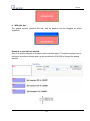
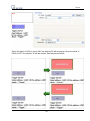
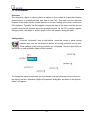
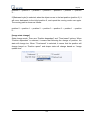
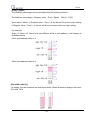
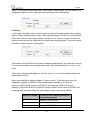
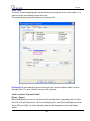
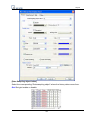
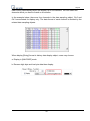
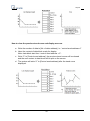
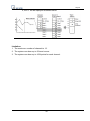
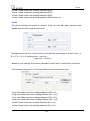
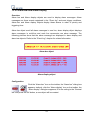
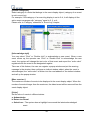
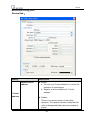
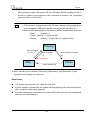
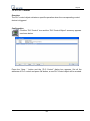
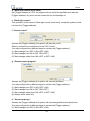
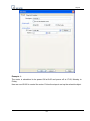
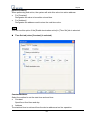
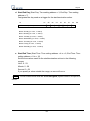
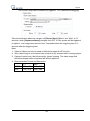
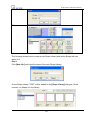
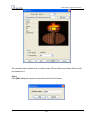
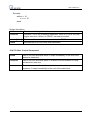
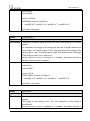
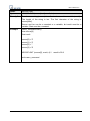
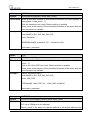
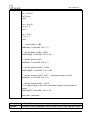
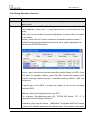
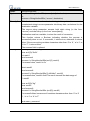
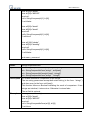
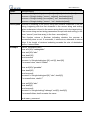
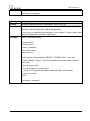
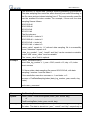
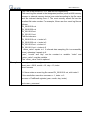
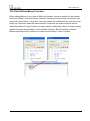
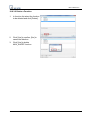
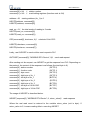
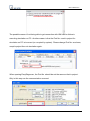
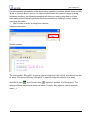
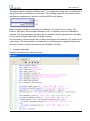
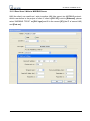
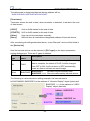
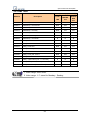
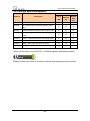
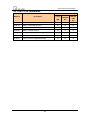
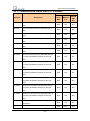
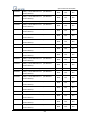
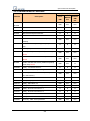
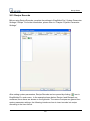
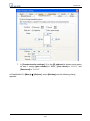
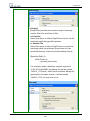
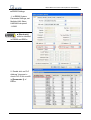
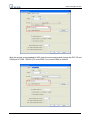
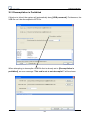
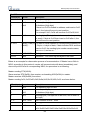
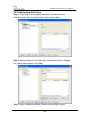
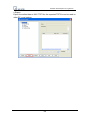
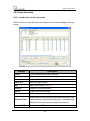
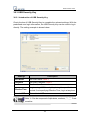
A Data Sampling may include more
than one type of records. Data
Sampling in EasyBuilder Pro is able
to retrieve different types of records at
the same time. Users can define the
content of Data Sampling.
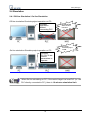
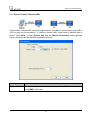
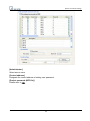
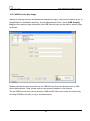
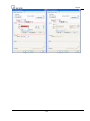
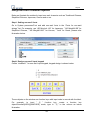
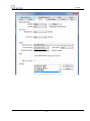
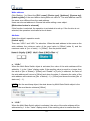
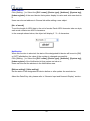
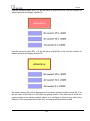
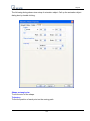
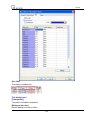
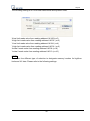
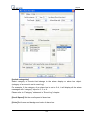
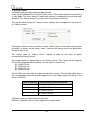
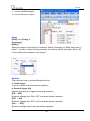
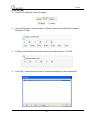
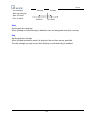
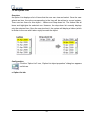
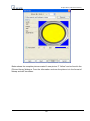
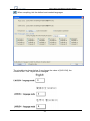
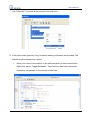
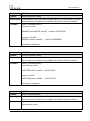
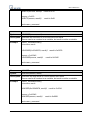
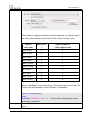
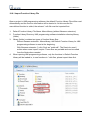
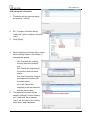
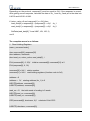
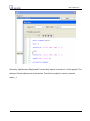
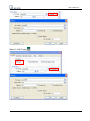
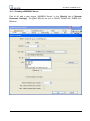
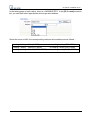
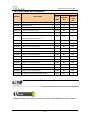
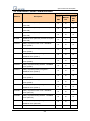
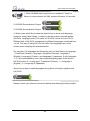
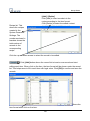
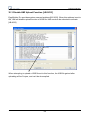
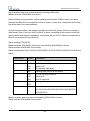
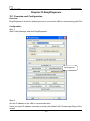
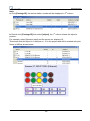
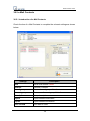
As shown, user defines three types of
data with data length 4 words in total.
In this way, EasyBuilder Pro retrieves
a 4-words-lengthed data each time
from the assigned address to be the
content in one Data Sampling.
97