1
Configuring the Multiprotocol Rail Reader
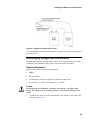
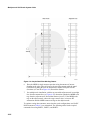
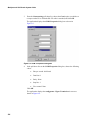
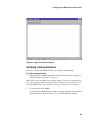
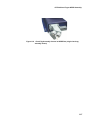
Figure 8-4 Hyper Terminal Main Screen
Verifying Communications
You must verify that the MPRR and the PC or laptop are communicating.
To verify communications
1. Start the terminal emulation application as described previously in “Starting the
Terminal Emulation Software” on page 8-4.
Note: When testing the MPRR using a laptop computer, TransCore recommends that
you configure laptop communication parameters to match those of the host device to
which the MPRR will be connected after testing and configuration are completed.
2.
Cycle the power on the MPRR.
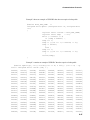
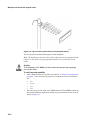
Upon startup, the MPRR transmits a sign-on message, displayed on the terminal
emulation screen as shown in Figure 8-5, or a boot ROM failure message.
8-7