1
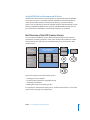
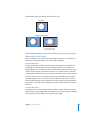
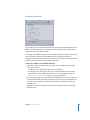
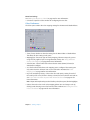
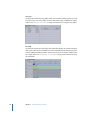
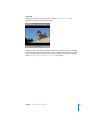
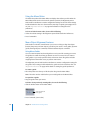
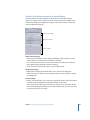
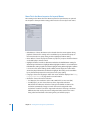
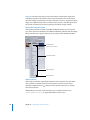
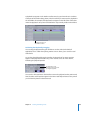
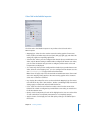
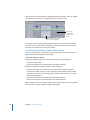
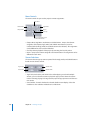
General Tab in the Menu Inspector for Layered Menus
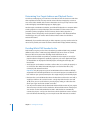
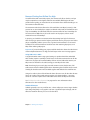
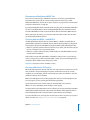
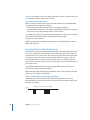
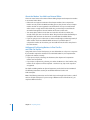
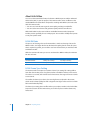
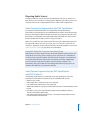
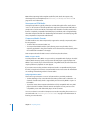
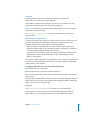
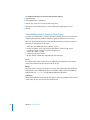
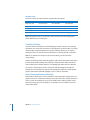
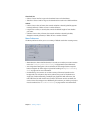
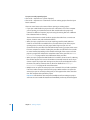
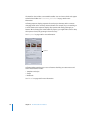
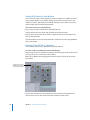
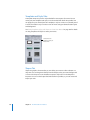
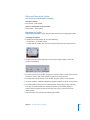
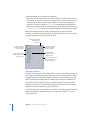
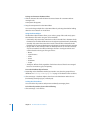
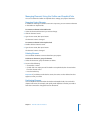
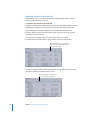
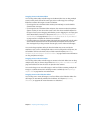
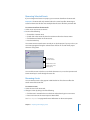
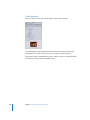
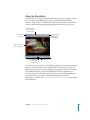
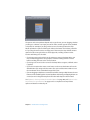
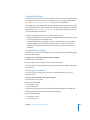
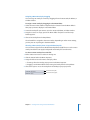
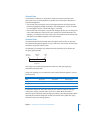
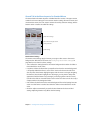
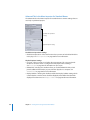
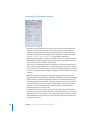
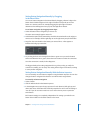
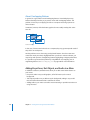
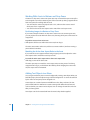
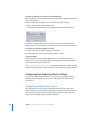
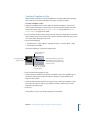
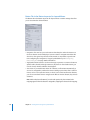
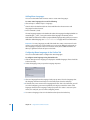
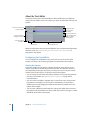
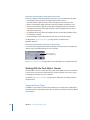
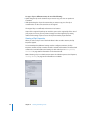
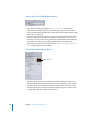
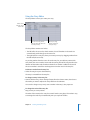
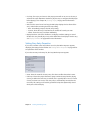
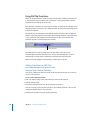
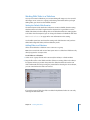
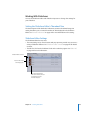
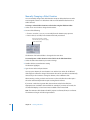
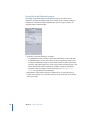
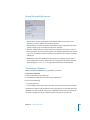
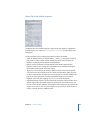
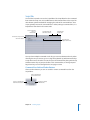
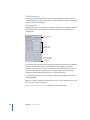
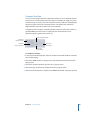
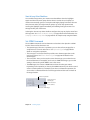
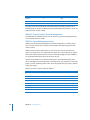
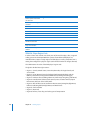
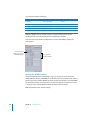
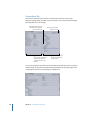
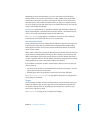
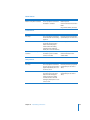
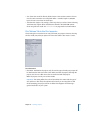
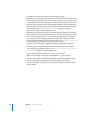
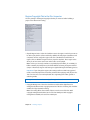
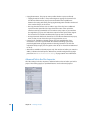
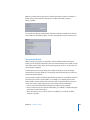
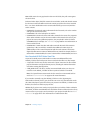
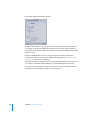
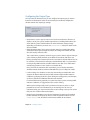
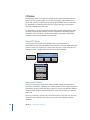
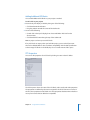
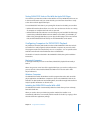
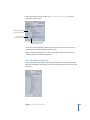
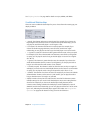
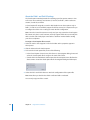
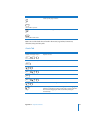
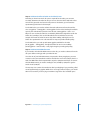
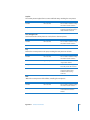
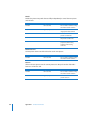
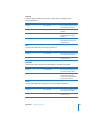
The General tab in the Menu Inspector for layered menus is divided into three
sections: The upper section contains the menu timeout settings, the middle section
contains the background configuration settings, and the lower section contains the
overlay configuration settings.
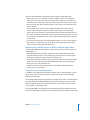
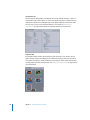
Menu timeout settings
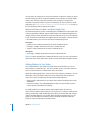
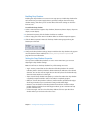
Background settings
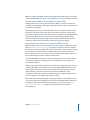
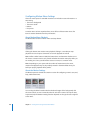
Overlay settings
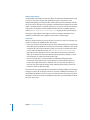
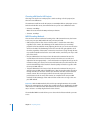
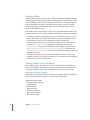
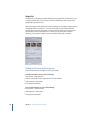
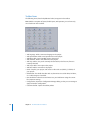
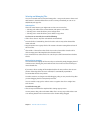
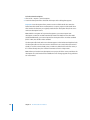
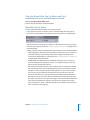
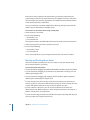
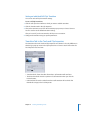
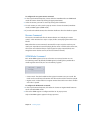
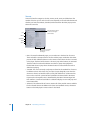
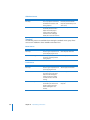
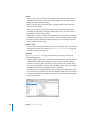
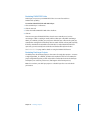
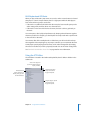
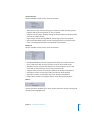
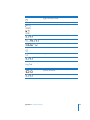
Menu Timeout Settings
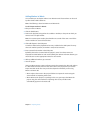
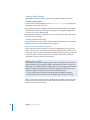
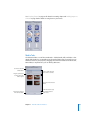
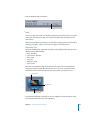
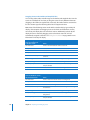
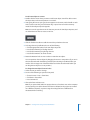
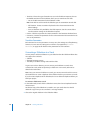
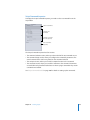
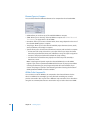
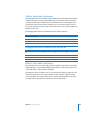
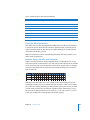
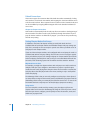
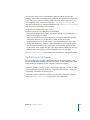
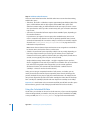
• At End: Choose whether the menu displays indefinitely (Still) or performs a jump
action if there is no activity for a period of time (Timeout).
• Sec: Active only when At End is set to Timeout. Enter the number of seconds the
menu appears before jumping to the Action setting.
• Action: Choose the element to jump to once the timeout ends.
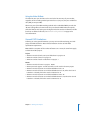
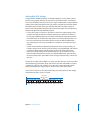
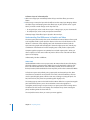
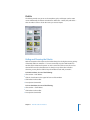
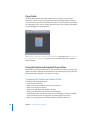
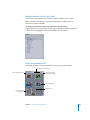
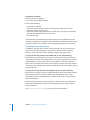
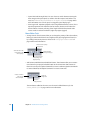
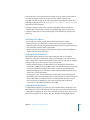
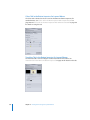
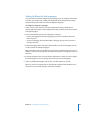
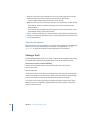
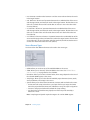
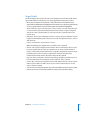
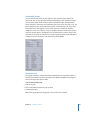
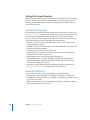
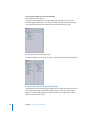
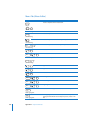
Background Settings
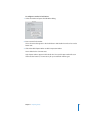
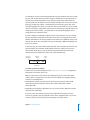
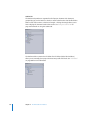
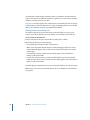
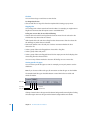
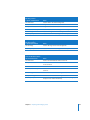
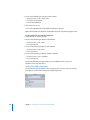
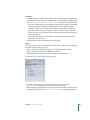
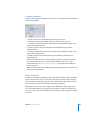
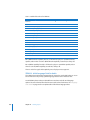
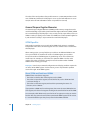
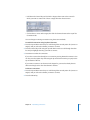
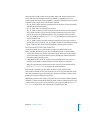
• Background: Choose the layered PSD file to use as the menu’s background.
• Show: Select the checkboxes next to each layer that you want to appear as part of
the background.
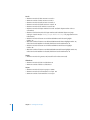
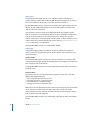
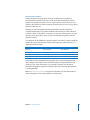
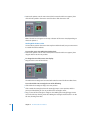
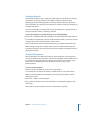
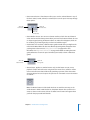
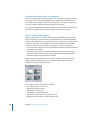
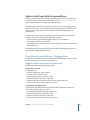
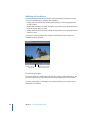
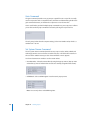
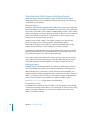
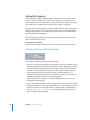
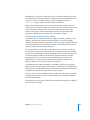
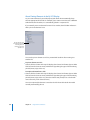
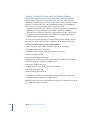
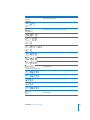
Overlay Settings
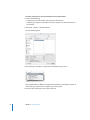
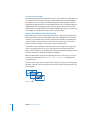
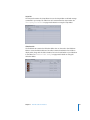
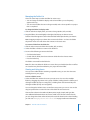
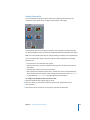
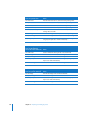
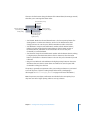
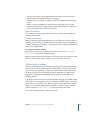
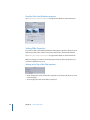
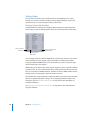
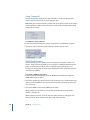
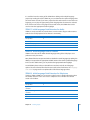
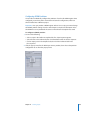
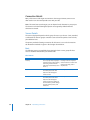
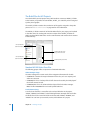
• Overlay: Choose the file to use as the menu’s overlay file. Set this only if you want to
use both overlay-based buttons and layered buttons on this menu.
• Show: Select the checkbox next to the layer you want to use as the overlay for the
menu. Unlike backgrounds where you can select multiple layers, you can only select
a single layer for use as an overlay.
Chapter 9 Creating Menus Using the Layered Method
327