1
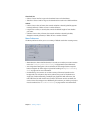
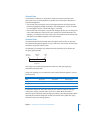
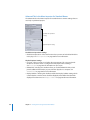
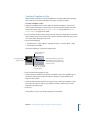
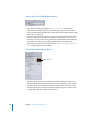
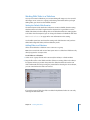
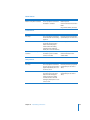
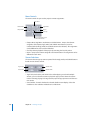
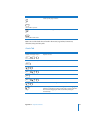
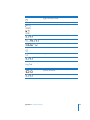
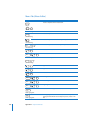
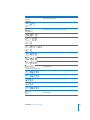
Simulator Preferences
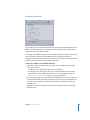
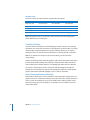
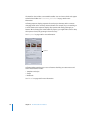
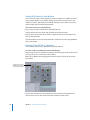
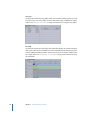
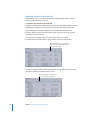
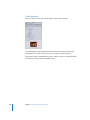
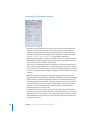
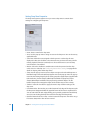
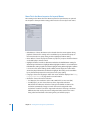
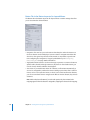
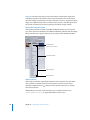
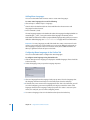
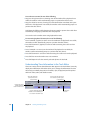
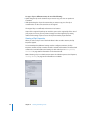
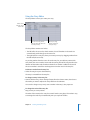
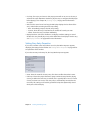
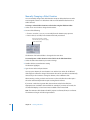
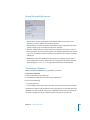
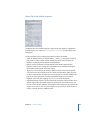
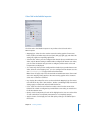
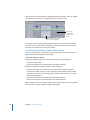
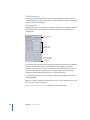
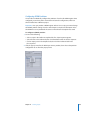
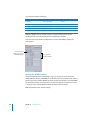
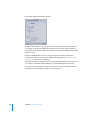
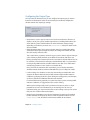
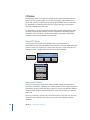
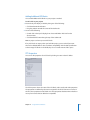
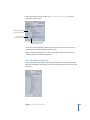
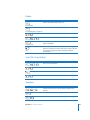
The Simulator preferences apply to the Simulator you can use to test your project. See
“Testing Your Project With the Simulator” on page 545 for more information.
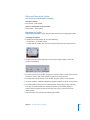
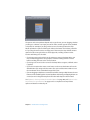
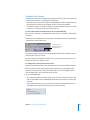
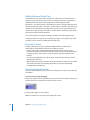
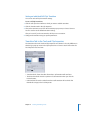
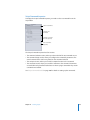
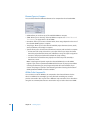
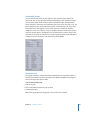
Default Language Settings
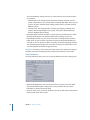
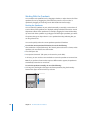
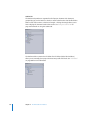
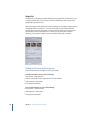
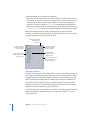
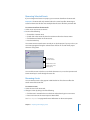
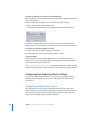
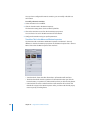
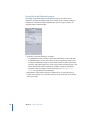
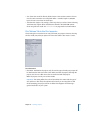
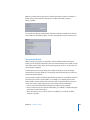
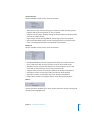
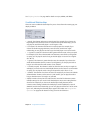
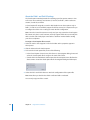
• Audio, Subtitle, and DVD Menu Default Language: Choose the languages to use as the
Simulator’s default for menus, audio, and subtitles. This simulates the language
settings in a DVD player. If you want any of these elements to use the stream settings
in the Disc Inspector in place of the language settings, choose Not Specified.
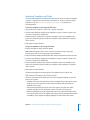
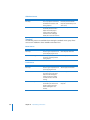
Features
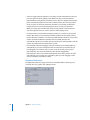
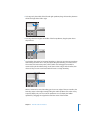
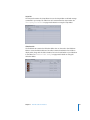
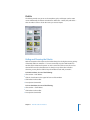
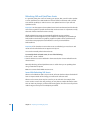
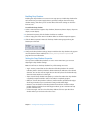
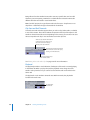
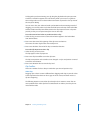
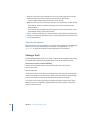
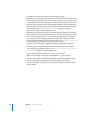
• Enable DVD@CCESS Web Links: Select so that the Simulator can process any
DVD@CCESS links in the project. This is useful to verify that email and web links work
correctly. See “Testing DVD@CCESS Links” on page 596 for more information.
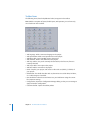
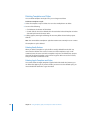
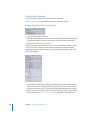
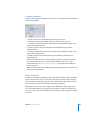
Region Code
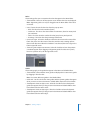
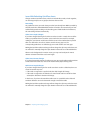
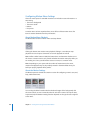
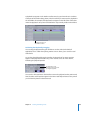
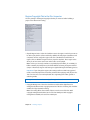
• Default Region: Choose the region code to simulate. You can choose All or a
specific region.
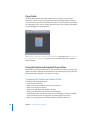
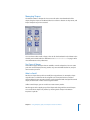
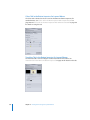
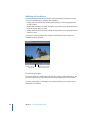
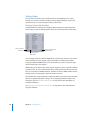
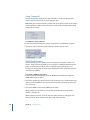
Playback Output
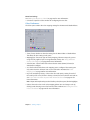
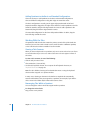
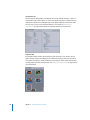
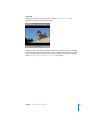
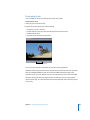
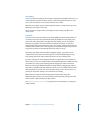
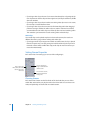
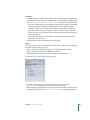
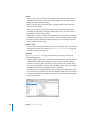
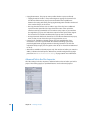
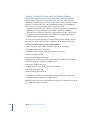
• Video: Choose the destination for the Simulator video. The two choices are Simulator
Window, which is the default setting, and Digital Cinema Desktop Preview, which
actually selects your system’s second monitor, whether it is an S-Video monitor, an
Apple Cinema Display, or any other appropriate display. See “Simulating With an
External Video and Audio Monitor” on page 547 for more information.
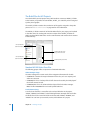
• Audio: Choose the destination for the Simulator, Assets tab, and any of the editors’
(Track, Story, Slideshow, and Menu Editors) audio. Common choices include Built-in
Audio, for normal system audio, and Built-in Audio (S/PDIF), which uses your system’s
optical digital audio output (if available) to output the audio to an external AC-3 or
DTS decoder.
122
Chapter 3 Starting a Project