1
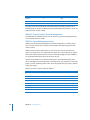
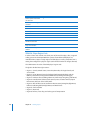
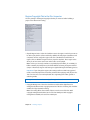
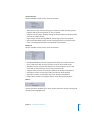
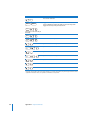
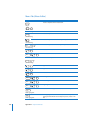
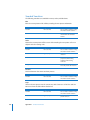
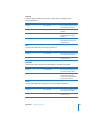
Key command
+ option + I
shift
x
+W
Function
Shows or hides the information drawer on the top/bottom edges.
Closes the Simulator.
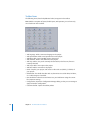
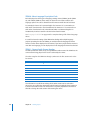
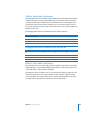
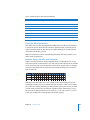
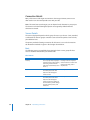
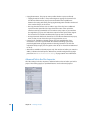
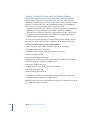
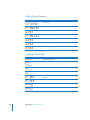
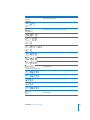
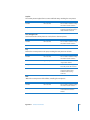
Slideshow Tab (Slideshow Editor)
Key command
x
+
x
+
x
+A
Function
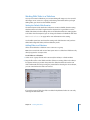
Shows large thumbnails.
Shows small thumbnails.
Selects all slides.
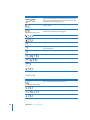
Plays slideshow in Viewer tab or, if playing, stops and returns to the
slide it started from.
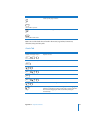
space
or
K
Plays slideshow in Viewer tab, or if playing, pauses playback.
L
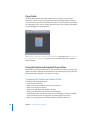
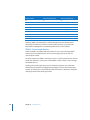
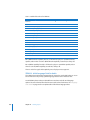
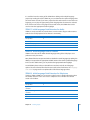
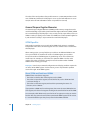
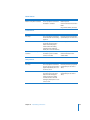
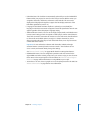
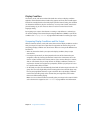
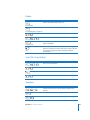
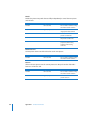
Story Tab (Story Editor)
Key command
x
+A
space
Function
Selects all markers in the list.
Plays story in Viewer tab or, if playing, stops and returns to the
story entry it started from.
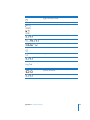
or
K
L
624
Appendix A Keyboard Shortcuts
Plays story in Viewer tab, or if playing, pauses playback.