1
Sourcing User Manual
•
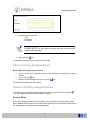
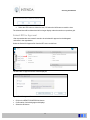
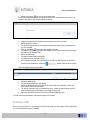
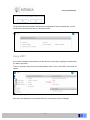
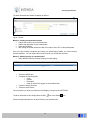
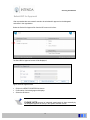
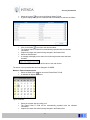
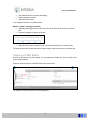
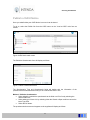
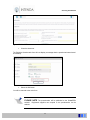
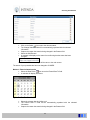
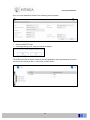
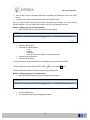
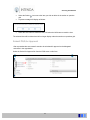
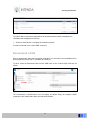
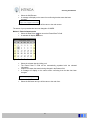
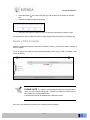
Select the YES button
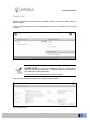
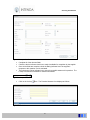
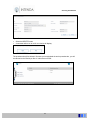
The questionnaire will be deleted. Because you have deleted the active questionnaire, you will
be returned to the “Would you like to” main screen of OJEU Notice.
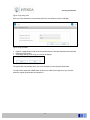
Copy an OJEU Notice
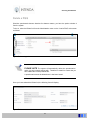
If you need to duplicate an OJEU Notice you are able to do so by simply copying the Notice you
want to reproduce.
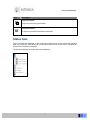
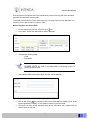
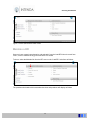
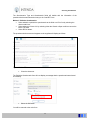
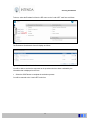
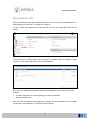
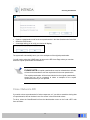
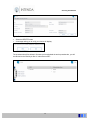
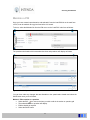
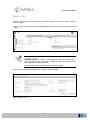
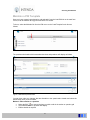
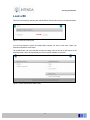
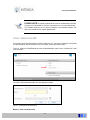
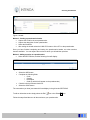
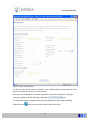
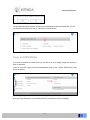
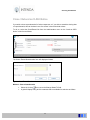
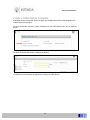
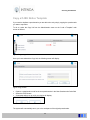
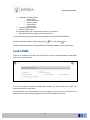
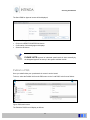
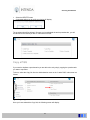
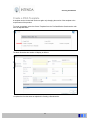
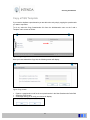
To do so, select the Copy link from the Administration menu on the “Load an OJEU Notice” main
screen as follows:
Figure: Copy entry point
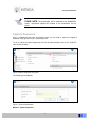
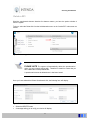
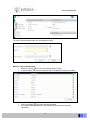
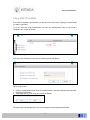
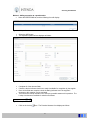
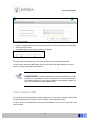
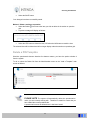
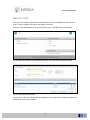
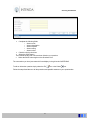
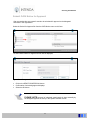
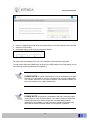
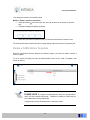
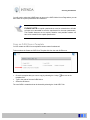
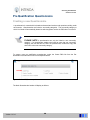
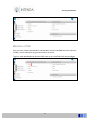
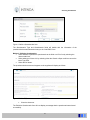
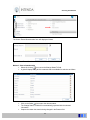
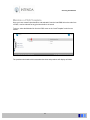
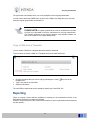
Once you have selected the Copy Questionnaire link, the following screen will display:
97