1
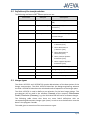
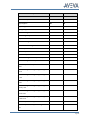
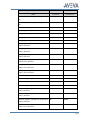
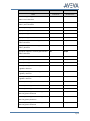
3.2 Settings for the data transfer
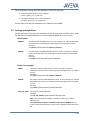
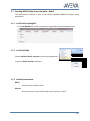
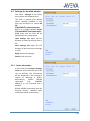
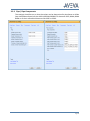
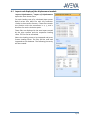
The frame Settings of the Rohr2
menu opens the following form.
The form is opened with default
values. Settings modified in that
form can be saved in a central INI
file
(%R2STRESS%\rtwoexportoption.
ini) or in a project specific INI file
(%xyzR2STRESS%\rtwoexportoptio
n.ini). After that the form will be
opened with the saved values.
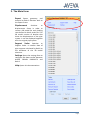
Load Settings File Open the file
browser to load the settings from a
file
Save Settings File Open the file
browser to save the current settings
in a file
Apply Accept the changes
Cancel Close the form
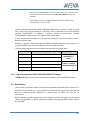
3.2.1 Order Information
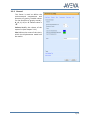
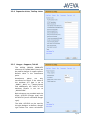
In this frame of the Export Settings
Form any text to describe the order
can be defined. This information
will be displayed in the heading of
reports or drawings in Rohr2.
Alternatively,
AVEVA
DESIGN
commands
(e.g.:
CURRENT
PROJECT) or any standard text is
possible.
AVEVA DESIGN commands must be
entered directly; standard texts
need vertical bars as boundary ‚|’.
Page 9