1
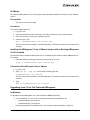
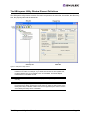
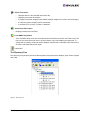
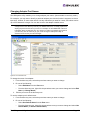
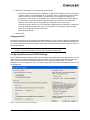
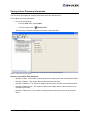
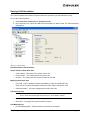
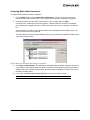
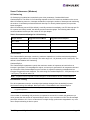
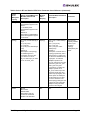
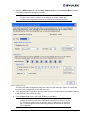
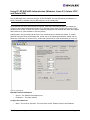
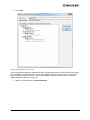
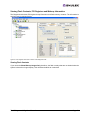
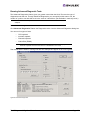
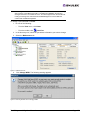
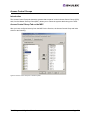
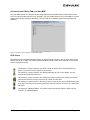
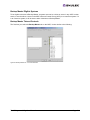
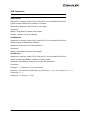
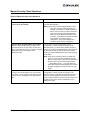
3. Select the CEE tab.
Figure 47: CEE Tab
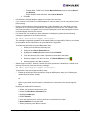
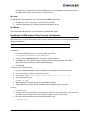
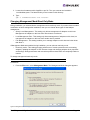
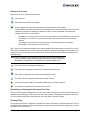
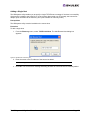
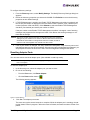
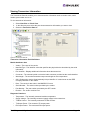
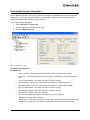
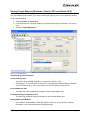
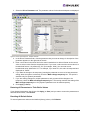
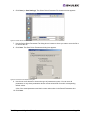
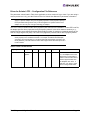
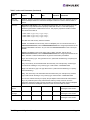
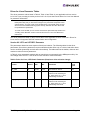
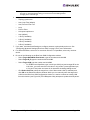
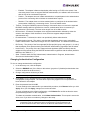
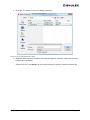
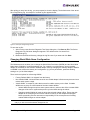
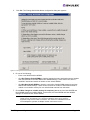
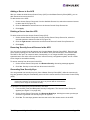
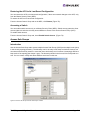
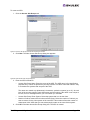
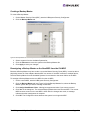
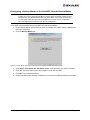
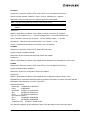
4. Click Update Firmware. The CEE Firmware Download dialog box is displayed.
Figure 48: HBAnyware CEE Firmware Download dialog box
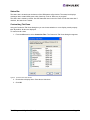
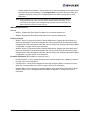
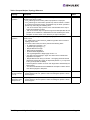
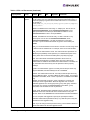
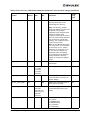
5. Specify the desired firmware image. Do one of the following in the CEE Firmware Download
dialog box:
•
Type the firmware file name. There are two ways to enter the file name in the Firmware File
field:
The HBAnyware Utility User Manual
Page 121