1
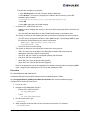
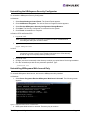
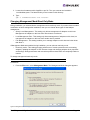
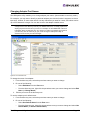
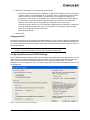
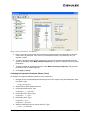
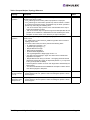
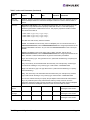
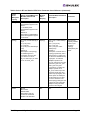
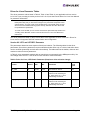
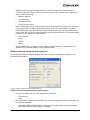
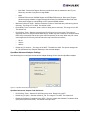
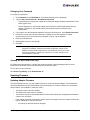
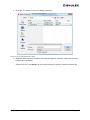
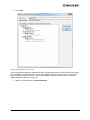
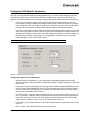
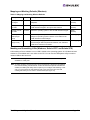
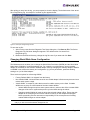
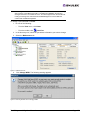
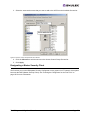
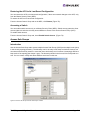
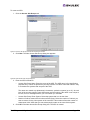
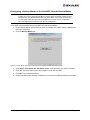
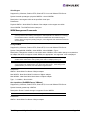
When downloading begins, the tree-view displays the progress. As firmware for a selected
adapter is being downloaded, it appears orange in the tree-view. Once successful downloading
is complete, the entry changes to green. If the download fails, the entry is changed to red.
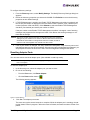
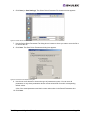
Figure 46: Download Complete screen
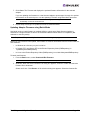
5. When downloading is finished, you can click Print Log to print a hard copy of the activity log.
Note: Printing is not supported in Linux.
6. Click Close to exit the batch procedure.
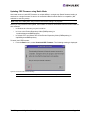
Downloading Converged Enhanced Ethernet Firmware (CEE)
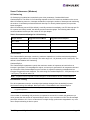
To support configuration of CNAs (Converged Network Adapters) that support FCoE (Fibre Channel over
Ethernet) devices, the HBAnyware utility version 4.0 includes a CEE (Converged Enhanced Ethernet)
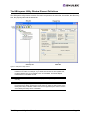
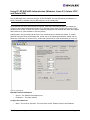
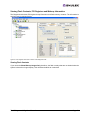
tab. This tab is only shown when a CNA is selected in the discovery-tree. The CEE tab allows you to
download firmware to the CNA port and to configure or view CEE-specific settings.
Note: CEE firmware image filenames end with a .bin extension.
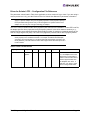
To download firmware to the CNA port:
1. Select Host View or Fabric View.
2. In the discovery-tree, click the CNA port whose firmware you want to update.
The HBAnyware Utility User Manual
Page 120