1
Chapter 8
System information
8.1 User's Guide
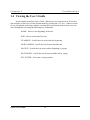
This option enables the user to view the entire Scout Manual. A menu of major headings
is provided so that the user can quickly find information about any topic in Scout. The user can
access the User's Guide for the heading that he/she is currently using by pressing the <F1> key.
8.2 Other options
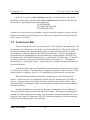
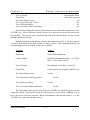
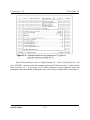
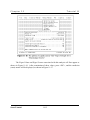
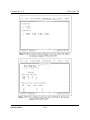
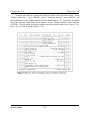
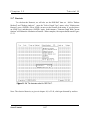
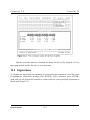
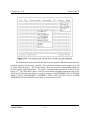
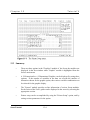
The six options for the System menu are shown in Figure 8-1 below.
Information: This choice displays the Scout version and hardware configuration,
including the processor, coprocessor, graphics adapter, and the amount of RAM found and used
on the system.
Help Messages: The user can disable or enable the help windows that correspond to the
menu items. Unless the user is very familiar with Scout, disabling the help windows is not
recommended.
Printer Setup: The printer in use must be specified in order for Scout to print graphs. This
heading allows the user to select the make and model of printer for graphs. The user can also set
Scout User's Guide
8-1