1
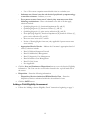
o Adoption Subsidy
o Medicaid
o Other Payment Source.
o
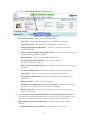
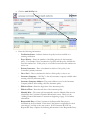
Caller’s Relationship to Consumer – Indicate the Caller’s relationship to the
Consumer. Selections include:
o
o
o
o
o
Self
Parent
Spouse
Other Family Member
Other
o
Referral Source – If the Caller was referred, use the drop down menu to select
the referral source. If the referral source is not listed in the drop down menu,
select “Other” and enter the specific source in the text box labeled “Specify (if
other)”.
o
Consumer Population – Indicate whether the Consumer is part of the Adult or
Child population by clicking on the appropriate selection.
o
Emergency Contact – Enter the information for the primary and secondary
emergency contact. This information includes: Contact Name, Relationship to
the Consumer, Home Phone, Work Phone, Pager, and Cell Phone.
o
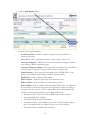
Phone Conversation and Notes – Enter the detail regarding the conversation
and any necessary and applicable notes.
o
Disposition – Place a check mark next to all that apply. Selections include:
o Hospital Screening
o Crisis Contact
o Intake Assessment Scheduled
o
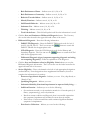
Service(s) Needed – Place a check mark next to all of the options that pertain
to the services needed by the Consumer. Selections include:
o
o
o
o
o
MH-Mental Health
SA-Substance Abuse
MH and SA
DD-Developmentally Disabled
Other – if “Other” is selected enter the specifics in the box labeled “Specify
if Other”.
o
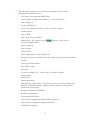
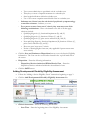
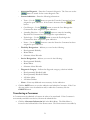
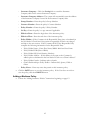
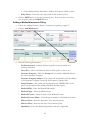
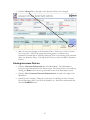
ACCESS Staff taking this call – The system automatically enters the current
User’s name, if this is incorrect use the
button to search for the correct
Staff Member.
o
Time Started – This field is automatically entered by the system based on the
time you entered the screen.
o
Time Call Ended – Enter the time the call entered.
67