1
5
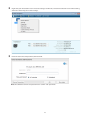
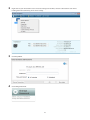
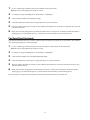
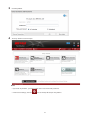
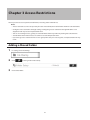
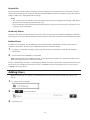
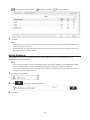
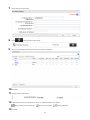
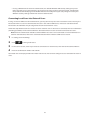
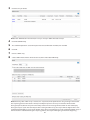
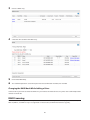
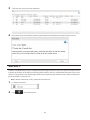
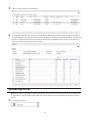
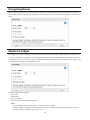
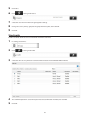
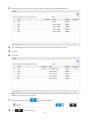
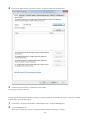
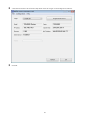
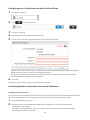
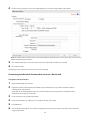
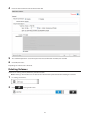
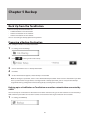
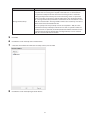
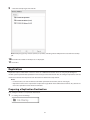
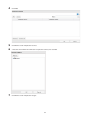
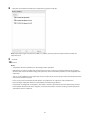
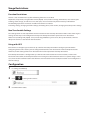
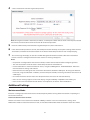
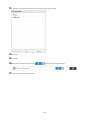
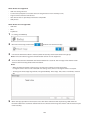
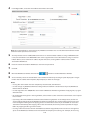
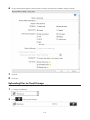
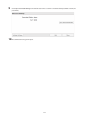
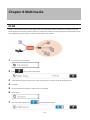
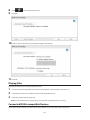
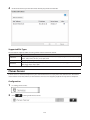
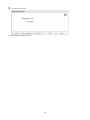
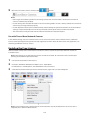
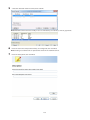
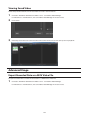
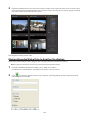
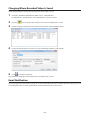
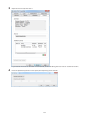
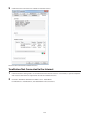
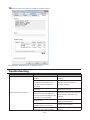
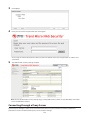
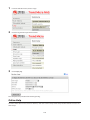
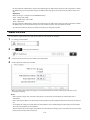
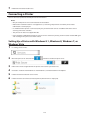
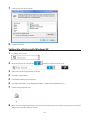
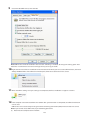
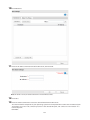
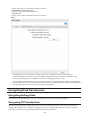
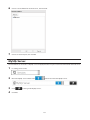
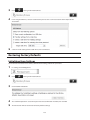
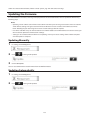
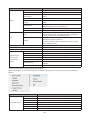
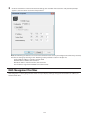
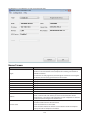
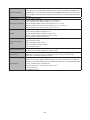
Make sure that "SurveillanceCamera" and "HardDisk" were added to "Installed Licenses".
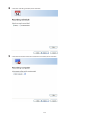
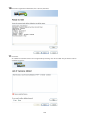
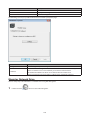
The free license is now enabled.
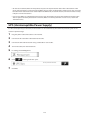
Registering Recording Policies
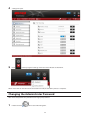
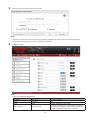
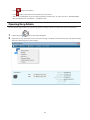
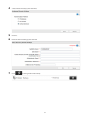
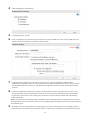
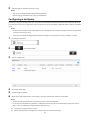
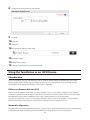
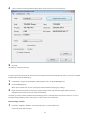
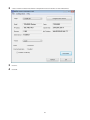
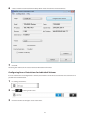
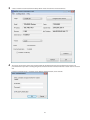
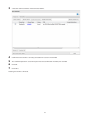
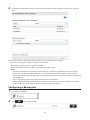
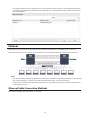
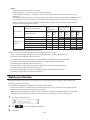
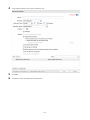
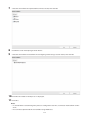
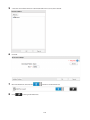
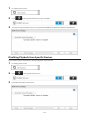
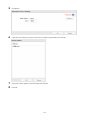
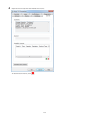
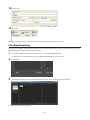
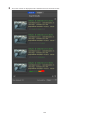
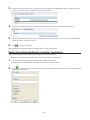
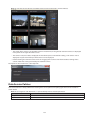
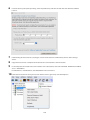
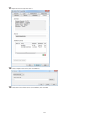
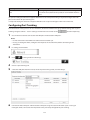
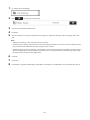
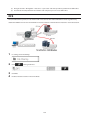
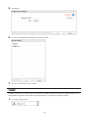
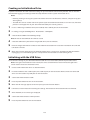
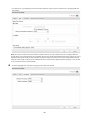
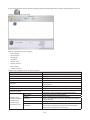
Register the network camera that is used.
1
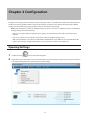
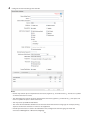
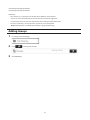
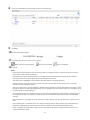
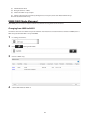
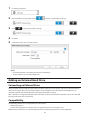
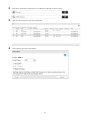
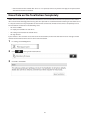
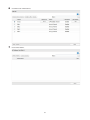
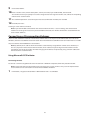
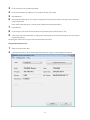
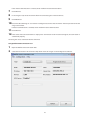
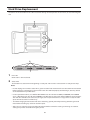
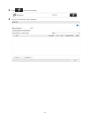
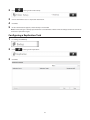
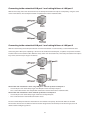
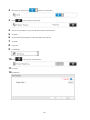
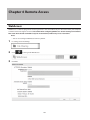
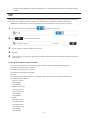
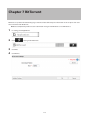
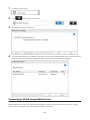
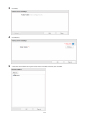
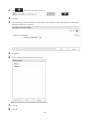
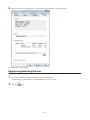
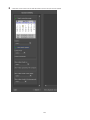
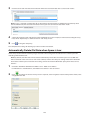
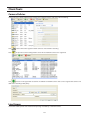
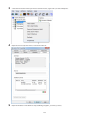
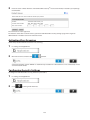
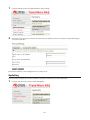
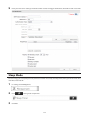
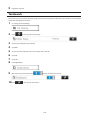
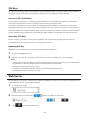
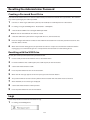
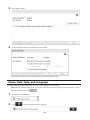
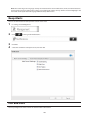
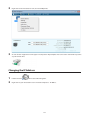
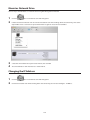
Click Start - BUFFALO - BUFFALO Surveillance Server - Camera Policies.
For Windows 8.1 and Windows 8, click Camera Policies in the Start menu.
2
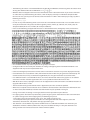
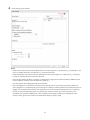
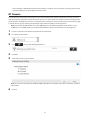
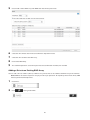
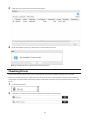
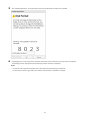
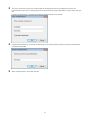
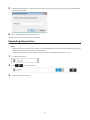
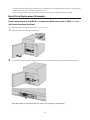
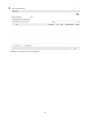
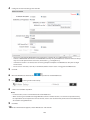
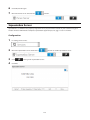
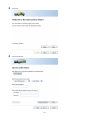
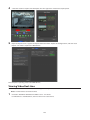
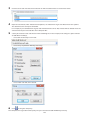
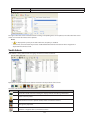
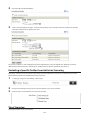
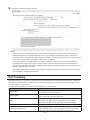
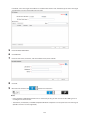
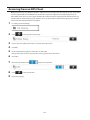
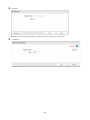
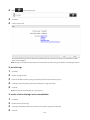
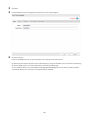
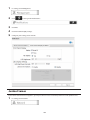
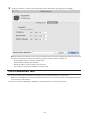
Click the
icon.
136