1
Usage Restrictions
Function Restrictions
Failover is not available when any of the following functions are enabled:
Replication, sleep mode, encrypted disk volume, MySQL server, media cartridge, LVM volume, iSCSI volume, port
trunking, cloud storage, surveillance server, hot spare, access restrictions by Active Directory or NT domain
The following operations will not be available while failover is enabled:
Initializing settings, changing the RAID settings, formatting drives, iSCSI volume, changing the backup unit's settings
Non-Transferable Settings
The settings below are not copied from the main TeraStation to the backup TeraStation. Make a note of the original
settings so that they can be configured manually if the backup TeraStation replaces the main TeraStation.
Web server (including PHP), MySQL server, Direct Copy, WebAccess, print server, UPS synchronization, antivirus*
*Only if the antivirus is activated on the TeraStation.
Using with UPS
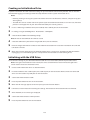
Once failover is configured, you cannot set up a UPS for the backup TeraStation. Configure your UPS before
configuring failover. UPS recovery can be configured for both the main TeraStation and the backup TeraStation.
However, the UPS settings of the main TeraStation will not be copied to the backup TeraStation.
If the backup TeraStation is configured to sync with the UPS connected to the main TeraStation, and the main
TeraStation shuts down, the backup TeraStation will no longer be able to detect if there was a power outage. In this
case, move the UPS communication cable from the main TeraStation to the backup TeraStation and reconfigure the
UPS link settings.
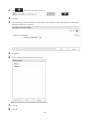
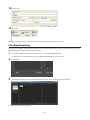
Configuration
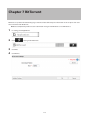
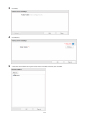
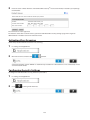
1
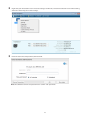
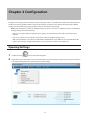
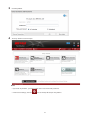
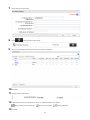
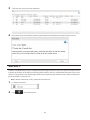
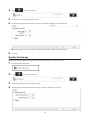
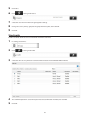
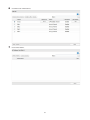
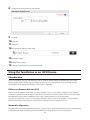
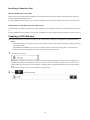
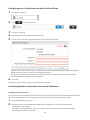
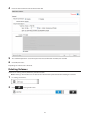
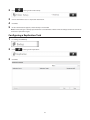
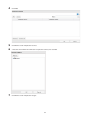
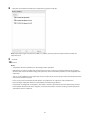
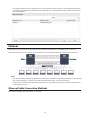
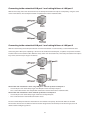
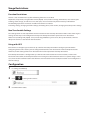
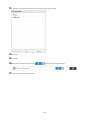
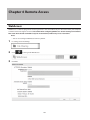
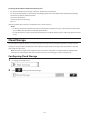
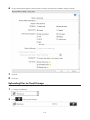
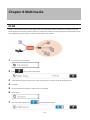
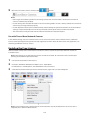
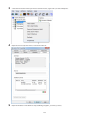
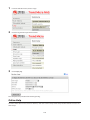
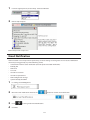
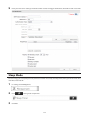
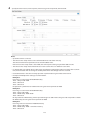
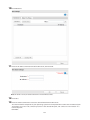
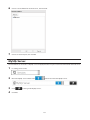
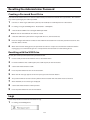
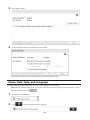
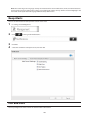
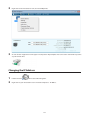
In Settings, click Backup.
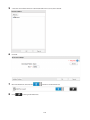
2
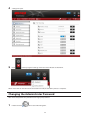
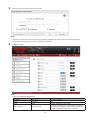
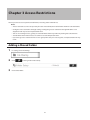
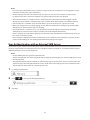
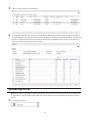
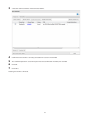
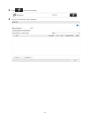
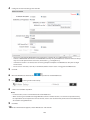
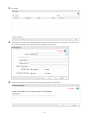
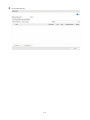
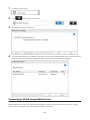
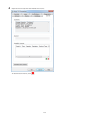
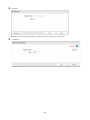
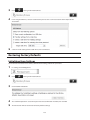
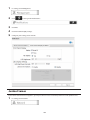
Click
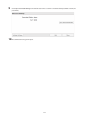
3
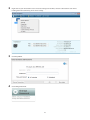
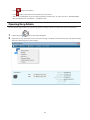
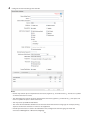
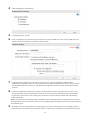
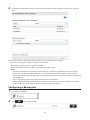
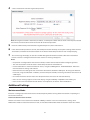
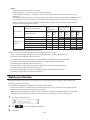
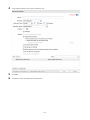
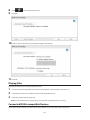
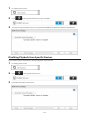
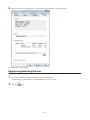
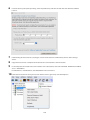
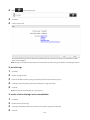
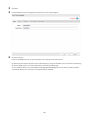
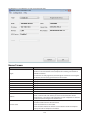
Click Edit Failover Status.
to the right of "Failover".
98