1
3
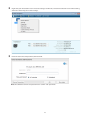
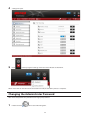
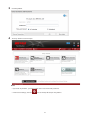
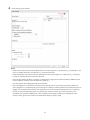
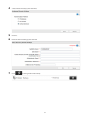
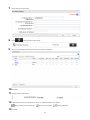
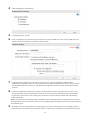
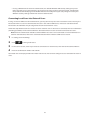
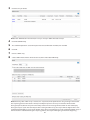
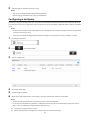
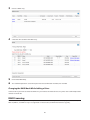
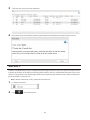
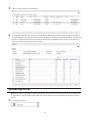
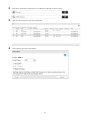
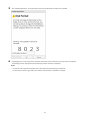
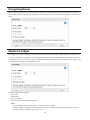
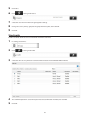
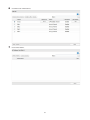
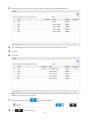
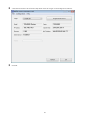
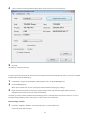
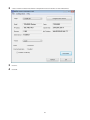
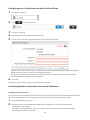
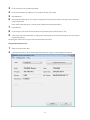
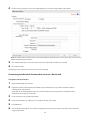
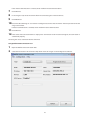
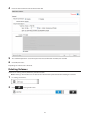
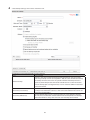
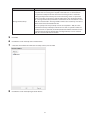
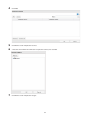
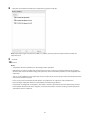
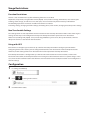
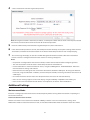
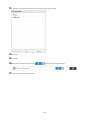
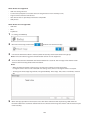
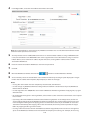
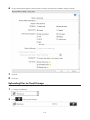
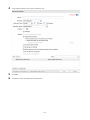
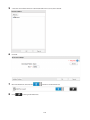
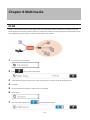
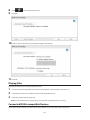
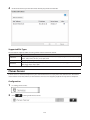
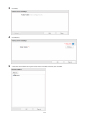
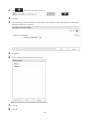
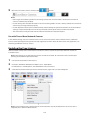
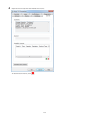
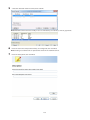
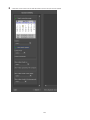
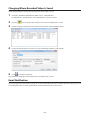
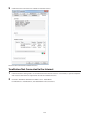
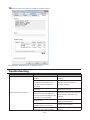
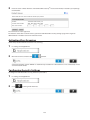
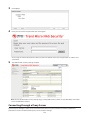
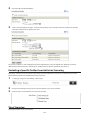
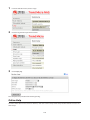
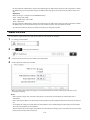
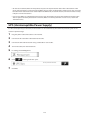
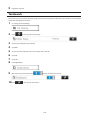
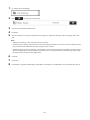
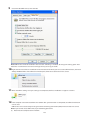
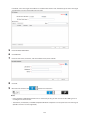
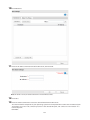
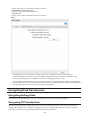
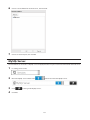
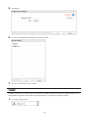
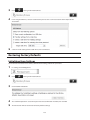
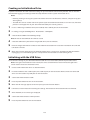
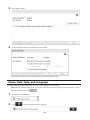
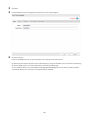
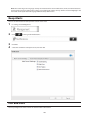
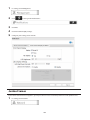
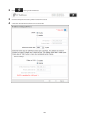
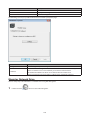
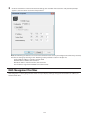
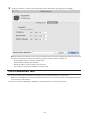
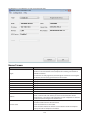
Uncheck "Use DHCP"; enter the desired settings and the administrator password, then click Apply.
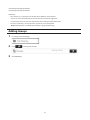
Note: The following IP addresses are reserved and should not be used. If you configure one of them by accident,
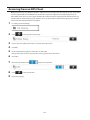
initialize all settings by referring to the "Restoring Factory Defaults" section in chapter 10.
Local loopback address: 127.0.0.1, 255.255.255.0
Network address: 0.0.0.0, 255.255.255.0
Broadcast address: 255.255.255.255, 255.255.255.0
The IP address range from 224.0.0.0 to 255.255.255.255
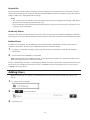
iSCSI Connection Tool
The iSCSI Connection Tool is a Windows utility that lets you use the TeraStation as an iSCSI drive.
Note: If using TS5000N series TeraStation models, this software is not included with the TeraNavigator software
and cannot be installed from it.
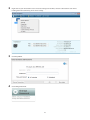
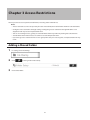
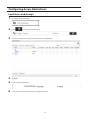
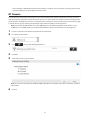
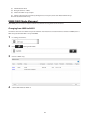
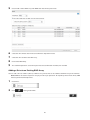
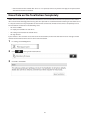
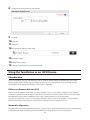
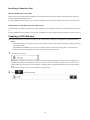
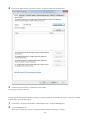
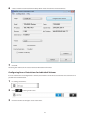
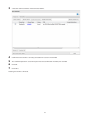
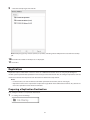
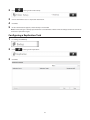
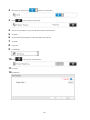
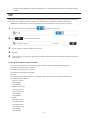
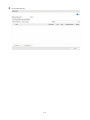
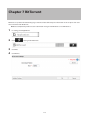
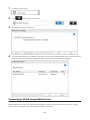
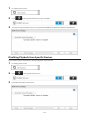
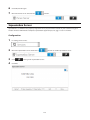
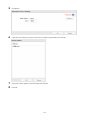
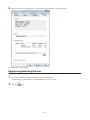
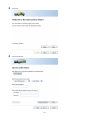
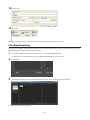
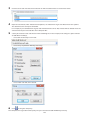
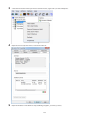
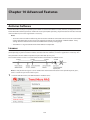
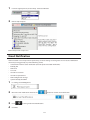
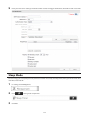
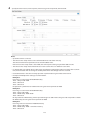
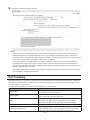
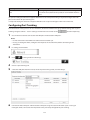
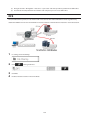
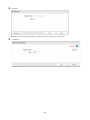
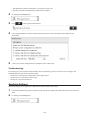
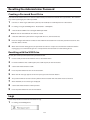
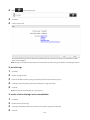
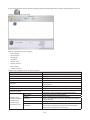
To launch it, click Start - All Programs - BUFFALO - iSCSI Connection Tool - iSCSI Connection Tool.
215