1
Installing a Connection Tool
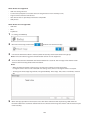
Windows XP, Windows Server 2003
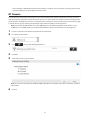
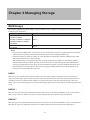
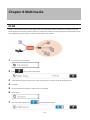
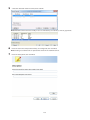
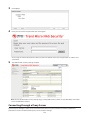
Before using any iSCSI equipment, download and install the iSCSI connection software "Microsoft iSCSI Software
Initiator" from the Microsoft website.
If using TS5000 series TeraStations, you can also use Buffalo iSCSI Connection Tool to connect to an iSCSI hard drive.
Windows Vista or later, Windows Server 2008 or later
The Microsoft iSCSI Software Initiator is already installed on your computer. You don't need to download and install
it.
If using TS5000 series TeraStations, you can also use Buffalo iSCSI Connection Tool to connect to an iSCSI hard drive.
Creating a iSCSI Volume
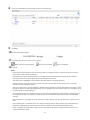
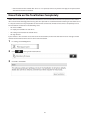
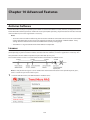
To use the TeraStation as an iSCSI hard drive, create a volume first. Configure the TeraStation as described below.
Notes:
• If the LVM settings are changed, all data on the volume will be erased. Before changing any settings, back up
any important data.
• The TS5000 and TS5000N can have up to 255 volumes, but we recommend using only a maximum of 32.
Exceeding this volume amount may cause irreparable damage to the unit.
1
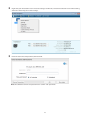
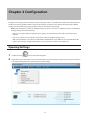
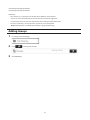
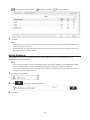
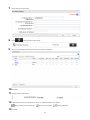
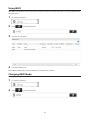
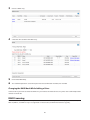
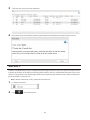
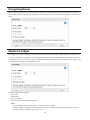
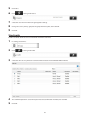
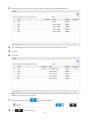
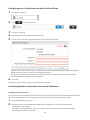
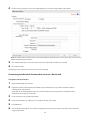
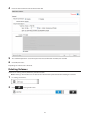
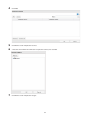
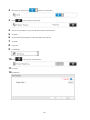
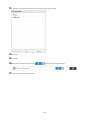
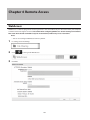
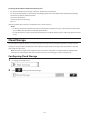
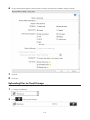
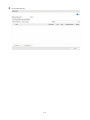
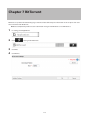
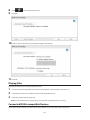
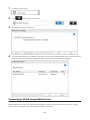
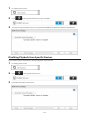
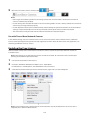
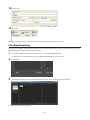
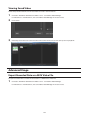
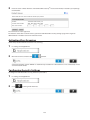
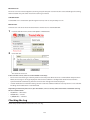
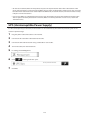
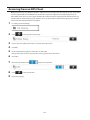
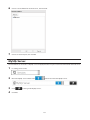
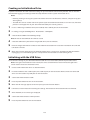
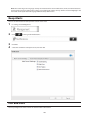
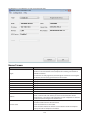
In Settings, click Drives.
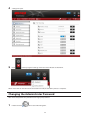
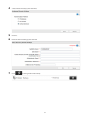
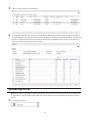
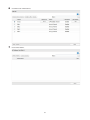
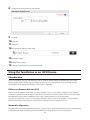
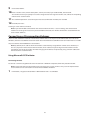
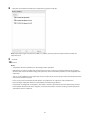
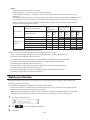
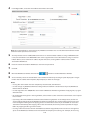
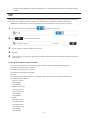
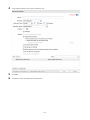
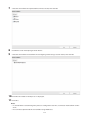
Note: Steps 2–6 below describe the procedure to enable LVM for specifying a volume size or changing it later.
LVM does not need to be enabled for a drive to be used as an iSCSI hard drive, as you can still create an iSCSI
volume from the entire drive or array. However, enabling LVM is recommended for drives that will be used for
iSCSI.
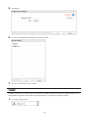
To use whole drive or array as an iSCSI hard drive, skip to step 7.
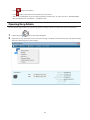
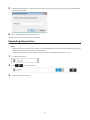
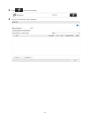
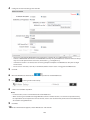
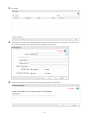
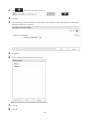
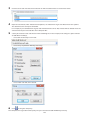
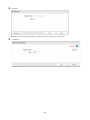
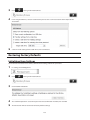
2
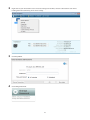
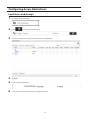
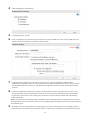
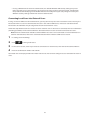
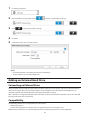
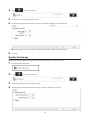
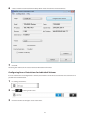
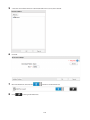
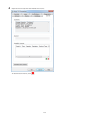
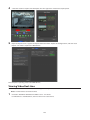
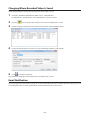
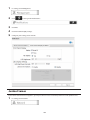
Click
to the right of "LVM".
61