1
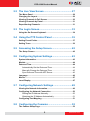
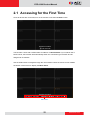
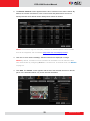
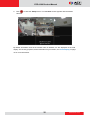
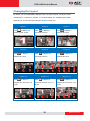
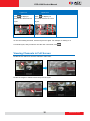
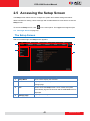
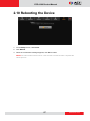
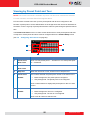
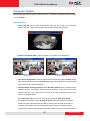
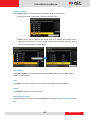
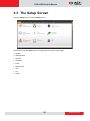
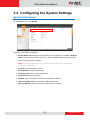
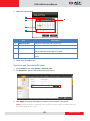
ECD-1000 Product Manual Chapter 2: Local Management This chapter describes the Decoder operation and management on the Local Client side. It contains the following topics: Accessing for the First Time: Describes the setup procedures involve when accessing the Decoder for the first time. This includes changing the Decoder IP address and adding the cameras. The Live View Screen: Describes how to use the Live View screen, changing the layout, channel patrolling and resetting the channel position. Accessing the Setup Screen: Describes how to access the Setup menu, using the on-screen keyboard to login, and an overview of the Setup menu. Configuring System Settings: Describes how to view and modify the system settings such as date and time, language, and how to filter information shown on the local display. Configuring Network Settings: Describes how to modify the IP configurations, port mapping and other network settings. Configuring the Cameras: Describes how to add and view the cameras and manage the camera settings. Rebooting the Device: Describes how to do a system reboot. 21 www.acti.com