1
Network
DNS Server Setting:
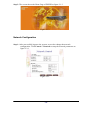
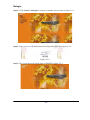
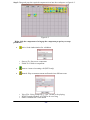
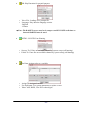
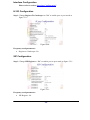
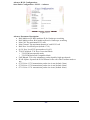
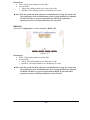
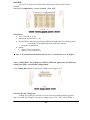
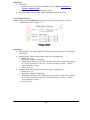
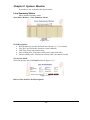
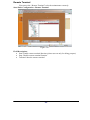
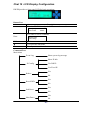
Step 1: After successfully logon to the system, we need to change the network
configuration. Click Control→Network to setup the network parameters as
figure 7.3-1.
Figure 7.3-1
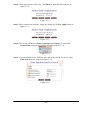
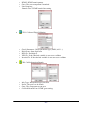
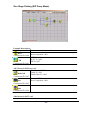
Parameter:
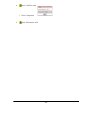
• Primary DNS Server: Primary DNS Server IP network
• Secondary DNS Server: Secondary DNS Server IP network
• Host Name: Host name used to register to DNS Server
• Domain Name: Domain name used to
• Dynamic DNS Registration: Enable Dynamic DNS registration or not
SNMP
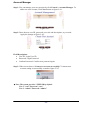
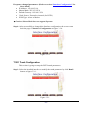
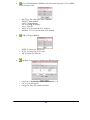
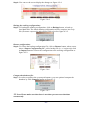
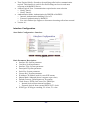
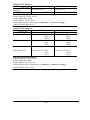
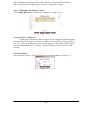
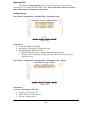
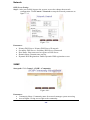
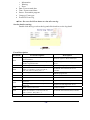
Start path: Click Control→SNMP→Community
Figure 4.4-1
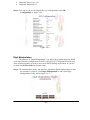
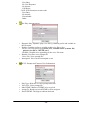
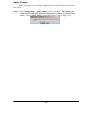
Parameter:
• Community Name: Community name for network manager system accessing
• Access Rights: Giving access right to the community
- 68 -