1
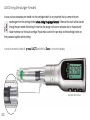
4.5 Driving the plunger forward
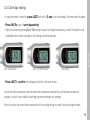
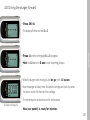
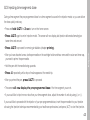
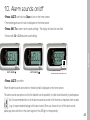
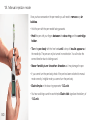
• Press (M) 4x.
English
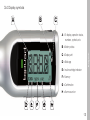
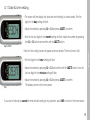
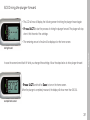
• The display will show four bars [----].
• Press (+) and the priming sign [<----] will appear.
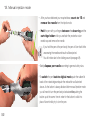
• Hold the (+) button for 2 sec to start the priming process.
• When the plunger starts moving you can let go of the (+) button.
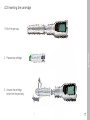
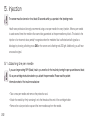
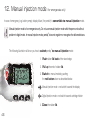
• Now the plunger will slowly move towards the cartridge and it will stop when
the piston rod foot hits the end of the cartridge.
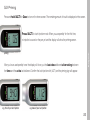
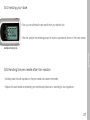
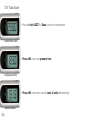
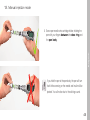
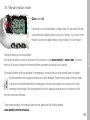
• The remaining units will be shown on the home screen.
example remaining units
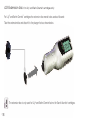
Now your pendiq® is ready for injection.
21