1
Input Setup
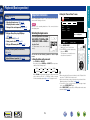
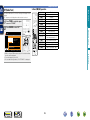
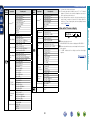
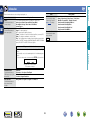
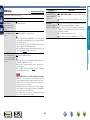
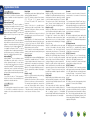
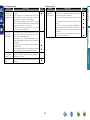
Preset Name
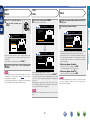
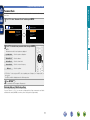
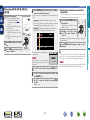
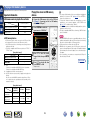
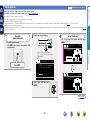
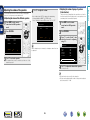
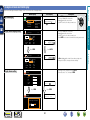
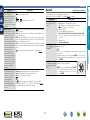
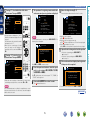
Use the auto preset function to program radio stations.
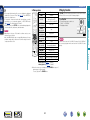
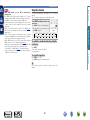
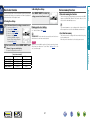
Assign name to a preset memory.
Setting items
Start
Start the auto preset
process.
Setting details
Setting items
Block
Select the preset memory
block.
If an FM station cannot be preset automatically, select the desired
station by tuning it in manually, then preset it manually.
TUNER
TUNER
A1 – G8
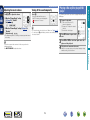
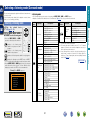
Change the display name of
the selected channel.
Default settings are underlined.
TUNER
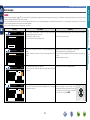
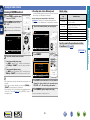
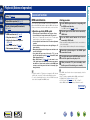
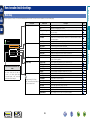
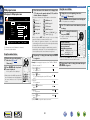
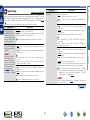
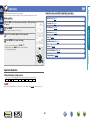
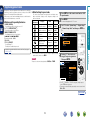
Set preset channel to be skipped when selecting.
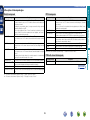
Setting items
Default
The changed preset name
is returned to the default
setting.
Setting details
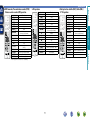
A/B/C/D/E/F/G
TUNER
ON : Display the selected preset memory block.
Skip : Do not display the selected preset memory block.
TUNER
A1 – G8
Set by individual preset
channels in the currently
selected preset memory
block.
ON : Display the selected preset channel.
Skip : Do not display the selected preset channel.
If you set “Block Presets“ to “Skip”, you can skip by blocks (A – G).
TUNER
BD
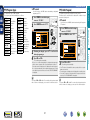
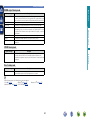
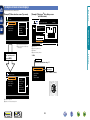
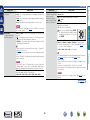
Yes : Reset to the defaults.
No : Do not reset to the defaults.
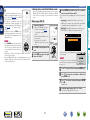
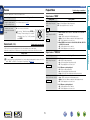
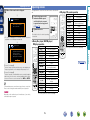
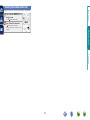
If you select “Default” and press ENTER, the
message “Return settings to the default?”
is displayed. Select “Yes” or “No”, and then
press ENTER.
Information
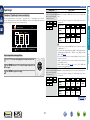
Block Presets
Skip all channels of the
selected preset memory
blocks.
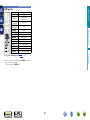
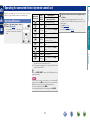
•Up to eight characters can be input.
•For character input, see page 51.
Advanced version
Preset Skip
Block
Select the preset memory
block.
Setting details
A/B/C/D/E/F/G
Basic version
Auto Preset
69