1
Basic message editing
Basic message editing
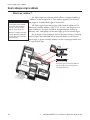
Because the AlphaNET plus for Windows software allows you
an infinite number of ways to create a message for a sign, there is no
way to show every possible example. However, in the following
pages examples of basic and advanced message editing will be
presented. First, the basics...
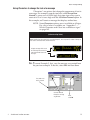
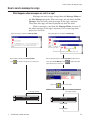
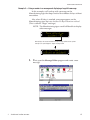
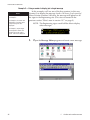
Using the Message Editor to create your message
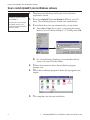
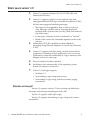
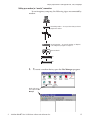
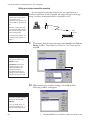
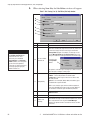
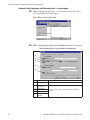
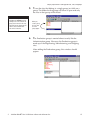
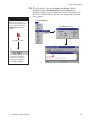
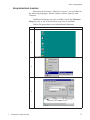
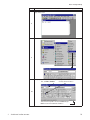
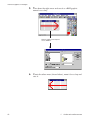
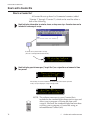
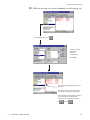
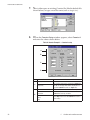
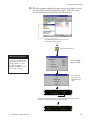
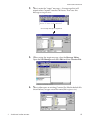
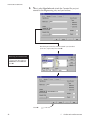
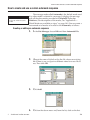
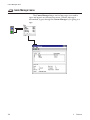
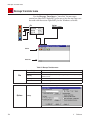
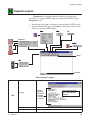
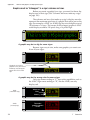
1. After installing the AlphaNET plus software on your PC, open
the Message Editor. Then open a window for the new message
you’ll create:
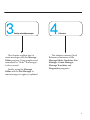
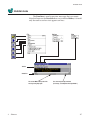
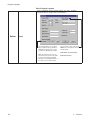
Double click on this icon
to open the Message
Editor:
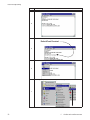
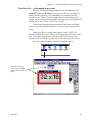
Click here
to create a new
message window.
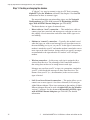
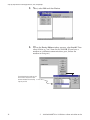
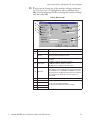
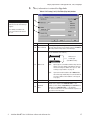
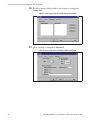
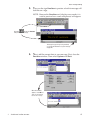
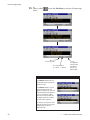
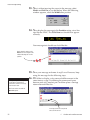
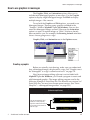
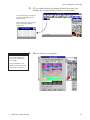
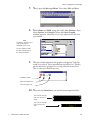
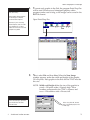
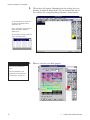
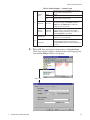
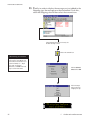
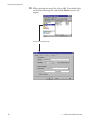
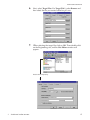
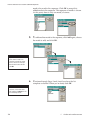
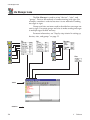
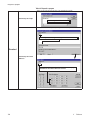
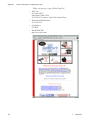
2. Type the words The first message in the window:
44
3
Creating and sending messages