1
2.3.5 Cleavage
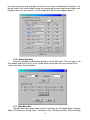
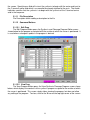
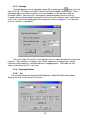
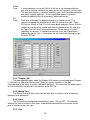
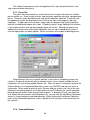
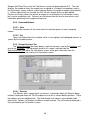
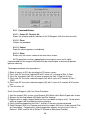
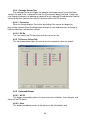
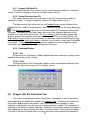
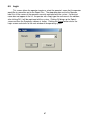
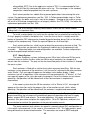
Cleavage programs are assigned to a given RV by clicking on the
button at the far
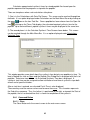
right of the tab. This brings up the Set Cleave Time/Date Dialog box shown below. After a
cleavage program has been assigned, its file name appears in the edit box under the
Cleavage column. Note that after a cleavage has been performed, the circle next to it
changes color to red reminding the operator that the line to the collection tube should not be
used. Also, set the cleavage program after setting the synthesis program if it is to be done
after the synthesis is completed.
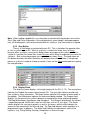
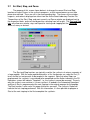
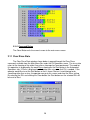
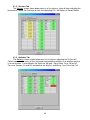
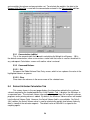
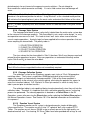
The circles under Run and CLV are indicators that use color to display the state of the
synthesis. Grey indicates an inactive state, Green indicates a running process, yellow
indicates a paused process and Red indicates a stopped process. Red under the Run
column also means the RV is not in use.
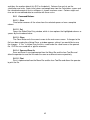
2.3.6 Command Buttons
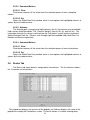
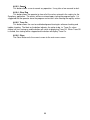
2.3.6.1 Set
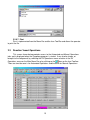
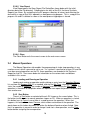
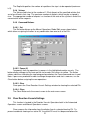
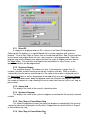
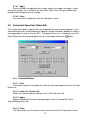
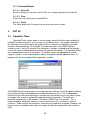
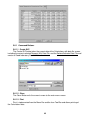
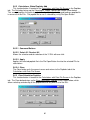
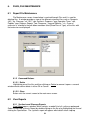
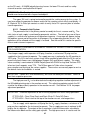
The set button brings up the Automated Operations Global Edit Box shown below
allowing the user to set several RVs at once.
16