1
S1700 Managed Series Ethernet Switches
Web User Manual
6 ACL Configuration
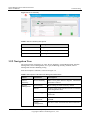
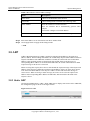
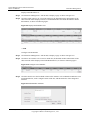
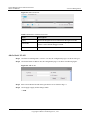
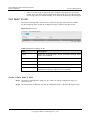
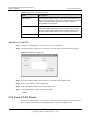
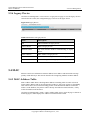
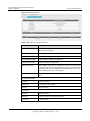
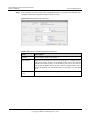
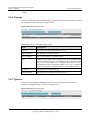
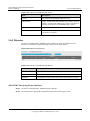
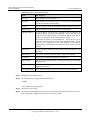
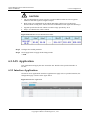
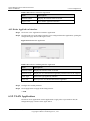
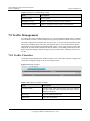
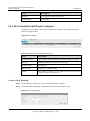
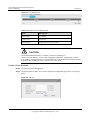
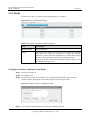
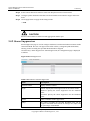
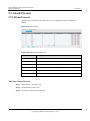
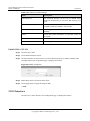
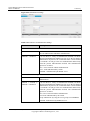
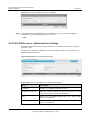
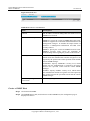
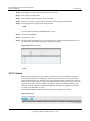
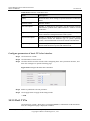
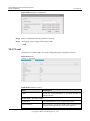
Figure 6-13 VLAN Application
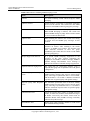
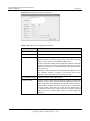
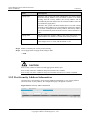
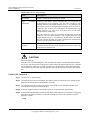
Table 6-12 Parameters VLAN Application
Item
Description
VLAN Application Name
Interface name of switch.
VLAN List
Display VLAN ID of the application rules.
Bind ACL List
Display ACL list that has been applied to VLAN.
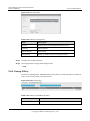
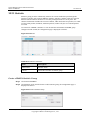
Create a VLAN Application Name
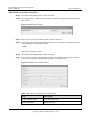
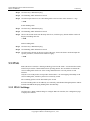
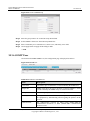
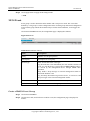
Step 1 Click ACL>ACL Application >VLAN Application.
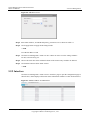
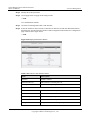
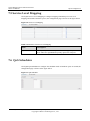
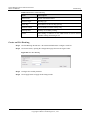
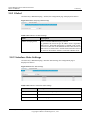
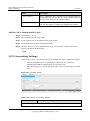
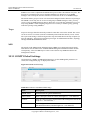
Step 2 Click New button to create a application entry of VLAN rule, opening the configuration page
shown as the figure below.
----End
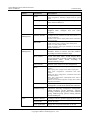
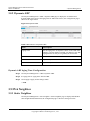
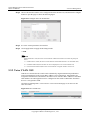
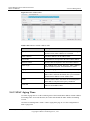
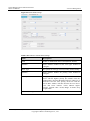
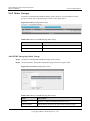
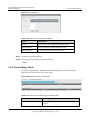
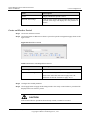
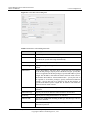
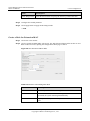
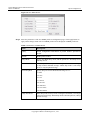
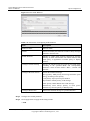
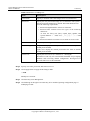
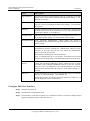
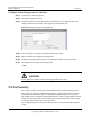
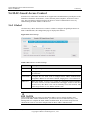
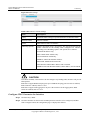
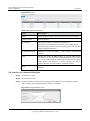
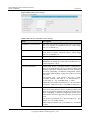
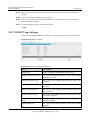
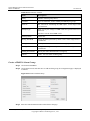
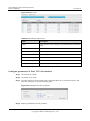
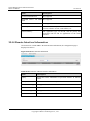
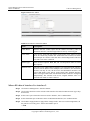
Figure 6-14 New VLAN Application
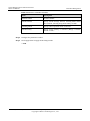
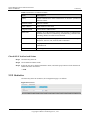
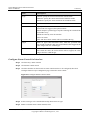
Table 6-13 Parameters of New VLAN Application
Item
Description
VLAN Application Name
Specify name applied by VLAN.
Bind VLAN
Specify VLAN ID number for the applied rule.
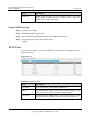
NOTE
A VLAN ID can only be applied to one VLAN entry application.
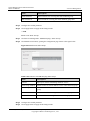
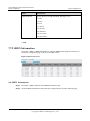
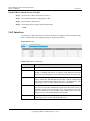
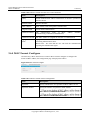
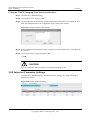
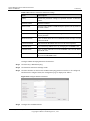
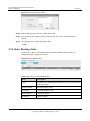
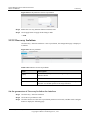
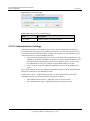
Step 3 Click Application button to apply all the changes made.
Issue 05 (2012-10-25)
Huawei Proprietary and Confidential
Copyright © Huawei Technologies Co., Ltd.
95