1
Chapter 4
digitalCAT USER GUIDE
SOUNDSYNC
DigitalCAT's audio synchronization features allow you to easily record, play and
stop audio.
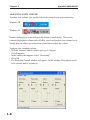
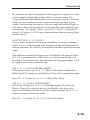
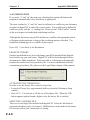
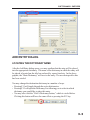
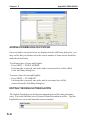
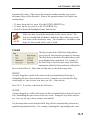
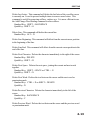
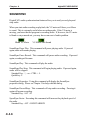
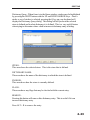
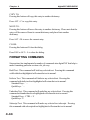
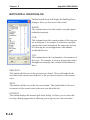
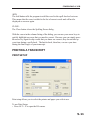
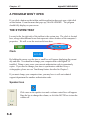
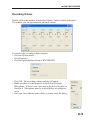
When you start audio recording or playback, the VU meter will show you if there
is sound. This is extremely useful when recording audio. If the VU meter is
moving, you know that the program is recording audio. If, however, the VU meter
is blank or stays maxed out, you may have some sort of audio problem.
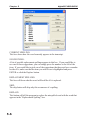
Blank VU Meter
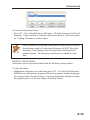
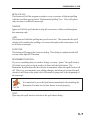
VU Meter with Sound
SoundSync Pause Play: This command will pause playing audio. If pressed
again, audio will resume playing.
SoundSync Pause Record: This command will pause audio recording. If pressed
again, recording will resume.
SoundSync Play: This command will play the audio.
SoundSync Play/Stop: This command will begin playing audio. If pressed again,
audio will be stopped.
Standard Key: \ | --or-- CTRL + L
QuickKey: L
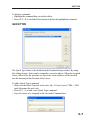
SoundSync Properties: Using this command will display the SoundSync
properties dialog. Please see Chapter 2 for help with this dialog.
SoundSync Record/Stop: This command will stop audio recording. Pressing it
again will resume recording.
Standard Key: ALT + R
SpeedSync Faster: Executing this command will increase the playback speed of
the audio.
Standard Key: ALT + RIGHT ARROW
4.14