1
Running The Simulation Program
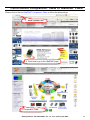
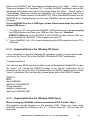
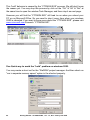
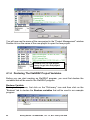
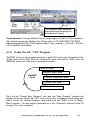
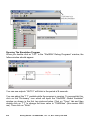
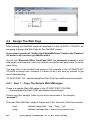
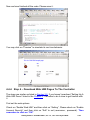
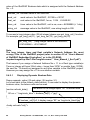
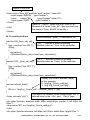
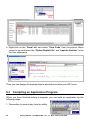
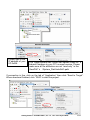
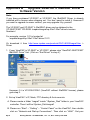
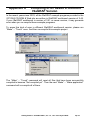
When you double click on "LD1" in the "ISaGRAF Debug Programs" window, the
follow window should appear.
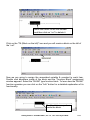
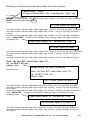
You can see outputs “OUT01” will blink in the period of 8 seconds.
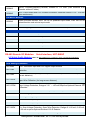
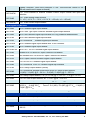
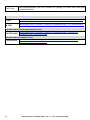
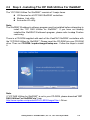
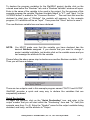
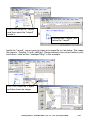
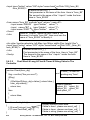
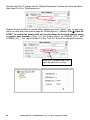
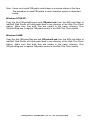
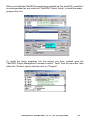
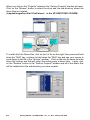
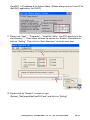
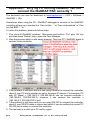
You can adjust the "T1" variable while the program is running. To accomplish this,
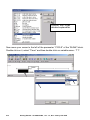
click on the "Dictionary" icon which will open the "ISaGRAF Global Variables"
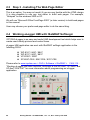
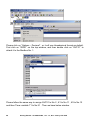
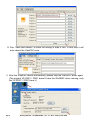
window as shown in the first two pictures below. Click on “Timer” tab and then
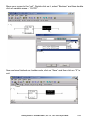
double click on “T1” to change the timer value to “T#4000ms” (this means 4000
ms). Then click on “Write”.
4-18
Getting Started : VP-25W7/23W7 , Ver. 1.3 , Nov. 2010 by ICP DAS