1
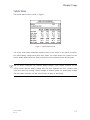
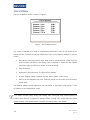
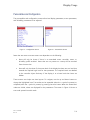
Local Display Settings Metric or Imperial Units The display can automatically rescale some items on the screen to reflect metric or imperial units. This is selected using the “Units Format” item, located on the Configuration Screen under “Display” This will change between the following units: Speed in km/h or mph. Temperature in °C or °F In some cases, a change to the units format will not happen until the display is next powered on. Distance Units The distance units can be selected as a special case. These will affect the units and scaling that are used when showing distance items on the screen. The following units can be selected: Feet. Miles. Metres (m). Kilometres (km). Time to Distance Parameters The time to distance screen has configurable distance markers and configurable units. This enables alternative units to be displayed on this screen. For example, the main unit of distance could be km, but would be better as m on this screen. The units can be selected (miles, m, feet, km) using the Display – Time to Distance – T to D Dist Units item of the Configuration screen. The distance markers can be individually selected. The next time the Time to Distance screen is shown the new distances will be used for the markers. These are located in the “Display – Time to Distance” section of the Configuration screen. Doc. 177/5250x Rev. A 7-3