1
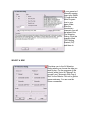
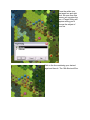
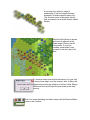
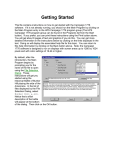
If your game isn’t
currently running,
insert your Shiloh
CD and click the
Main Program
icon in your
game folder.
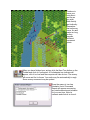
After the
introductory
cinematic you will
be taken to the
File Selection
Dialog. Click the
scenario titled
"000 Getting
Started (FH)"
and then ok.
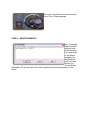
SELECT A SIDE
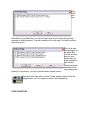
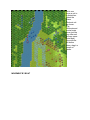
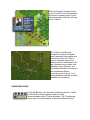
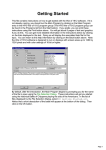
This takes you to the AI Selection
Dialog where you choose the side you
wish to play. For the purposes of this
tutorial, select Union AI "Manual" for
yourself, and "Automatic With Fog of
War" for the Rebels. Click ok to get the
game underway. You are now the
Union commander.