1
TURN 1
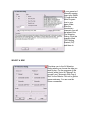
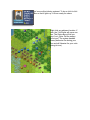
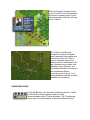
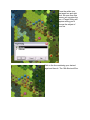
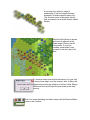
A New Scenario Message Dialog will pop up
announcing the release of some of your forces.
Click ok to close it.
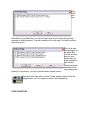
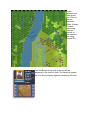
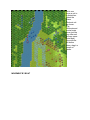
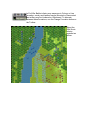
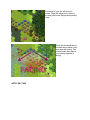
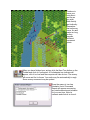
The map will then appear along with a dialog
announcing the current turn. Click to close it
as well. (Tip: A turn in Civil War Battles
represents 20 minutes of real time and a
hex covers 125 yards across).
MAP VIEWS
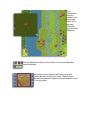
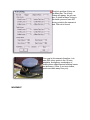
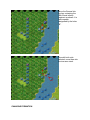
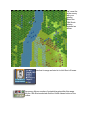
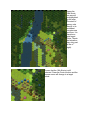
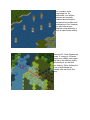
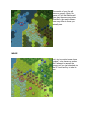
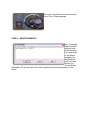
Click the Zoom-In and Zoom-Out buttons on the Toolbar. You will cycle
through four map views – two 3D and 2D.