1
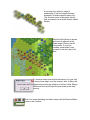
cover the issues of campaign play, leadership, morale and supply amongst others
that will allow you to fully enjoy the game.
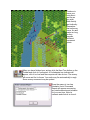
The Main Program Manual discusses the various elements of the interface
in helpful detail. You can see this while playing by pressing F1.
If you wish to delve inside the game designer’s head, press F3 while
running the game and the Designer’s Notes will be yours.
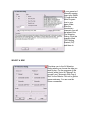
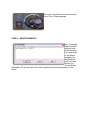
Pressing F2 invokes a feature called the Parameter Data
Dialog. It provides a host of information including
movement costs, terrain benefits and stacking limits
amongst other things.
Documentation for the game’s editors may be found in the following help files:
Scenario Editor Help Manual
Campaign Editor Help Manual
For updates, downloads and the latest information visit HPS
at www.hpssims.com or email [email protected].
Veterans of the system be sure to check out the What’s New section that follows.
WHAT’S NEW IN SHILOH
1. GUNBOATS
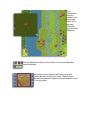
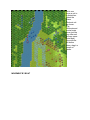
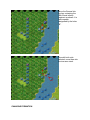
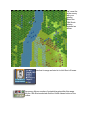
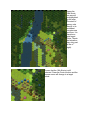
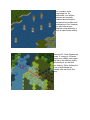
Shiloh sees the introduction of Union mortar boats and Confederate gunboats to
the series. Gunboat stacking is now limited to 2 units per hex, a gunboat may only
be sunk if its entire compliment of artillery is destroyed and such artillery losses