1
Mach1 - M.Sc
SECTION 4
FRONT PANEL CONTROLS
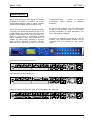
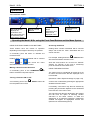
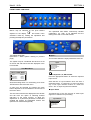
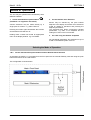
Menus may be selected by the push buttons
adjacent to the display
and further menu
selections made by rotating the spinwheel and
pressing the adjacent push button.
THE MENU SYSTEM
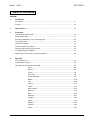
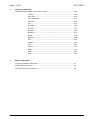
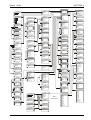
(See Mach: 1 Menu System' drawing on previous
page)
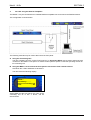
The system may be considered structured as a set
of menus and sub-menus that are displayed in the
LCD window.
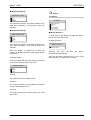
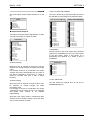
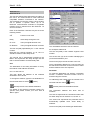
The Main Menu
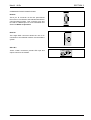
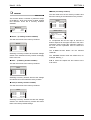
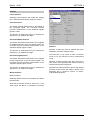
Mach:1 MAIN MENU
Input...
ProcAmp...
Features...
Memories...
This function allows the input parameters to be set.
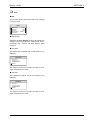
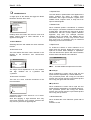
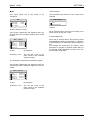
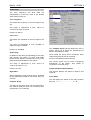
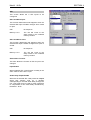
Input
Input Select...
Input Standards...
Freeze Input
Decoder...
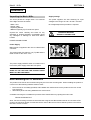
Press the appropriate button to select the required
input source.
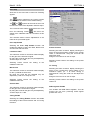
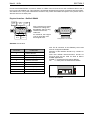
A menu may be selected by pressing the push
button adjacent to the arrowhead in the text line of
the menu name.
This sub-menu will then be displayed in the window
and will have the option of selecting another
sub-menu in the same manner, or allow the
adjustment of a particular parameter. Parameters
enabled will appear as highlighted reverse text
(white text on a black background)
151204
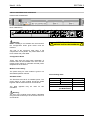
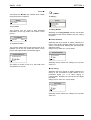
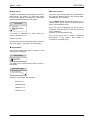
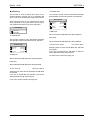
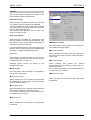
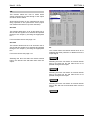
◀ Input…
Composite a, b, SDI a and b
Output...
Audio...
Status...
Setup...
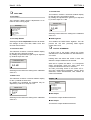
Note that holding down or a momentary press of the
SETUP button will reveal this menu.
MACH1OPS
The spinwheel also allows continuously variable
parameters, e.g. Gain, to be adjusted and the
setting to be seen in the LCD window.
Note that the YC input selection does not have a
dedicated button. To select the YC input hold down
any of the input selection buttons to reveal the
menu. The YC input may then be selected.
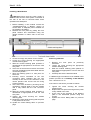
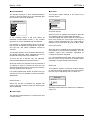
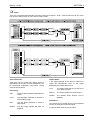
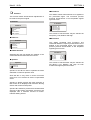
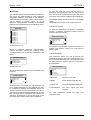
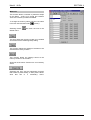
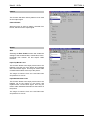
◀ Input Select
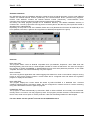
This allows any of the five sources of video input
signal to be selected for processing.
Input Select
Serial Digital A
Serial Digital B
Composite A
Composite B
YC
www.snellwilcox.com
Version 2 Issue 5
4.6