1
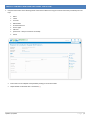
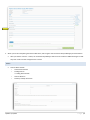
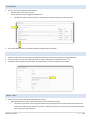
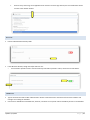
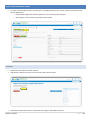
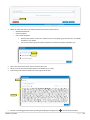
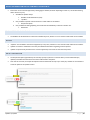
All fields have a line for help text along with the field title/question. o With the exception of the Instructions field, since there is no response box to this field directly. o Use help text to clarify questions, how questions should be answered, etc. For Advanced Options, each field type has its own categories including, but not limited to: o Required (will be indicated with a red asterisk *) o Minimum/Maximum length o Validation Email Phone Dollar Amount Default Value Updated 7/17/2015 P a g e | 19