1
APPENDIX A
DIP SWITCH SETTINGS
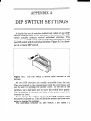
A dual-in-line
switch) controls
switch actually
printer has one
one DIP switch
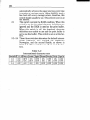
ing of a typical
..
set of switches (collectively called a [one] DIP
some of the functions of the printer. The DIP
contains several individual switches. This
DIP switch with 10 individual switches in it, and
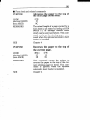
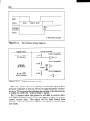
with 6 individual switches. Figure A-l is a drawDIP switch.
II
Figure A-l.
I
The DIP switch is several small switches in one
package.
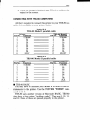
All two DIP switches are readily accessible from the top.
They are located in the compartment with the print head, and
can be seen by opening the printer cover. To set one of the
switches, use a ball-point pen to move the switch lever gently.
The on position is towards the back of the printer, and off is
towards the front.
Never change the settings of any of the DIP switches when
the power is turned on. Turn off both the printer and your computer to change the settings.
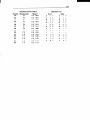
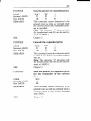
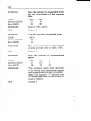
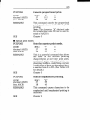
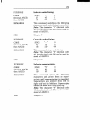
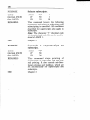
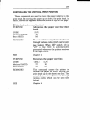
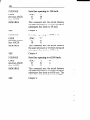
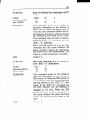
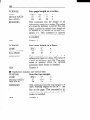
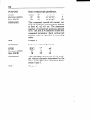
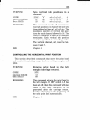
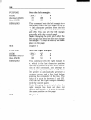
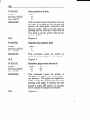
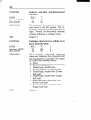
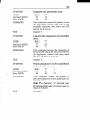
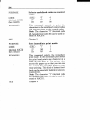
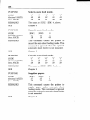
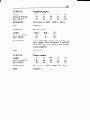
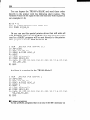
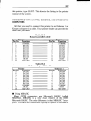
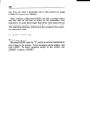
The individual switches on DIP switch 1 are called l-l