1
S ECTION 5
MAINTENANCE AND CALIBRATION PROCEDURES
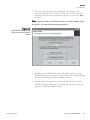
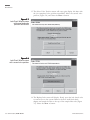
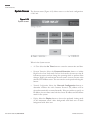
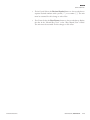
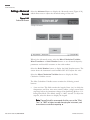
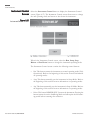
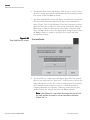
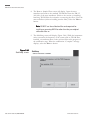
9. After the third flow value has been entered, the Select Flow to
Calibrate screen will display again. The flow channel that was just
calibrated will be “grayed out” on the screen to show it was calibrated
during this calibration session. If you want to calibrate another flow
channel, select another channel and follow steps 4 - 9 (and the wizard)
to complete additional flow channels. Otherwise, ensure that no flow
channel buttons are selected, and select the Next > button.
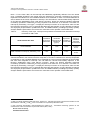
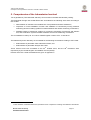
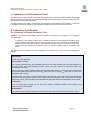
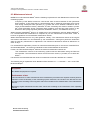
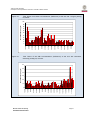
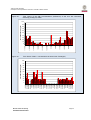
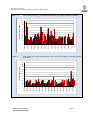
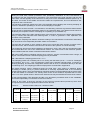
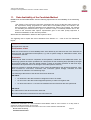
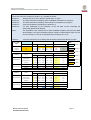
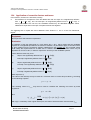
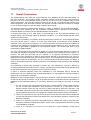
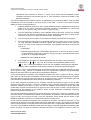
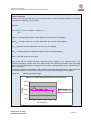
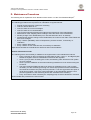
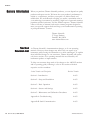
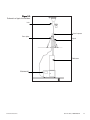
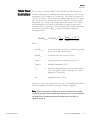
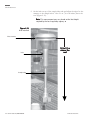
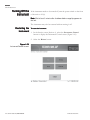
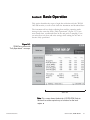
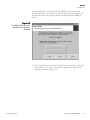
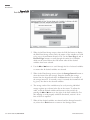
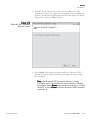
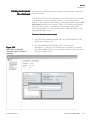
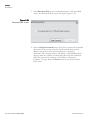
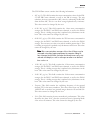
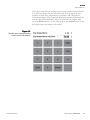
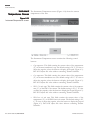
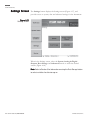
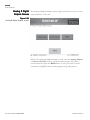
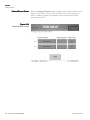
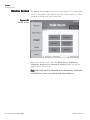
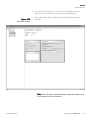
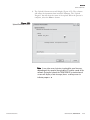
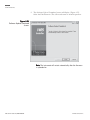
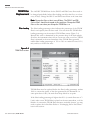
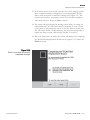
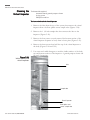
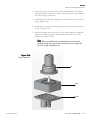
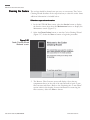
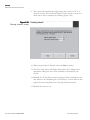
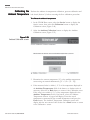
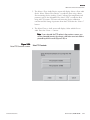
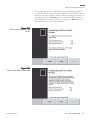
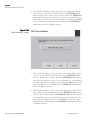
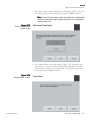
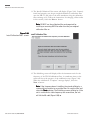
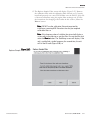
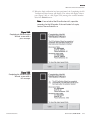
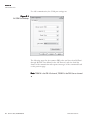
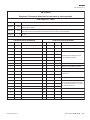
10. The Completing the Flow Calibration Wizard screen will display Figure
5-69). Remove the flow meter and flow adapter(s) and install the
virtual impactor, inlet tube and inlet. Ensure all lines, including the
bypass, are reconnected. Select the Finish button to exit the wizard
and return to the Calibration screen, or select the < Back button to
move backward one step in the procedure.
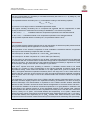
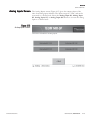
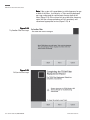
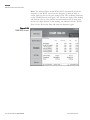
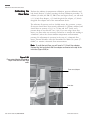
Note. If you want to audit the total flow rate following the
calibration procedure, see Figure 5-63. ▲
Figure 5-69.
Completing the Flow
Calibration Wizard screen.
THERMO FISHER SCIENTIFIC
OPERATING GUIDE, TEOM 1405-DF
5-57