1
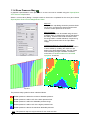
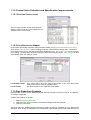
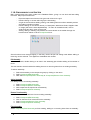
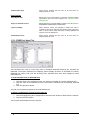
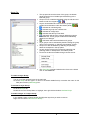
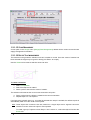
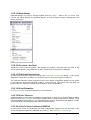
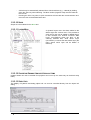
The ABOS method also provides an interpolation summary after calculation:
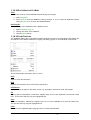
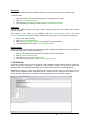
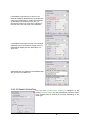
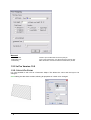
Also note that the grid lines are off by default in the 3D DEM view. These can be turned back on by
pressing the <G> key on the keyboard.
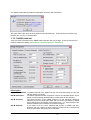
1.1.3.1 ABOS PARAMETERS
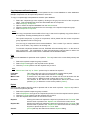
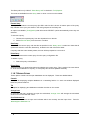
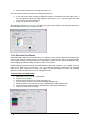
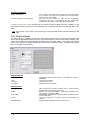
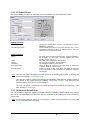
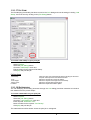
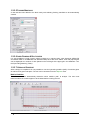
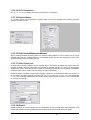
There are three parameters to the ABOS method that the user may change. These are found on the
Designs Parameters dialog (Design|Design Parameters|Analysis Parameters).
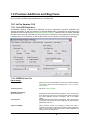
D.E.M. Options
Interpolation Method: The ABOS method is the default, but the user may switch back to using the
old AEI method if required.
D.E.M. Resolution:
The ABOS method internally represents contours as individual points. These
points are automatically generated along contour lines at this resolution.
D.E.M. Accuracy:
The target precision of the ABOS method. It is the maximum difference
between the source height point data and the surface generated by ABOS
and is defined as a percentage of the height range – i.e., a percentage of the
difference between the maximum and minimum heights.
D.E.M. Grid Size:
If this value is set to 0 then IRRICAD will choose a suitable grid size.
However this may result in a large number of grid points and consequently
slow the generation and loading of the 3D DEM.
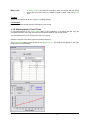
Release Notes IRRICAD Pro Version 11
Release Notes Pro V11 · 3