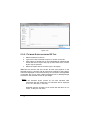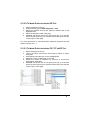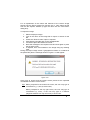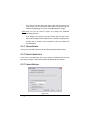
1
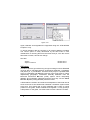
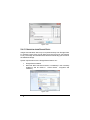
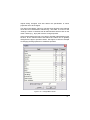
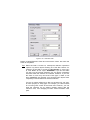
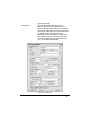
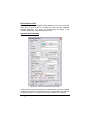
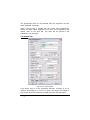
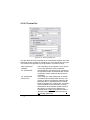
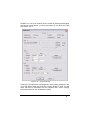
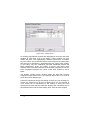
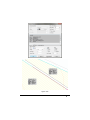
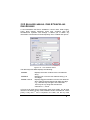
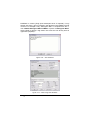
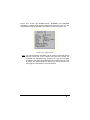
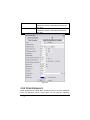
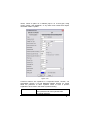
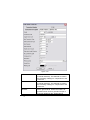
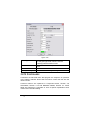
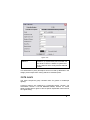
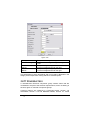
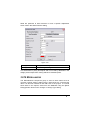
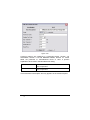
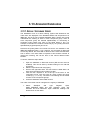
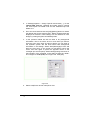
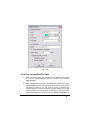
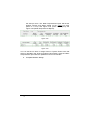
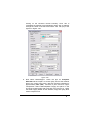
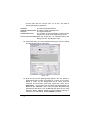
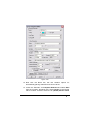
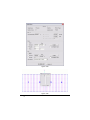
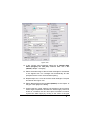
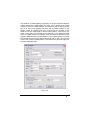
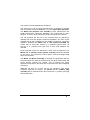
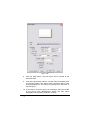
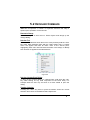
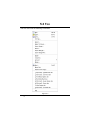
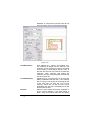
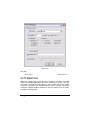
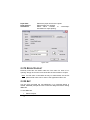
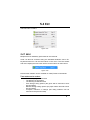
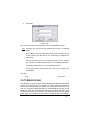
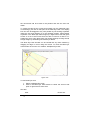
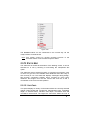
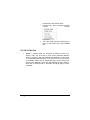
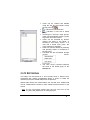
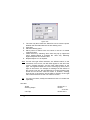
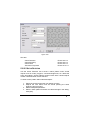
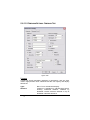
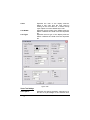
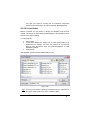
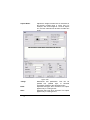
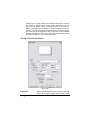
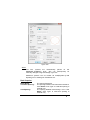
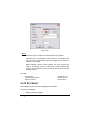
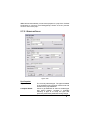
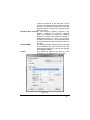
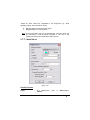
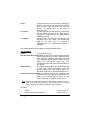
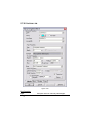
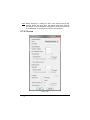
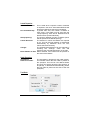
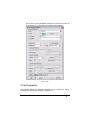
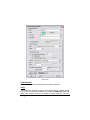
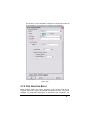
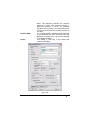
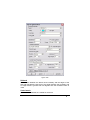
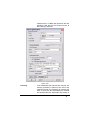
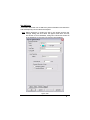
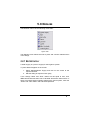
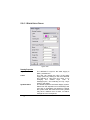
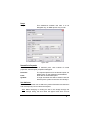
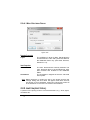
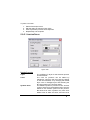
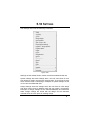
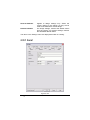
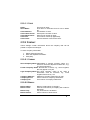
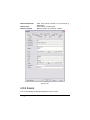
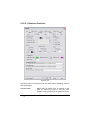
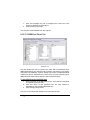
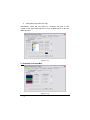
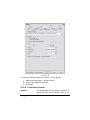
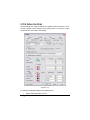
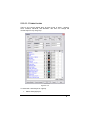
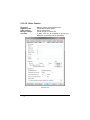
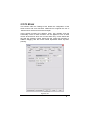
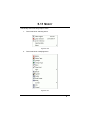
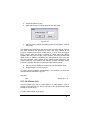
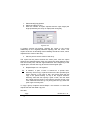
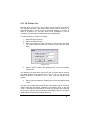
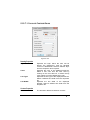
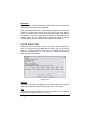
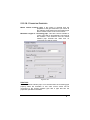
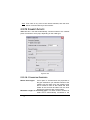
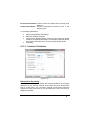
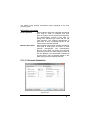
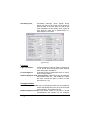
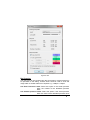
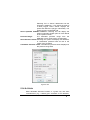
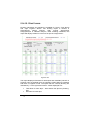
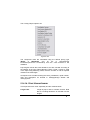
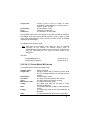
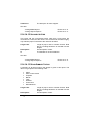
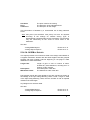
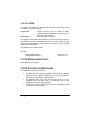
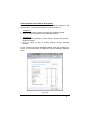
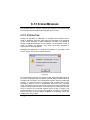
to a specification. IRRICAD will not size the wire required. Any electrical items entered are for reporting (quantities required) and visual purposes only. See also: IRRICAD Database Editor Manual Pipes & Pipe Sizing Section 3 Section 2.4.7 2.4.2.1 ITEM SELECTION In order to select a hydraulic item for use in a design, it must first have been entered into the working database using the Database Editor. Select the required tool from the Zone or Mainline menu, e.g., Outlet, Pipe, etc. Select the component to use from the dropdown list. For items to be present in the list, they must first be entered in the database and enabled for use (have a usage code entered into the “Usage” field for the item). The items in the selection list are ordered according to the order specified for the type of item (see Default Database Order, Section 3.13.1). When the tool is selected, a dialog box appears. Select the item you wish to use in the design. Pipes can be Computer Selected which allows IRRICAD to size pipes according to the system requirements. For other items, e.g., outlets, tapes and spraylines, a summary of the hydraulic data is present in the dialog to help select the correct item. The characteristics of each hydraulic item are found in the database. If an operating pressure is entered for an outlet which is outside the operating range of the item, a warning message will be given before closing the dialog. There are recommended and absolute limits in IRRICAD. Exceeding a recommended limit will give a warning message, but this can be over-ridden by clicking the [Continue] or [Yes] button. Absolute limits cannot be broken and data exceeding these limits must be changed before the dialog may be closed. Items can be placed at a depth to indicate they are installed below ground and will require fittings to account for the change in depth. See Entering Items at Different Levels, Section 2.4.2.3. IRRICAD User Guide User Manual 53