1
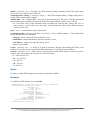
Notes
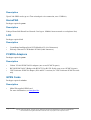
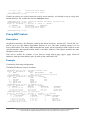
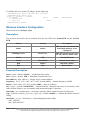
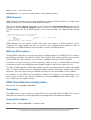
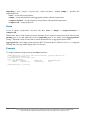
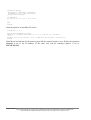
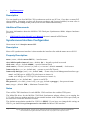
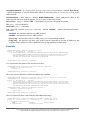
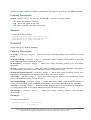
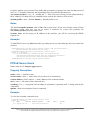
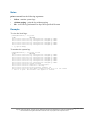
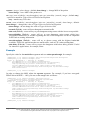
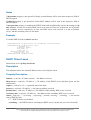
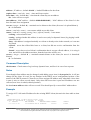
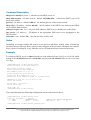
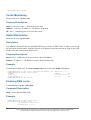
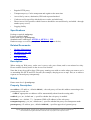
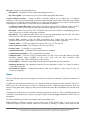
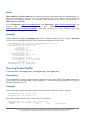
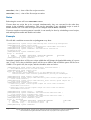
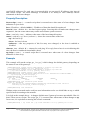
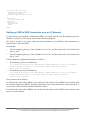
print command has the following arguments:
•
follow - monitor system logs
•
without-paging - print the log without paging
•
file - saves the log information to ftp with a specified file name
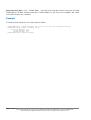
Example
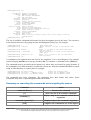
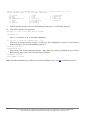
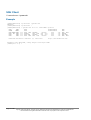
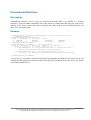
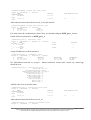
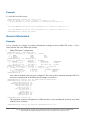
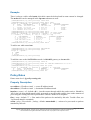
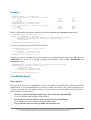
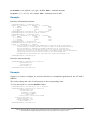
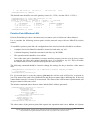
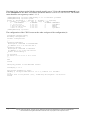
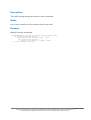
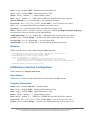
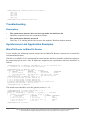
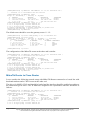
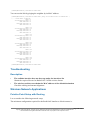
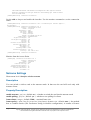
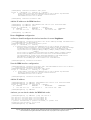
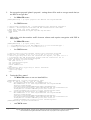
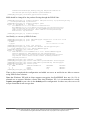
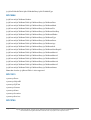
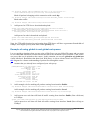
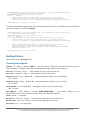
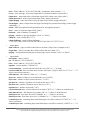
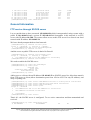
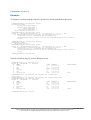
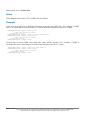
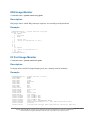
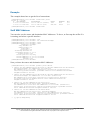
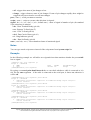
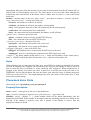
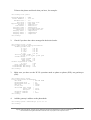
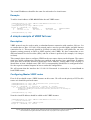
To view the local logs:
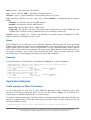
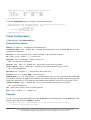
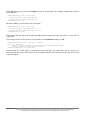
[admin@MikroTik] > log print
TIME
MESSAGE
dec/24/2003 08:20:36 log configuration
dec/24/2003 08:20:36 log configuration
dec/24/2003 08:20:36 log configuration
dec/24/2003 08:20:36 log configuration
dec/24/2003 08:20:36 log configuration
dec/24/2003 08:20:36 log configuration
-- [Q quit|D dump]
changed
changed
changed
changed
changed
changed
by
by
by
by
by
by
admin
admin
admin
admin
admin
admin
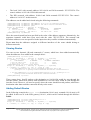
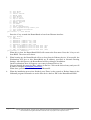
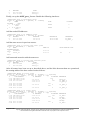
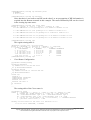
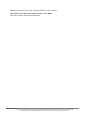
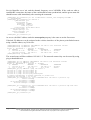
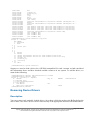
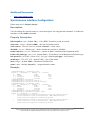
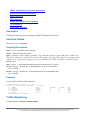
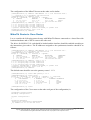
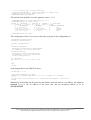
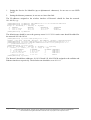
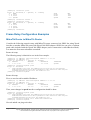
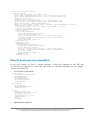
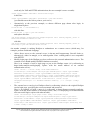
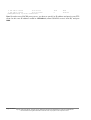
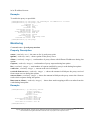
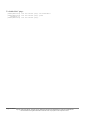
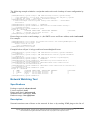
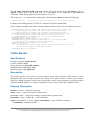
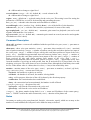
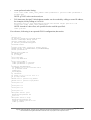
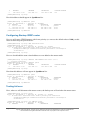
To monitor the system log:
[admin@MikroTik] > log print follow
TIME
MESSAGE
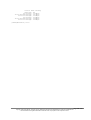
dec/24/2003 08:20:36 log configuration changed by admin
dec/24/2003 08:24:34 log configuration changed by admin
dec/24/2003 08:24:51 log configuration changed by admin
dec/24/2003 08:25:59 log configuration changed by admin
dec/24/2003 08:25:59 log configuration changed by admin
dec/24/2003 08:30:05 log configuration changed by admin
dec/24/2003 08:30:05 log configuration changed by admin
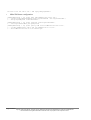
dec/24/2003 08:35:56 system started
dec/24/2003 08:35:57 isdn-out1: initializing...
dec/24/2003 08:35:57 isdn-out1: dialing...
dec/24/2003 08:35:58 Prism firmware loading: OK
dec/24/2003 08:37:48 user admin logged in from 10.1.0.60 via telnet
-- Ctrl-C to quit. New entries will appear at bottom.
Page 307 of 521
Copyright 1999-2005, MikroTik. All rights reserved. Mikrotik, RouterOS and RouterBOARD are trademarks of Mikrotikls SIA.
Other trademarks and registred trademarks mentioned herein are properties of their respective owners.