1
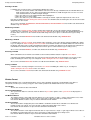
Utilities Menu (=8)
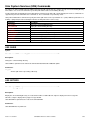
System Information Menu (=8.8)
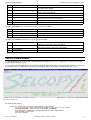
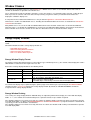
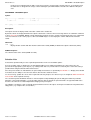
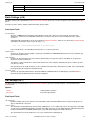
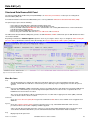
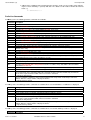
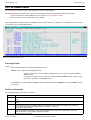
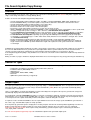
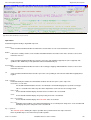
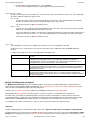
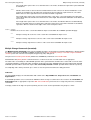
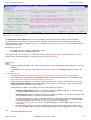
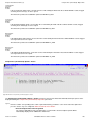
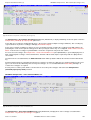
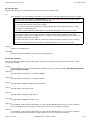
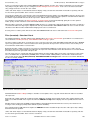
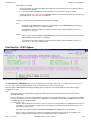
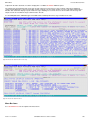
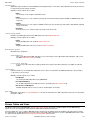
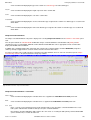
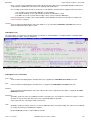
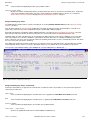
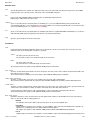
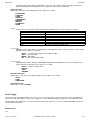
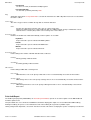
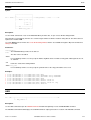
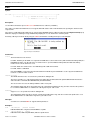
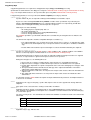
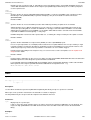
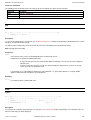
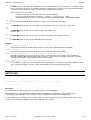
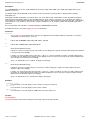
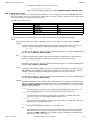
Default value is 1. (i.e. the start of the list item text.)
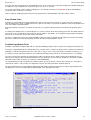
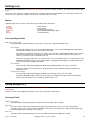
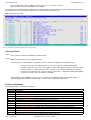
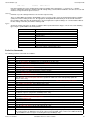
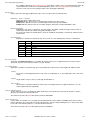
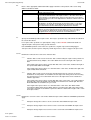
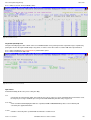
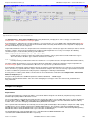
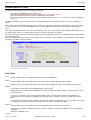
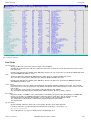
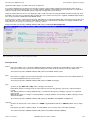
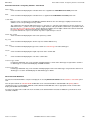
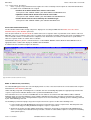
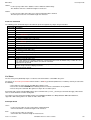
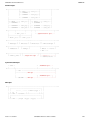
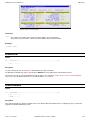
Columns:
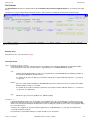
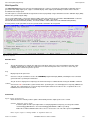
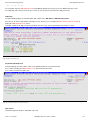
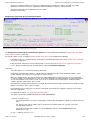
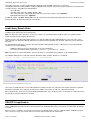
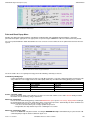
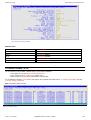
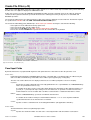
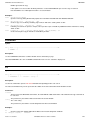
Input field Columns (ZDISPLAYCOLS) specifies the number of list item columns to be displayed on a single line of the
current Favourite Datasets/Commands panel.
Increasing this value will increase the number of list items visible in the panel but will reduce the length of text displayed in
each list field.
Default value is 2 columns per line.
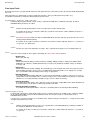
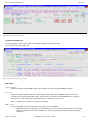
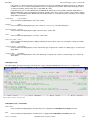
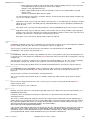
n:
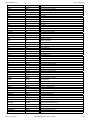
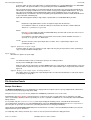
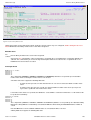
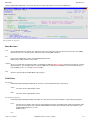
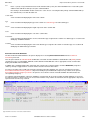
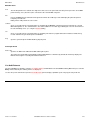
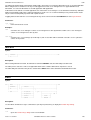
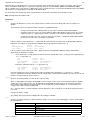
A number of list item (FAV.n) input field entries in which to store commonly accessed fileids and CLI command streams.
The number of list item fields displayed in the panel is defined by the Max Entries input field up to a maximum of 999.
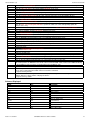
The display of list item entries may be scrolled to a specific list item by overtyping the first item number in the current
display (highlighted with red underscore) with the required list item number.
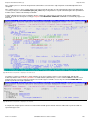
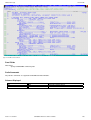
The entire contents of an individual list item may be expanded using <PF2>, allowing edit of the text data. When the
expanded data view is closed (using <PF3>) the list item displays the updated text.
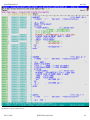
From anywhere within the panel display, <PF10> and <PF11> will scroll the contents of all list item fields left and right
respectively, whereas <PF7> and <PF8> will scroll the list items up and down respectively.
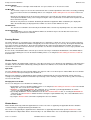
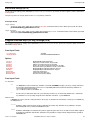
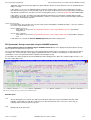
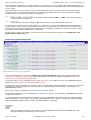
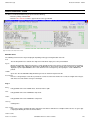
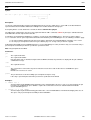
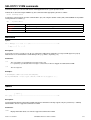
System Information Menu (=8.8)
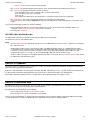
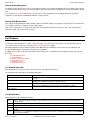
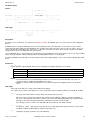
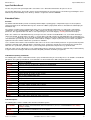
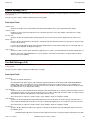
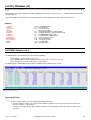
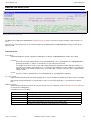
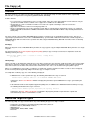
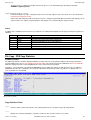
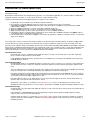
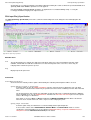
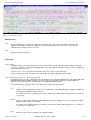
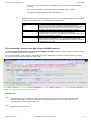
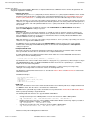
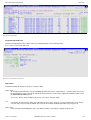
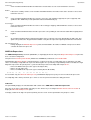
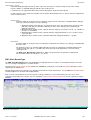
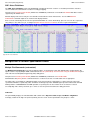
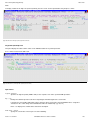
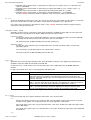
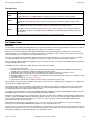
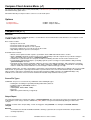
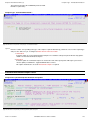
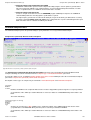
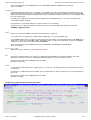
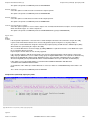
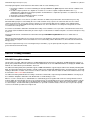
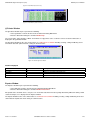
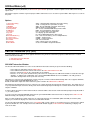
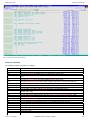
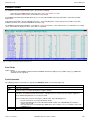
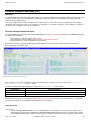
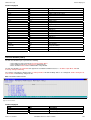
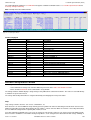
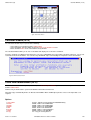
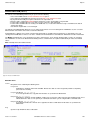
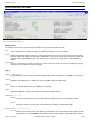
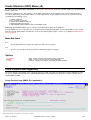
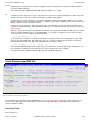
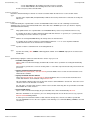
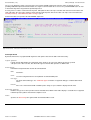
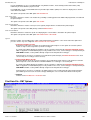
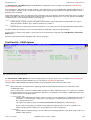
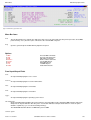
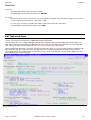
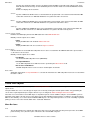
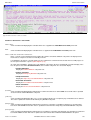
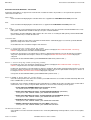
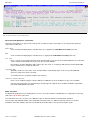
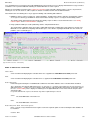
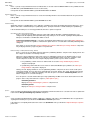
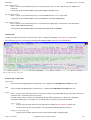
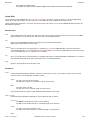
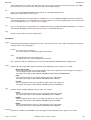
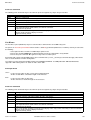
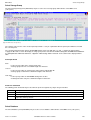
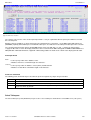
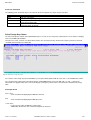
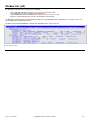
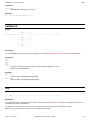
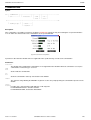
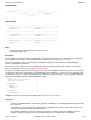
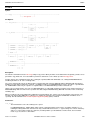
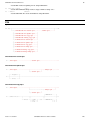
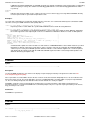
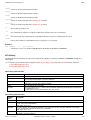
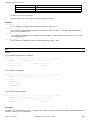
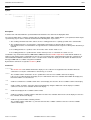
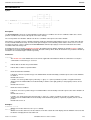
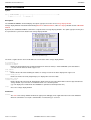
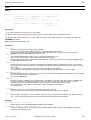
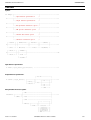
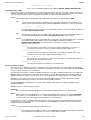
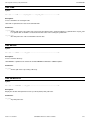
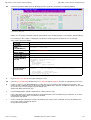
The System Information Menu panel (ZZSGSYSM) is an interactive panel window opened on selection of option 8. in the
SELCOPY/i Utilities Menu.
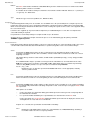
SELCOPY/i supports display of the status information about the environment in which it is running. With the exception of operating
system information windows, system windows are usually only required for diagnostic purposes only.
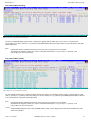
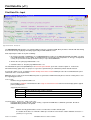
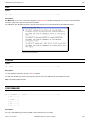
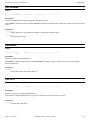
Option 'About' provides information about the running version of SELCOPY/i including product release and component build levels.
It also identifies the latest PTF level.
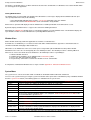
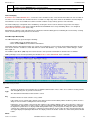
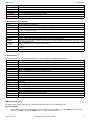
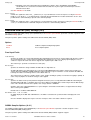
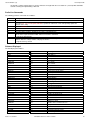
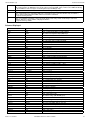
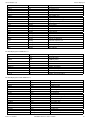
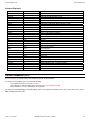
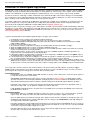
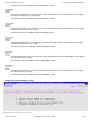
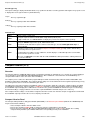
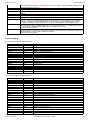
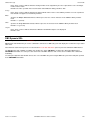
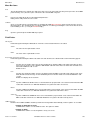
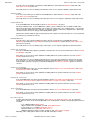
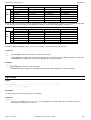
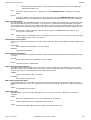
Options
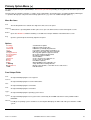
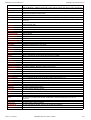
1 Operating System
2 LPA
3 Link List
4 APF Libraries
5 Tasks
6 Programs
7 SVC Status
8 About
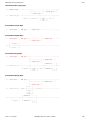
SYSI - Operating System Details
SYSLPA - List LPA Modules
SYSLL - List Link-List libraries
SYSAPF - List APF authorised libraries
SYST - Task List
SYSP - List loaded programs
SVC - Display status of the SELCOPY/i SVC
ABOUT - Display SELCOPY/i Release and Service Level
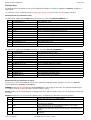
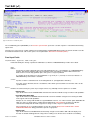
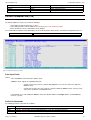
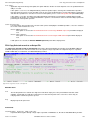
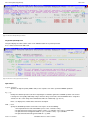
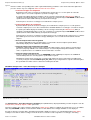
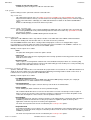
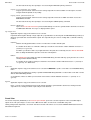
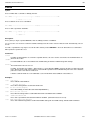
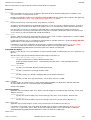
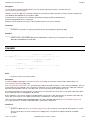
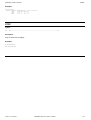
Operating System Window (=8.8.1)
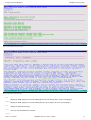
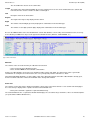
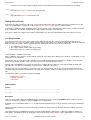
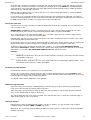
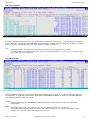
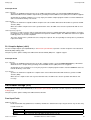
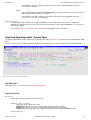
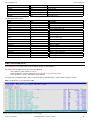
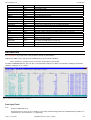
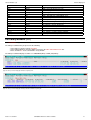
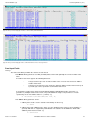
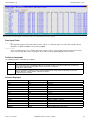
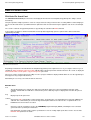
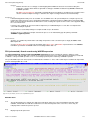
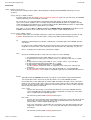
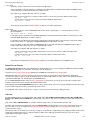
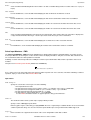
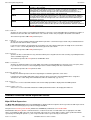
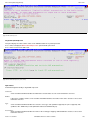
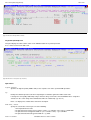
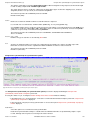
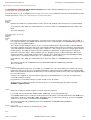
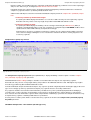
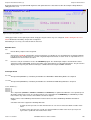
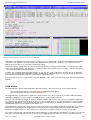
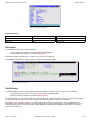
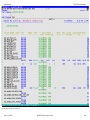
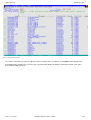
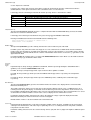
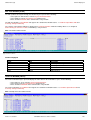
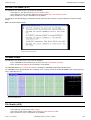
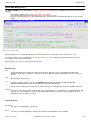
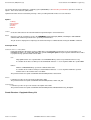
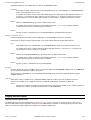
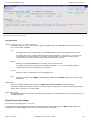
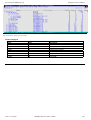
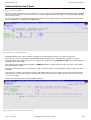
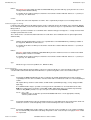
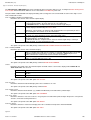
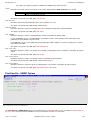
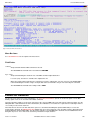
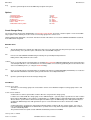
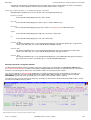
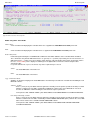
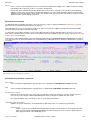
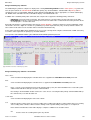
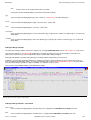
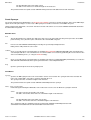
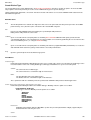
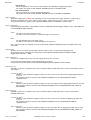
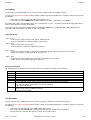
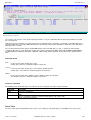
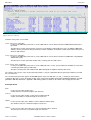
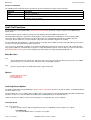
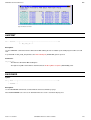
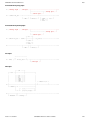
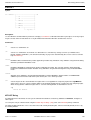
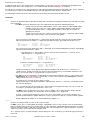
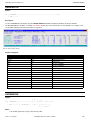
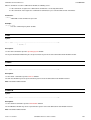
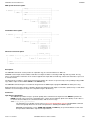
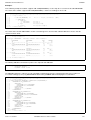
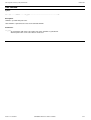
The Operating System window may be opened via the following:
• Select option 1. 'Operating System' from the System Information Menu.
• Select 'Operating System' from the Utilities/System menu in the CBLe main window menu bar.
• Enter command SYSI on the command line of any window.
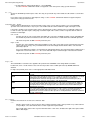
Note: Not implemented for VSE and CMS.
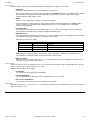
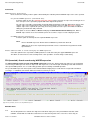
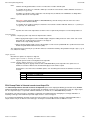
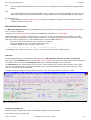
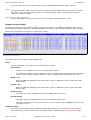
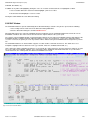
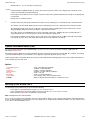
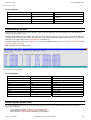
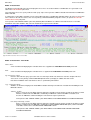
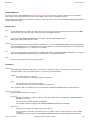
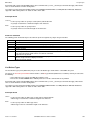
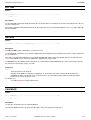
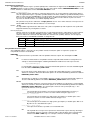
Access to this operating system information and also to LPA, LinkList, APFList, Tasks, Storage and Programs information windows,
may be restricted if RACF (or equivalent) resource checking has been enabled for the SELCOPY/i and the user does not have read
access to the named SYSTEM resource.
2013-11-13 13:06:41
SELCOPY/i Reference and User Guide
247