1
DB2 Utilities
Work File Table Space Values
Work File Table Space Values
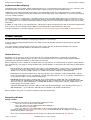
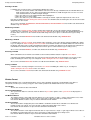
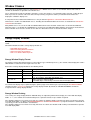
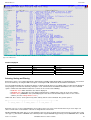
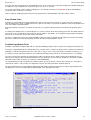
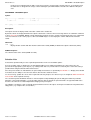
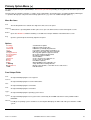
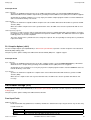
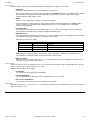
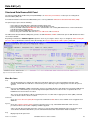
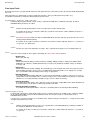
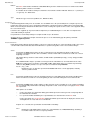
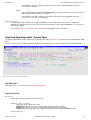
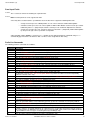
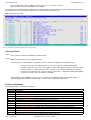
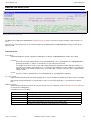
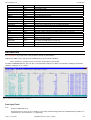
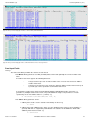
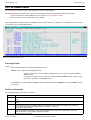
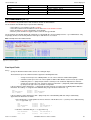
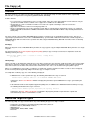
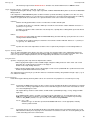
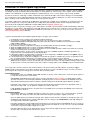
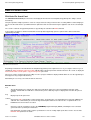
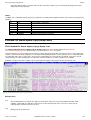
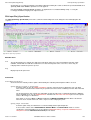
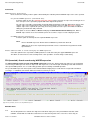
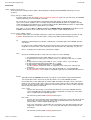
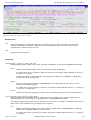
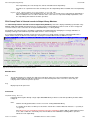
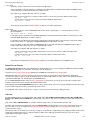
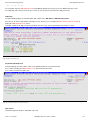
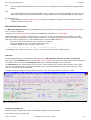
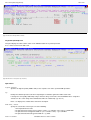
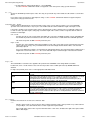
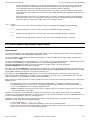
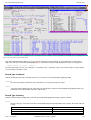
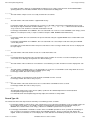
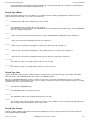
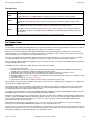
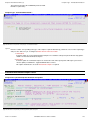
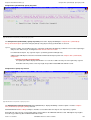
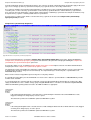
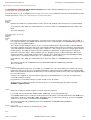
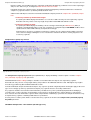
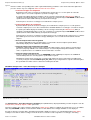
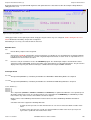
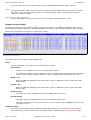
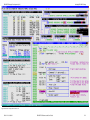
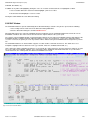
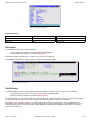
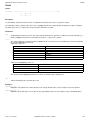
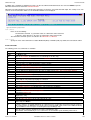
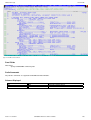
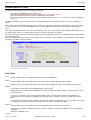
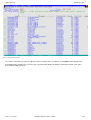
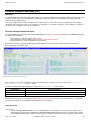
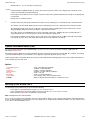
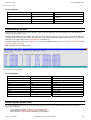
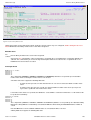
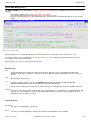
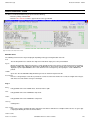
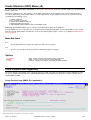
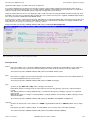
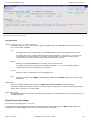
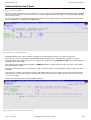
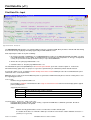
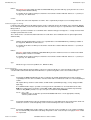
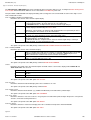
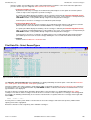
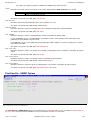
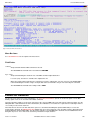
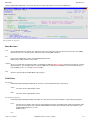
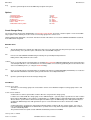
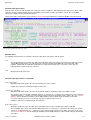
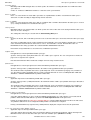
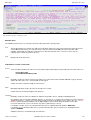
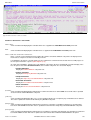
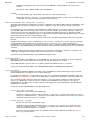
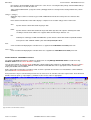
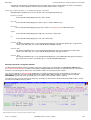
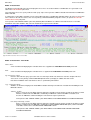
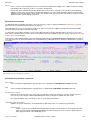
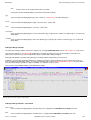
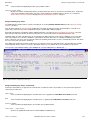
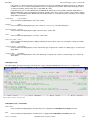
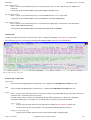
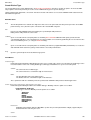
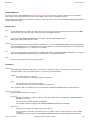
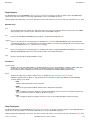
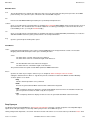
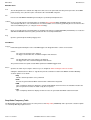
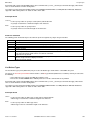
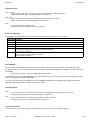
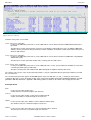
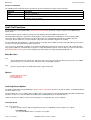
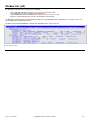
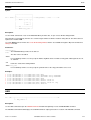
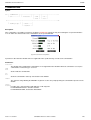
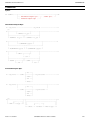
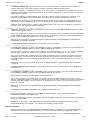
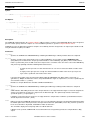
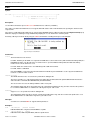
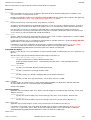
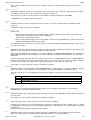
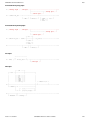
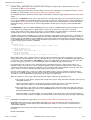
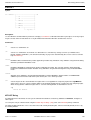
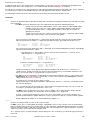
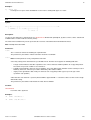
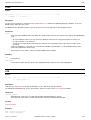
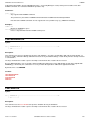
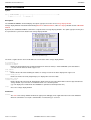
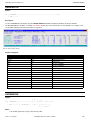
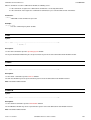
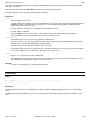
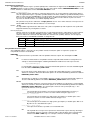
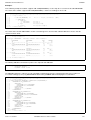
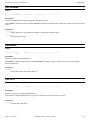
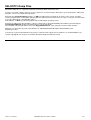
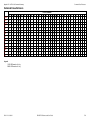
Enter the name of the new work file table space, table space data set attributes, data buffer pool and segment size. Enter a wild
card in to select the work file database in the current DB2 server in which the table space will be created. The current DB2
subsystem is displayed in the panel window title bar.
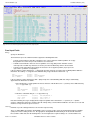
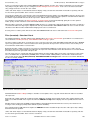
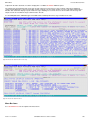
Having entered the required values, proceed to the Generate SQL panel view which is common to all DB2 create obect panels.
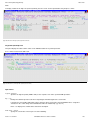
Figure 184. DB2: Create Work File Table Space - Values.
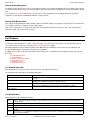
Menu Bar Items
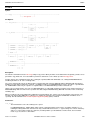
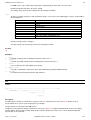
The following menu bar items are common to all Create Table Space panel views and sub-panels.
File
The File drop-down menu contains the single item "Exit" which simply closes the panel and, if the last panel open in the
current DB2 panel hierarchy, close (disconnect) the connection to the relevant DB2 subsystem. Note that, unlike
CANCEL, CLOSE will save field values that have been entered in the panel views so far. These values may be
redisplayed the next time the panel is opened.
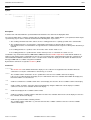
Help
Display help for this panel view.
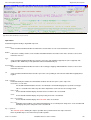
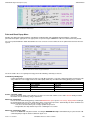
Work File Table Space Values - Panel Fields
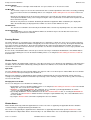
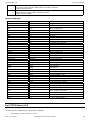
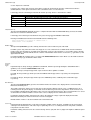
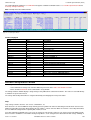
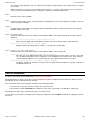
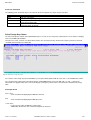
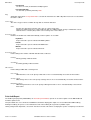
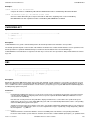
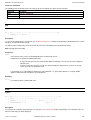
Table Space Name>
Mandatory field which specifies the name of the table space to be created.
A table space name has a maximum length of 8 characters.
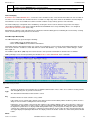
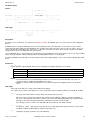
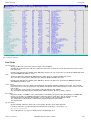
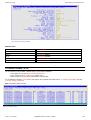
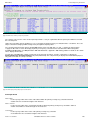
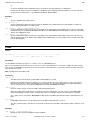
In Work File DataBase>
Mandatory field which specifies the name of the work file database in which the table space will be created.
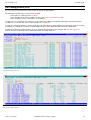
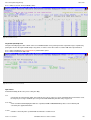
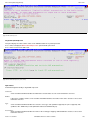
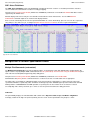
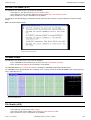
The database name may include a wildcard character "%" (percent) or "*" (asterisk) representing zero or more characters,
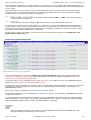
or wildcard character "_" (underscore) representing a single character of the database name. If this is the case, a Select
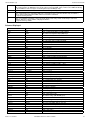
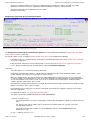
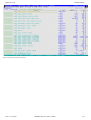
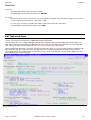
Database panel is displayed containing a list of eligible database names which satisfy the database name filter.
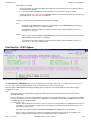
Use prefix command "S", or press the <Enter> key on the required entry to select it.
A database name has a maximum length of 8 characters.
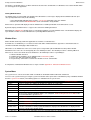
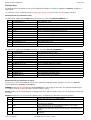
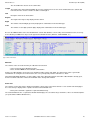
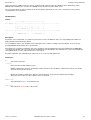
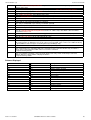
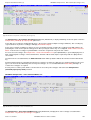
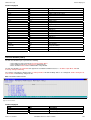
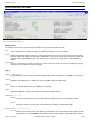
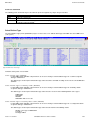
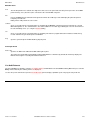
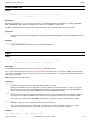
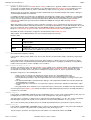
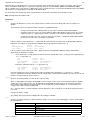
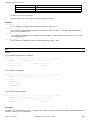
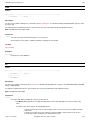
Model Table Space>
Optionally specifies the name of a table space from which values for the new table space may be modelled.
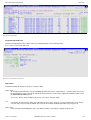
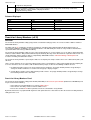
The model table space name may include a wildcard character "%" (percent) or "*" (asterisk) representing zero or more
characters, or wildcard character "_" (underscore) representing a single character of the table space name. If this is the
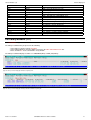
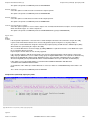
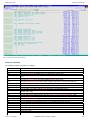
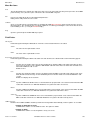
case, a Select Tablespace panel is displayed containing a list of eligible tablespace names which satisfy the model table
space filters.
2013-11-13 13:06:41
SELCOPY/i Reference and User Guide
317