1
DB2 Utilities
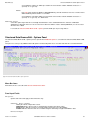
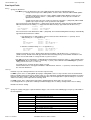
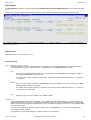
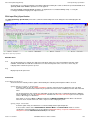
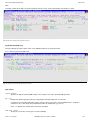
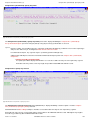
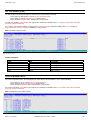
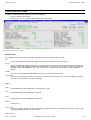
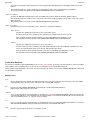
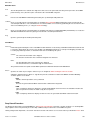
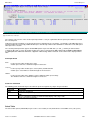
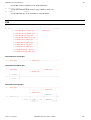
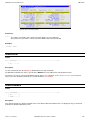
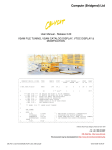
Execute DB2 Commands
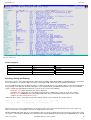
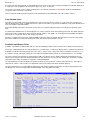
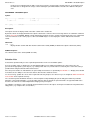
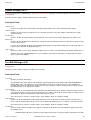
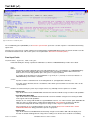
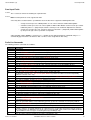
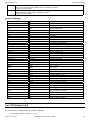
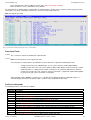
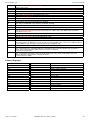
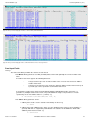
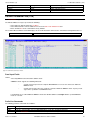
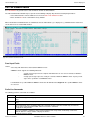
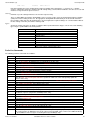
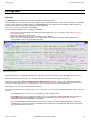
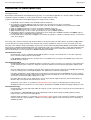
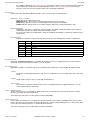
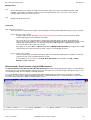
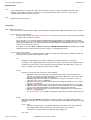
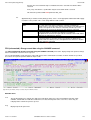
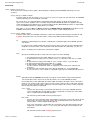
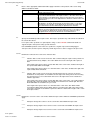
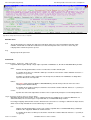
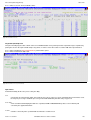
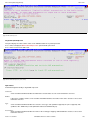
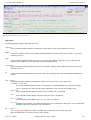
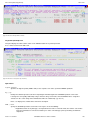
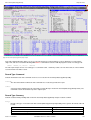
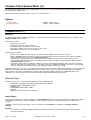
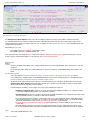
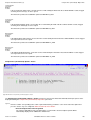
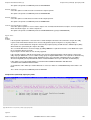
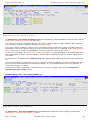
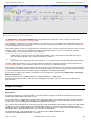
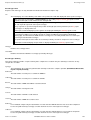
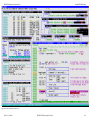
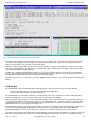
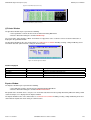
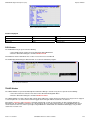
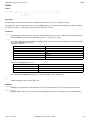
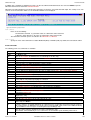
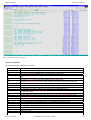
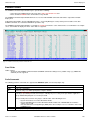
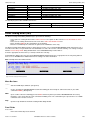
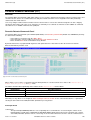
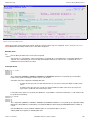
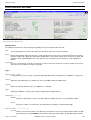
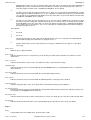
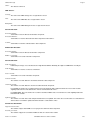
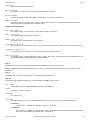
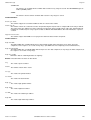
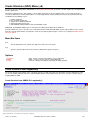
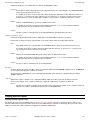
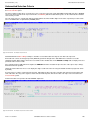
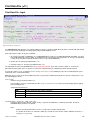
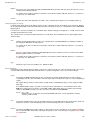
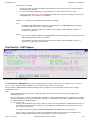
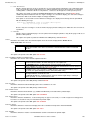
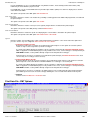
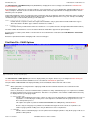
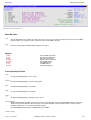
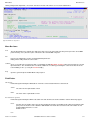
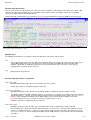
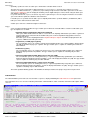
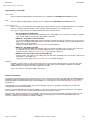
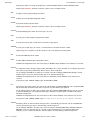
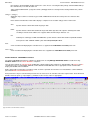
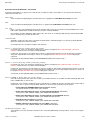
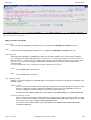
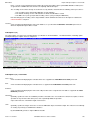
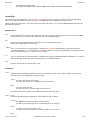
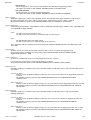
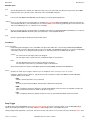
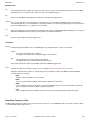
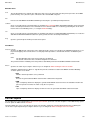
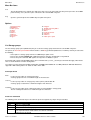
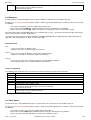
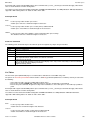
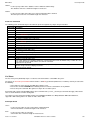
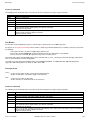
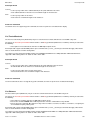
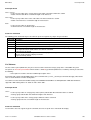
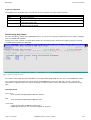
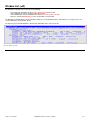
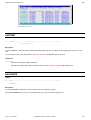
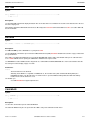
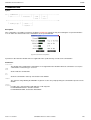
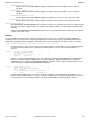
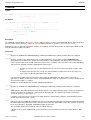
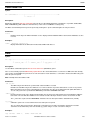
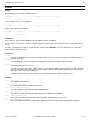
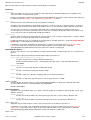
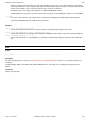
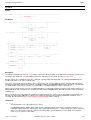
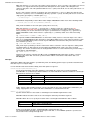
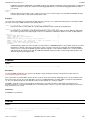
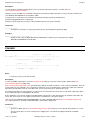
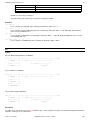
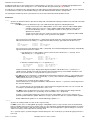
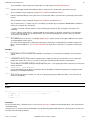
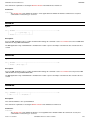
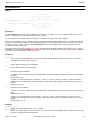
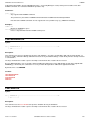
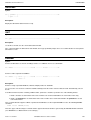
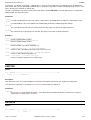
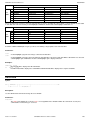
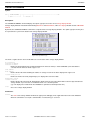
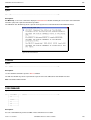
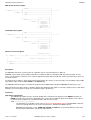
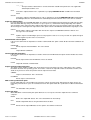
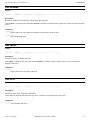
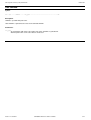
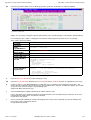
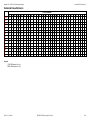
Figure 179. Execute DB2 Commands Panel.
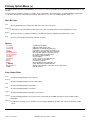
Menu Bar Items
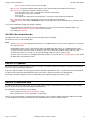
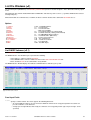
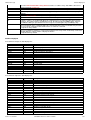
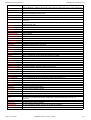
See List Window menu for description of menu bar items.
Field Entries
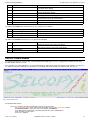
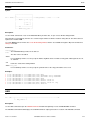
Command>
An input field in which the DB2 command is entered.
The ZZS2XDB2 internal field name for Command is DB2CMD.
Byte Limit>
An input field defining the maximum size of the DB2 command output data buffer.
If set to 0 (zero), then there is no limit to the output buffer size.
Where the length of data returned by the command exceeds the output buffer size, then error message ZZSX016W is
returned indicating the number of bytes of output data returned, and number of bytes not returned by the command.
The ZZS2XDB2 internal field name for Byte Limit is LIMIT.
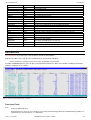
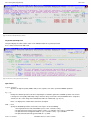
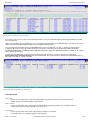
Execute SQL Statements
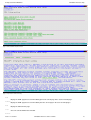
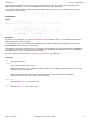
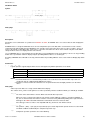
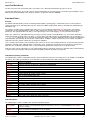
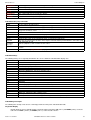
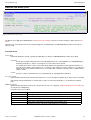
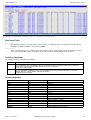
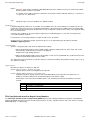
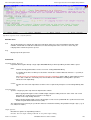
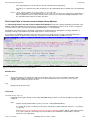
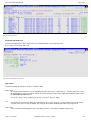
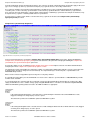
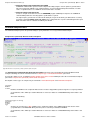
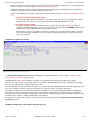
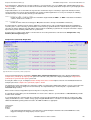
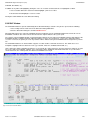
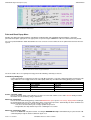
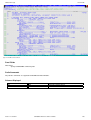
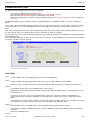
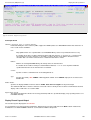
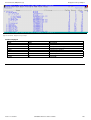
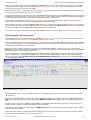
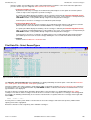
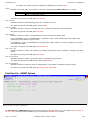
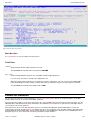
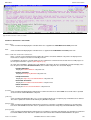
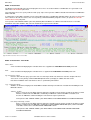
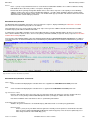
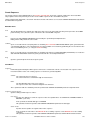
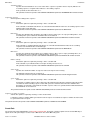
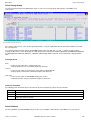
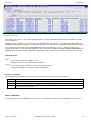
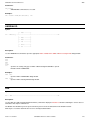
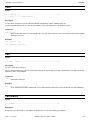
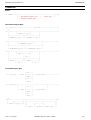
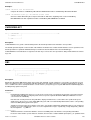
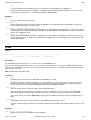
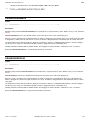
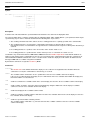
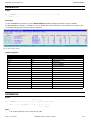
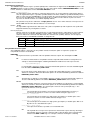
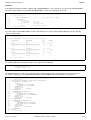
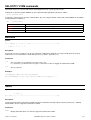
The Execute SQL Statements panel (ZZS2XSQL) is an interactive panel window, opened on selection of option 2. in the DB2
Primary options menu or on execution of the DSQL command.
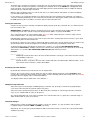
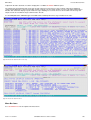
This panel provides facility to execute SQL statements to the connected DB2 subsystem and view the statement output. (See the
IBM publication "SQL Reference" for further information.) The individual user must have the required level of authority in order to
successfully execute a SQL statement.
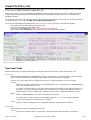
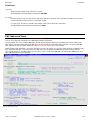
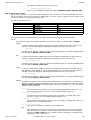
Note that, whereas the Execute SQL Statements panel uses the SELCOPY/i DB2 plan (default CBLPLAN1) to execute the
prepared SQL statement, the DB2 Dynamic SQL window may be used to perform the same operation using the SELCOPY batch
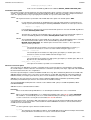
program DB2 plan (default CBLPLAN0). This alternative method of executing DB2 SQL statements has the additional benefit of
being able to process one or more SQL statements provided via an input contol file.
2013-11-13 13:06:41
SELCOPY/i Reference and User Guide
305