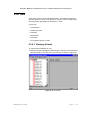
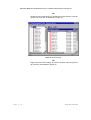
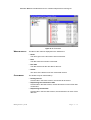
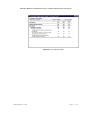
1
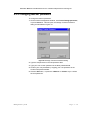
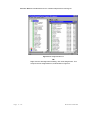
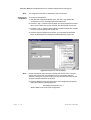
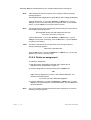
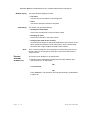
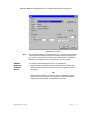
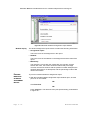
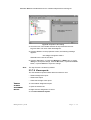
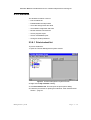
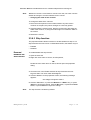
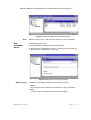
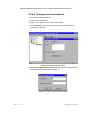
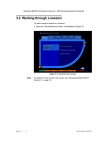
Destination MATH PC User Manual Version 4.0 2001 Riverdeep Interactive Learning Ltd. 2.3.1 Logging on To log on to the teacher management system: 1 Click the Riverdeep folder on your desktop. This will open the Riverdeep folder window, as illustrated in Figure 37. Figure 37 Riverdeep folder window 2 Double-click the teacher icon on the folder window. OR Click the teacher icon and press the <Return> or <Enter> key. OR Click the teacher icon and press <Alt+f+o>. This will open the Teacher logon dialog as illustrated in Figure 38. Figure 38 Teacher logon dialog 3 Type in the appropriate logon name and password. 4 Click the OK button, or press the <Return> or <Enter> key to open the Teacher Management window, as illustrated in Figure 39. Page 2 - 56 De s ti na t ion MA TH