1
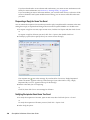
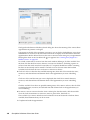
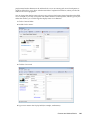
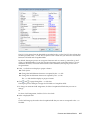
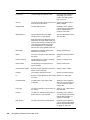
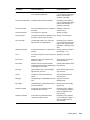
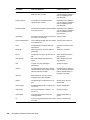
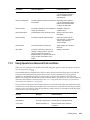
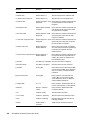
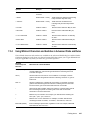
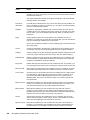
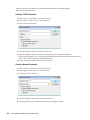
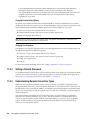
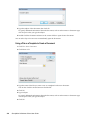
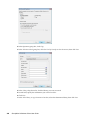
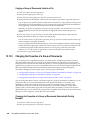
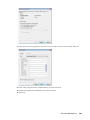
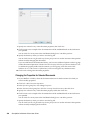
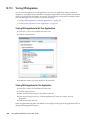
This Startup Option Does This /nu Turns off AutoRefresh. If this option is selected, click View, then click Refresh whenever you want to update the display with the items currently in your Mailbox. /ph-pathname Lets you specify the path to the post office. In order to use this switch, you must have a drive mapped to the post office and have Write rights to the databases that make up your mailbox. This configuration is not supported. /pc-path_to_caching_mailbox Opens GroupWise in Caching mode. GroupWise must be restarted when you change from Online mode to Caching mode. /pr-path_to_remote_mailbox Opens GroupWise in Remote mode. This startup option can be used in the Target field only. /safe Opens GroupWise in Safe mode. This startup option can be used if you are unable to launch GroupWise. Safe mode disables the following features: Start in the home folder. Synchronize at startup. Auto synchronize. Panels. Message preview. Display settings are not saved. C3po’s. Auto archive, purge, and delete. Quick Find indexing. Novell Vibe OnPrem and Novell Teaming. C.2 Using a GroupWise Startup Option 1 Right-click the GroupWise icon on the desktop, then click Properties. 2 Click the Shortcut tab. 3 In the Target field, after the GroupWise executable, type a space, type the startup options, then click OK. Separate multiple startup options with a space, like this: j:\grpwise.exe /ph-pathname /@u-? In this example, /ph- is the startup option to specify the path to the post office. The pathname is the path to the post office. The /@u-? option is used to display a login dialog box where a user can supply login information whenever he or she opens GroupWise. This option is useful when two or more users share a workstation but have separate GroupWise Mailboxes. 4 Start GroupWise. 410 GroupWise 8 Windows Client User Guide