1
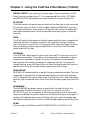
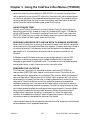
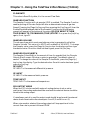
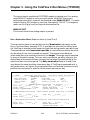
Chapter 3 - Using the TeleFlow 2-Run Menus (TF2RUN)
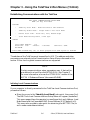
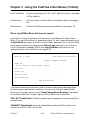
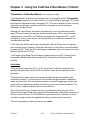
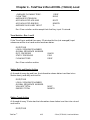
Establishing Communications with the TeleFlow
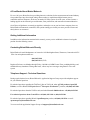
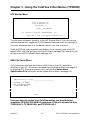
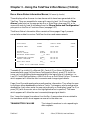
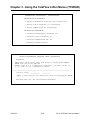
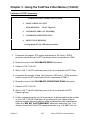
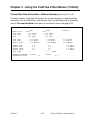
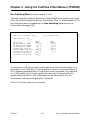
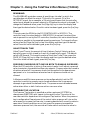
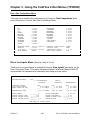
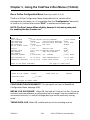
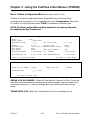
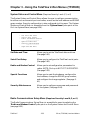
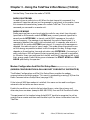
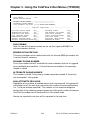
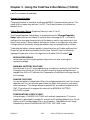
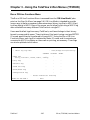
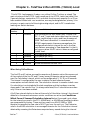
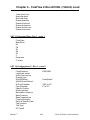
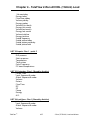
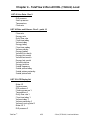
BBI TOOLS COMMUNICATIONS SETUP MENU
HELP (F2 Key) Available
ACTIONS
ˆ
Identify Local Node - Node Attached to PEI Hardware
´
Identify Global Node - Target node is not Local Node
´
Define Local Link - Baud Rate, Port, Modem Usage
´
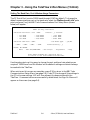
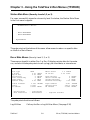
Issue Node Routing Table / Time Sync
STATUS
Local Node Address:
127
Baud Rate: 9600
Timeout:
NO MODEM
1 Seconds
Comm Port: COM1:
Press NEXT DISPLAY Key (F3) to enter program with Comm System as defined
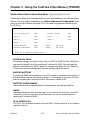
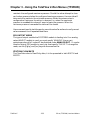
The address of the TeleFlow must be specified in UOI. The address and other
parameters are entered via the Communication Setup Menus discussed in this
section. Either local or global communications are supported.
NOTE
Certain communications setup parameters may, if desired, be
pre-defined in a text file called ATOOLS.INI. See Chapter 2
for more information; also see the ’ATOOLS.INI’ section of the
ACCOL II Reference Manual (document# D4044).
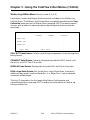
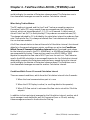
Initiating Local Communications
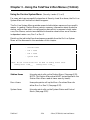
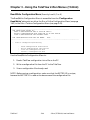
If your computer is directly connected to the TeleFlow Local Communications Port,
proceed as follows:
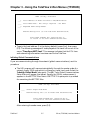
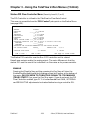
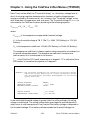
Move the cursor to the "Identify Local Node" poke point, then press [Ins].
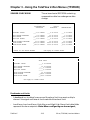
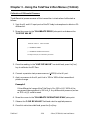
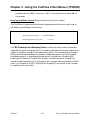
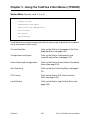
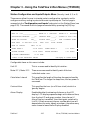
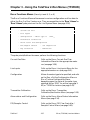
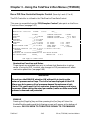
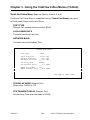
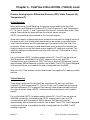
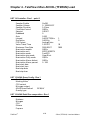
The BBI Tools Local Communications Setup Menu will appear (see below).
This menu page allows the operator to reconfigure the Local Address, Local
Node Name and the Expanded BSAP Group Address (0-127 default is 0).
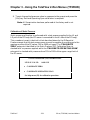
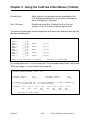
This menu also provides a poke point for examining the NETTOP File (to
aid in node name determination).
TeleFlow™
3-6
2-Run (TF2RUN) Load and Menus