1
78
Tutorials
Database-And-Charts
The Combo Boxes
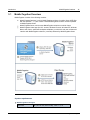
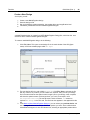
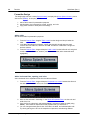
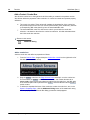
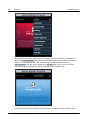
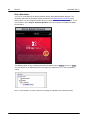
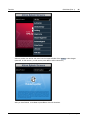
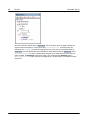
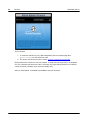
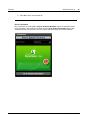
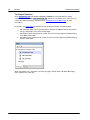
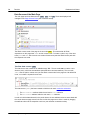
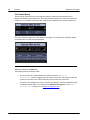
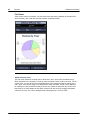
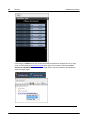
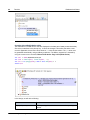
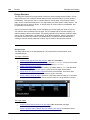
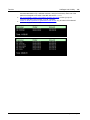
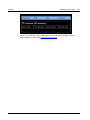
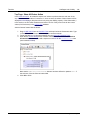
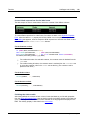
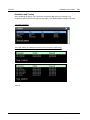
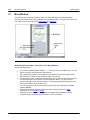
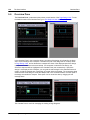
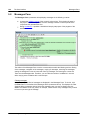
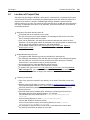
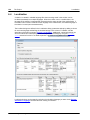
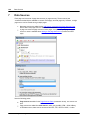
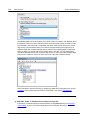
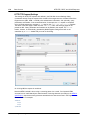
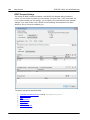
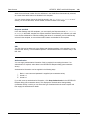
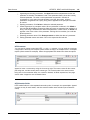
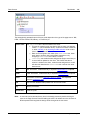
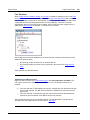
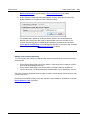
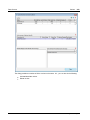
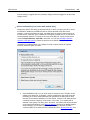
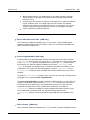
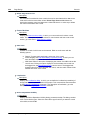
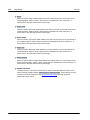
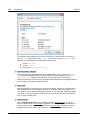
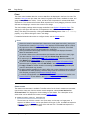
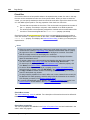
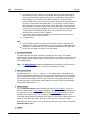
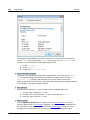
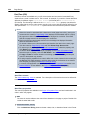
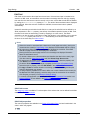
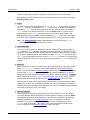
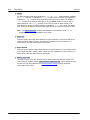
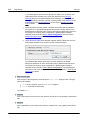
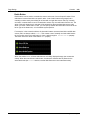
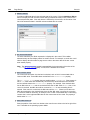
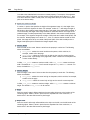
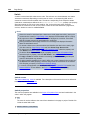
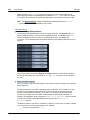
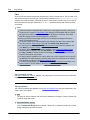
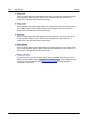
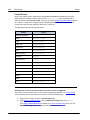
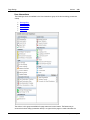
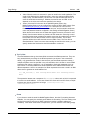
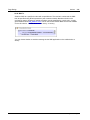
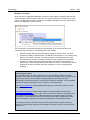
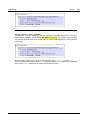
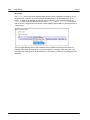
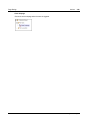
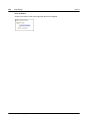
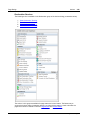
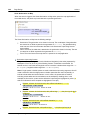
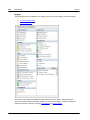
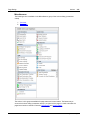
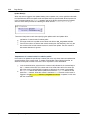
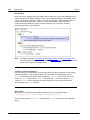
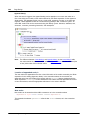
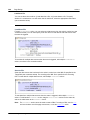
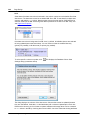
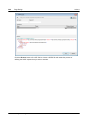
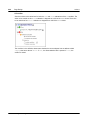
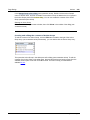
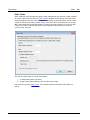
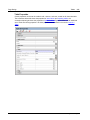
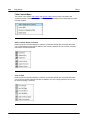
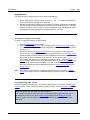
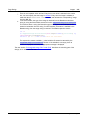
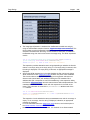
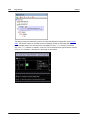
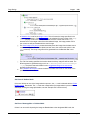
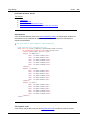
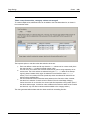
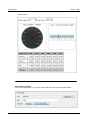
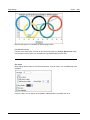
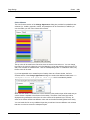
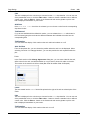
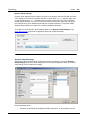
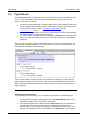
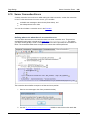
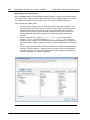
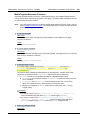
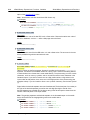
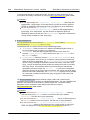
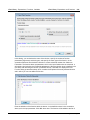
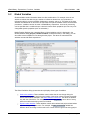
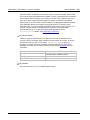
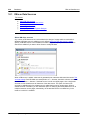
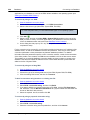
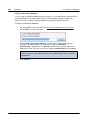
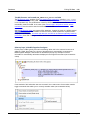
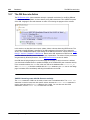
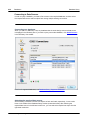
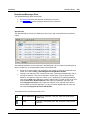
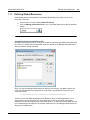
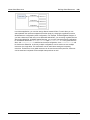
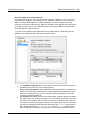
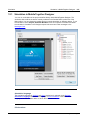
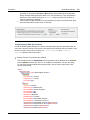
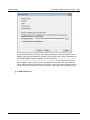
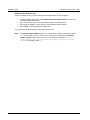
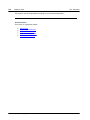
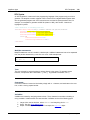
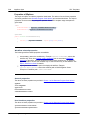
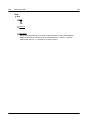
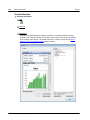
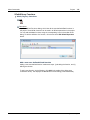
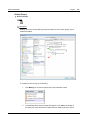
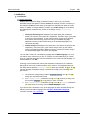
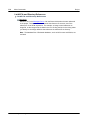
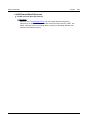
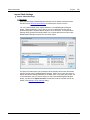
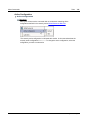
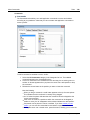
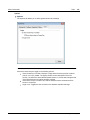
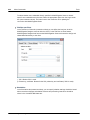
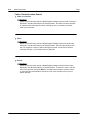
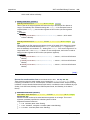
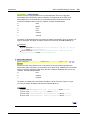
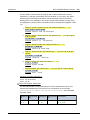
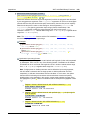
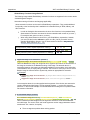
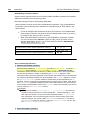
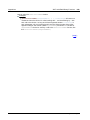
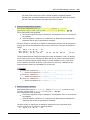
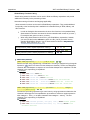
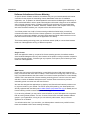
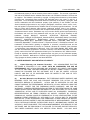
The two combo boxes at the top of the page are used to accept end user selections and to
display data based on these selections. The screenshot below shows the combo boxes when the
solution is run; the tabular report below the combo boxes is based on the combo box selections.
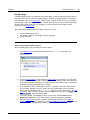
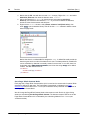
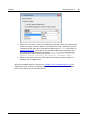
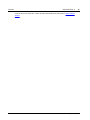
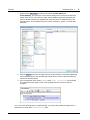
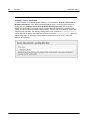
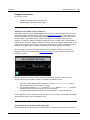
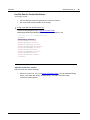
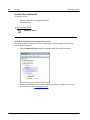
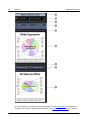
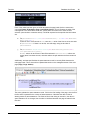
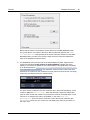
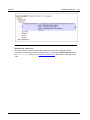
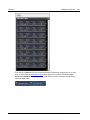
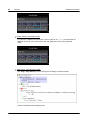
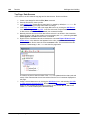
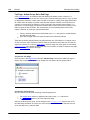
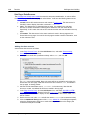
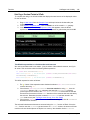
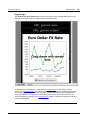
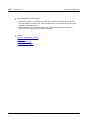
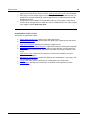
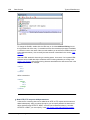
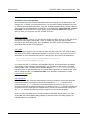
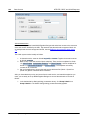
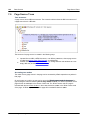
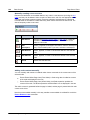
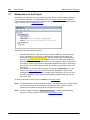
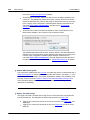
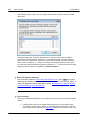
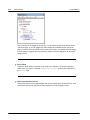
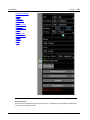
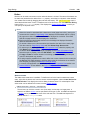
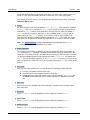
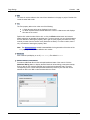
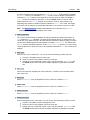
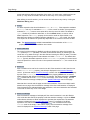
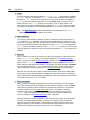
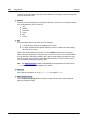
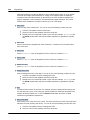
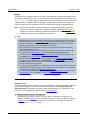
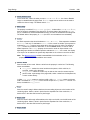
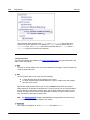
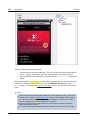
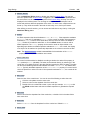
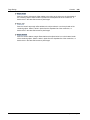
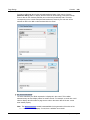
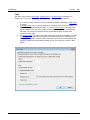
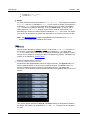
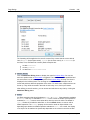
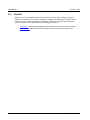
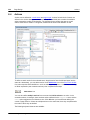
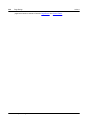
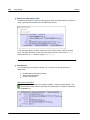
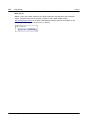
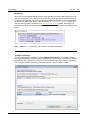
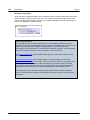
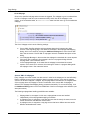
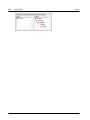
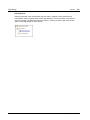
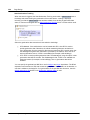
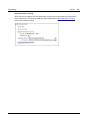
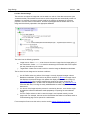
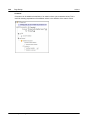
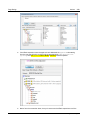
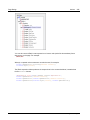
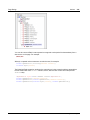
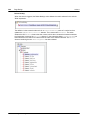
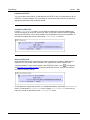
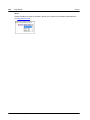
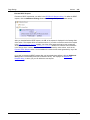
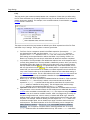
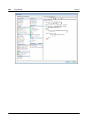
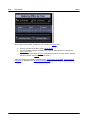
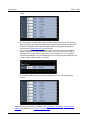
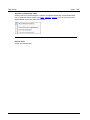
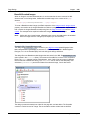
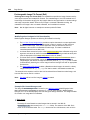
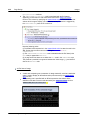
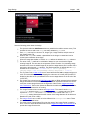
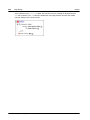
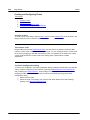
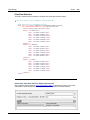
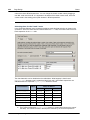
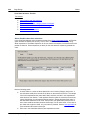
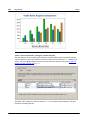
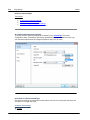
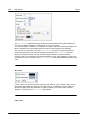
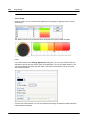
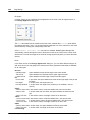
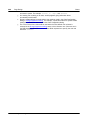
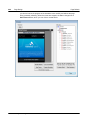
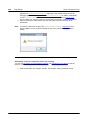
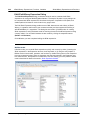
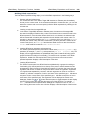
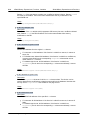
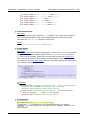
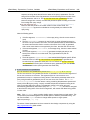
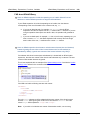
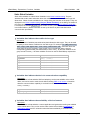
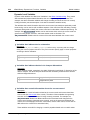
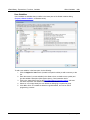
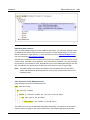
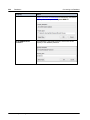
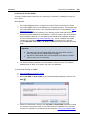
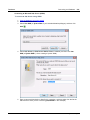
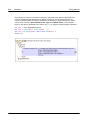
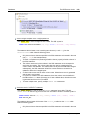
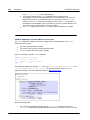
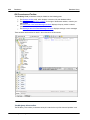
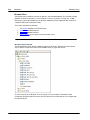
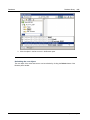
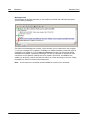
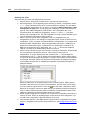
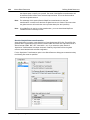
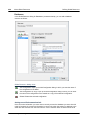
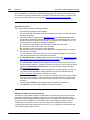
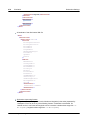
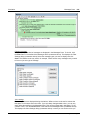
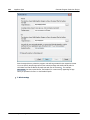
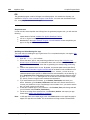
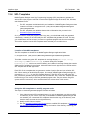
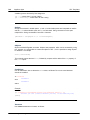
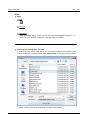
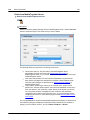
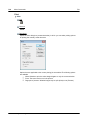
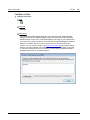
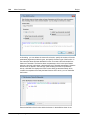
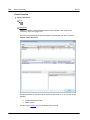
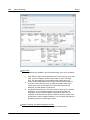
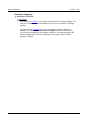
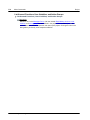
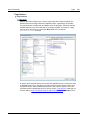
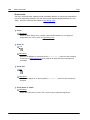
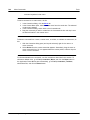
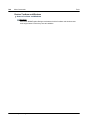
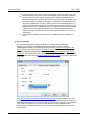
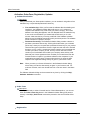
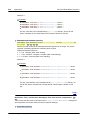
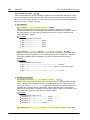
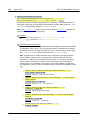
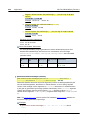
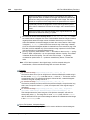
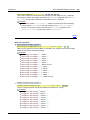
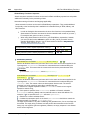
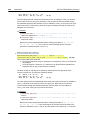
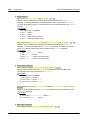
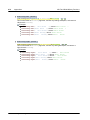
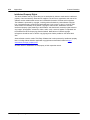
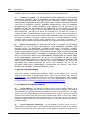
The next screenshot shows the combo boxes in the design. The combo boxes have been placed
in separate cells of a table for layout purposes.
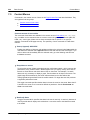
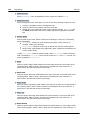
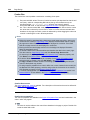
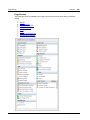
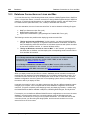
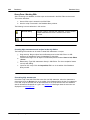
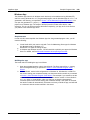
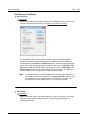
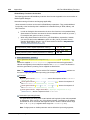
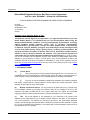
The DesiredOffice combo box
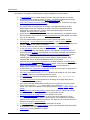
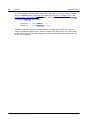
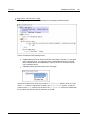
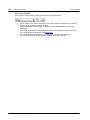
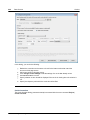
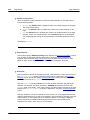
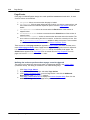
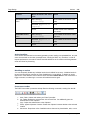
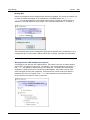
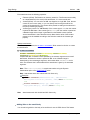
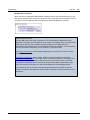
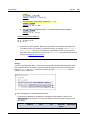
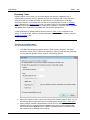
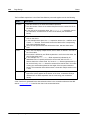
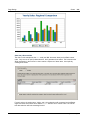
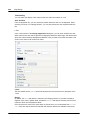
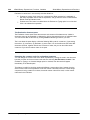
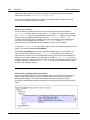
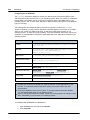
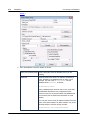
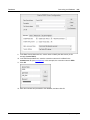
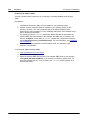
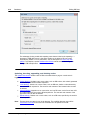
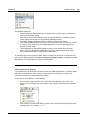
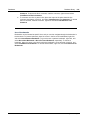
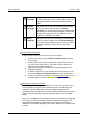
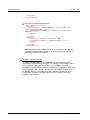
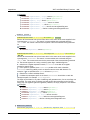
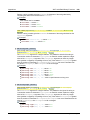
The following settings have been made:
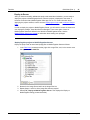
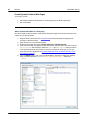
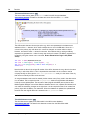
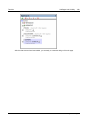
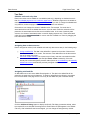
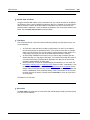
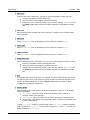
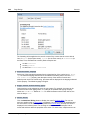
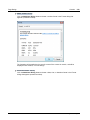
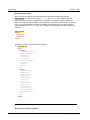
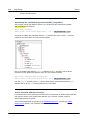
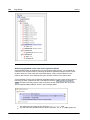
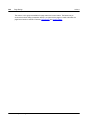
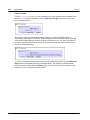
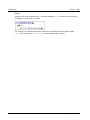
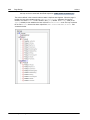
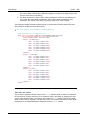
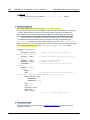
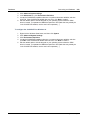
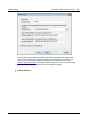
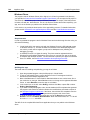
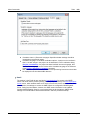
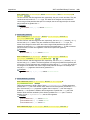
A source node link is made between the combo box and the $XML1/root/
@DesiredOffice node by dragging the node onto the combo box. This serves to pass the
combo box selection to the node and the value of the node to the combo box.
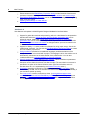
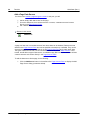
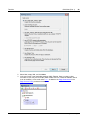
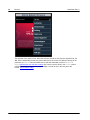
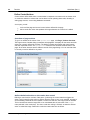
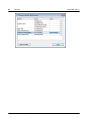
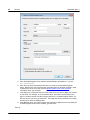
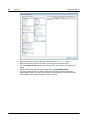
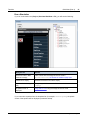
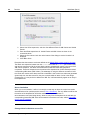
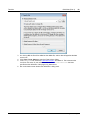
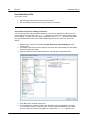
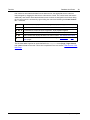
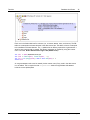
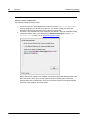
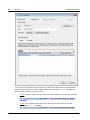
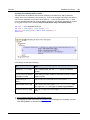
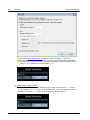
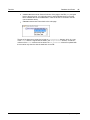
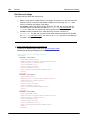
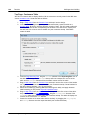
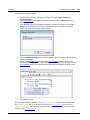
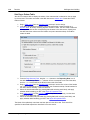
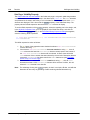
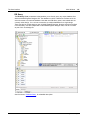
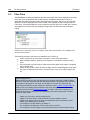
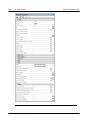
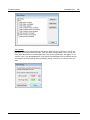
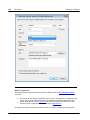
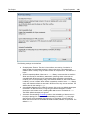
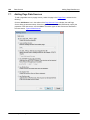
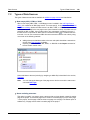
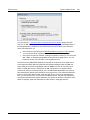
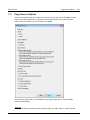
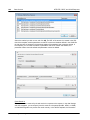
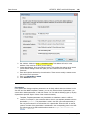
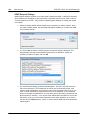
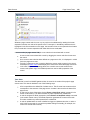
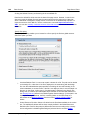
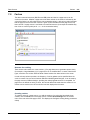
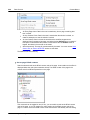
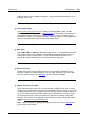
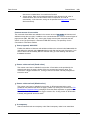
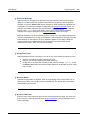
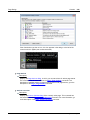
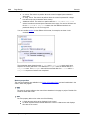
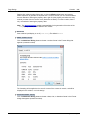
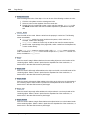
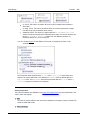
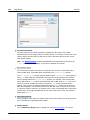
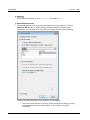
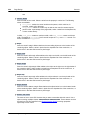
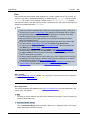
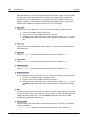
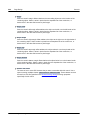
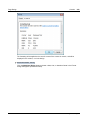
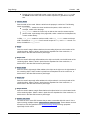
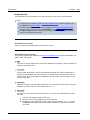
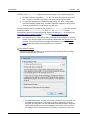
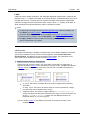
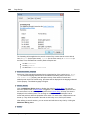
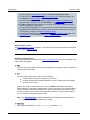
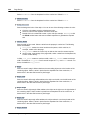
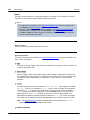
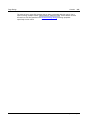
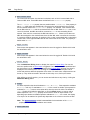
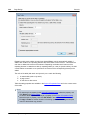
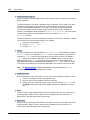
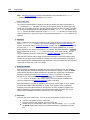
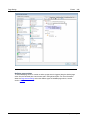
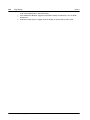
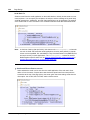
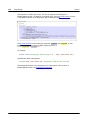
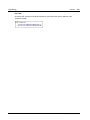
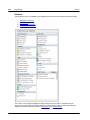
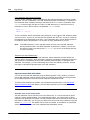
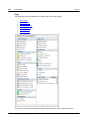
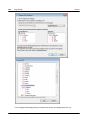
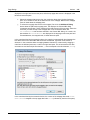
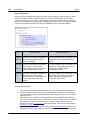
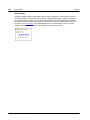
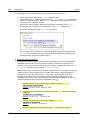
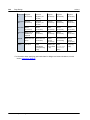
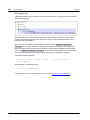
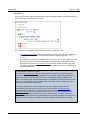
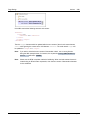
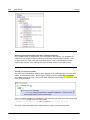
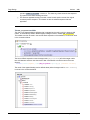
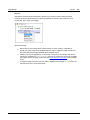
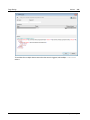
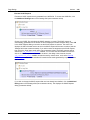
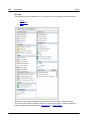
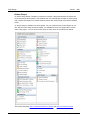
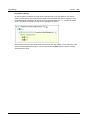
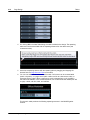
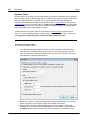
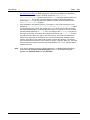
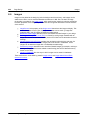
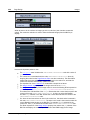
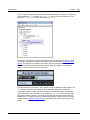
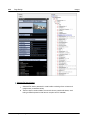
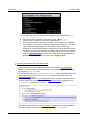
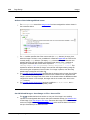
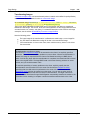
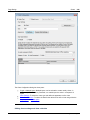
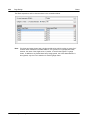
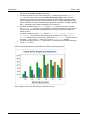
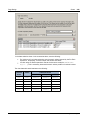
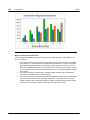
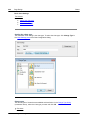
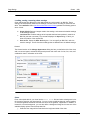
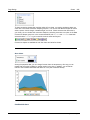
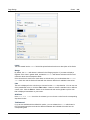
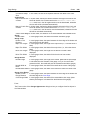
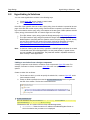
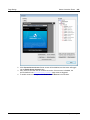
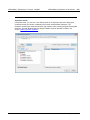
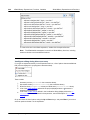
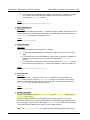
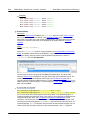
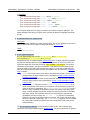
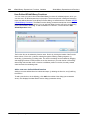
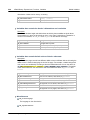
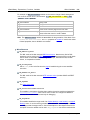
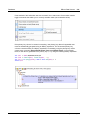
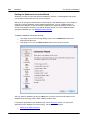
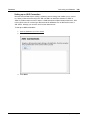
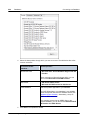
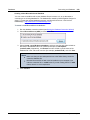
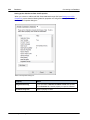
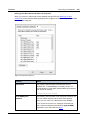
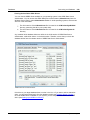
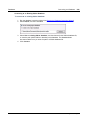
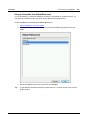
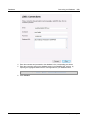
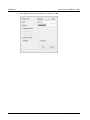
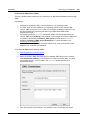
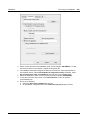
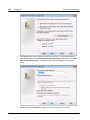
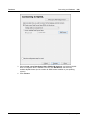
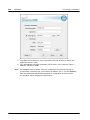
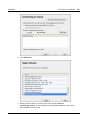
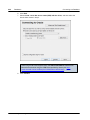
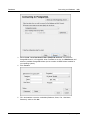
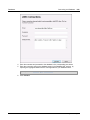
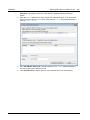
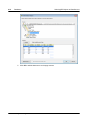
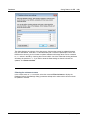
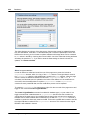
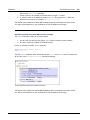
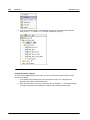
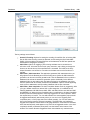
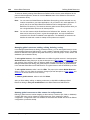
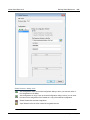
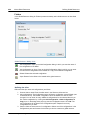
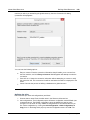
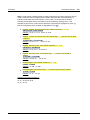
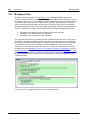
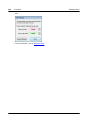
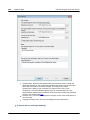
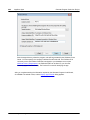
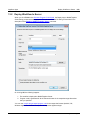
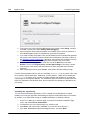
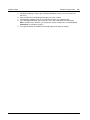
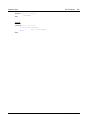
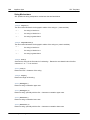
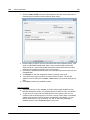
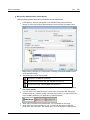
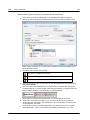
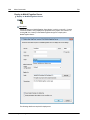
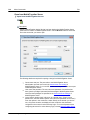
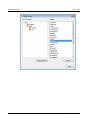
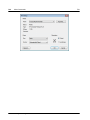
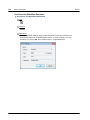
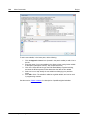
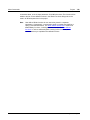
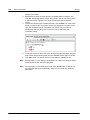
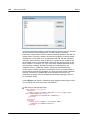
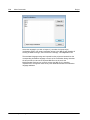
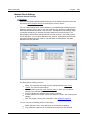
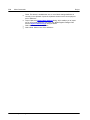
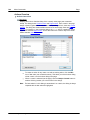
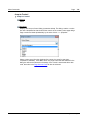
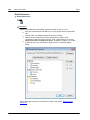
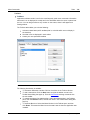
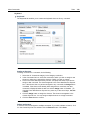
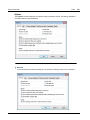
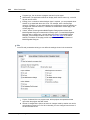
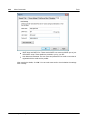
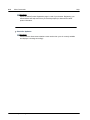
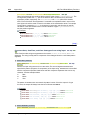
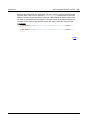
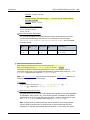
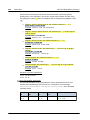
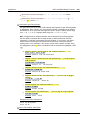
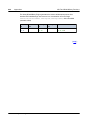
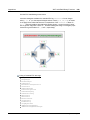
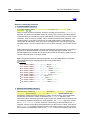
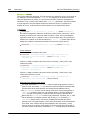
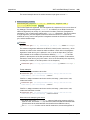
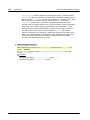
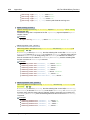
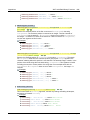
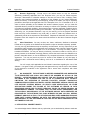
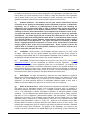
The items in the dropdown list of the combo box are defined in the Edit Combo Box dialog
(screenshot below), which is accessed via the Additional Dialog button of the Combo
Box Entry Values property (in the Styles & Properties Pane).
Altova MobileTogether Designer
© 2015 Altova Gmb H